
Author: Whova Team | Last updated: May 26, 2026
Look for some alternative to Eventmobi that’s more reliable, offers more features and better experience?
Some Eventmobi alternatives on the market might better serve your event’s needs. These products can help keep all event information in one place to serve as a ‘home base’ for the event and automate tedious processes, saving the event organizer an enormous amount of time and stress. We will review 8 of them in this article.
Which EventMobi Alternative is Right for You?
Different planners have different goals. This quick guide matches your main event goal with the best platform for the job.
| Your Goal | Recommended Alternative | Why it Wins |
| Save time managing event and get attendees networking | Whova | Built-in registration, agenda scheduling, marketing tools, community board, live polls, and icebreakers to save time and increase engagement. |
| Simple fast mobile schedule | Meeting Application | Straightforward mobile guide made just for physical event schedules. |
| Run large online video streams | RingCentral Events | Stable video streaming tools to handle massive online crowds. |
| Speed up physical check-in and voting | Micepad | Focuses heavily on QR scanning at the event door and instant live polls. |
| Manage multiple events for a big company | Bizzabo | Allows companies to manage all their events and data in one single dashboard. |
| Avoid paying ticket fees for expos | Eventdex | Charges a flat yearly fee and takes 0% commission on your ticket sales. |
| Track tight budgets and volunteer shifts | ClearEvent | Low-cost software built to help small teams stay organized. |
| Run big trade shows with research papers | eShow | Offers exhibition management tools built for advanced convention logistics. |
Why Do Event Organizers Look for EventMobi Alternatives?
EventMobi is well-known for letting you change the visual design of your app, but planners often run into a few common problems.
It Takes Too Long to Set Up
Changing every small detail in EventMobi means there is a lot to learn. If your event is coming up fast, you might want simpler software that uses pre-made templates to save you time.
Extra Hidden Costs
EventMobi splits its features into separate pieces. You have to pay separately for registration, the mobile app, and badge printing. Many planners prefer an all-in-one price so they do not go over budget.
Getting People to Talk Isn’t Automatic
Some planners feel that EventMobi’s networking features require too much manual work to get people engaged. Organizers usually look for apps where the natural attendee interactions can start on their own.
How Should You Compare EventMobi Alternatives?
To find the right software, check every option against these five basic points:
- Ease of Use: How long does it take you to build the event, and is it easy for attendees to use?
- Features: Does it have everything you need, like ticket sales, schedules, and chat rooms?
- Flexibility: Can it easily handle a sudden shift between in-person and online formats?
- Pricing: Does the vendor charge a flat yearly fee, a per-event fee, or a cut of every ticket sold?
- Reviews: Read what other real planners say on reliable review sites like G2 and Capterra to check if organizers highlight the features you need.
Eventmobi Alternatives in 2026: Features, Reviews, and Pricing
*Overall rating is an average of G2, Capterra, and Trust Radius
1. Whova

Overall score
4.8 / 5 (5,524 reviews)
Key Takeaway
Whova is an easy, all-in-one platform known for getting event attendees to talk, meet, and network with each other. Trusted by reputable organizations such as the United Nations, the U.S. Department of Education, Microsoft, and HBO, it’s an all-in-one event management platform that supports all types of in-person, virtual, and hybrid events.
Switch Factor
Event organizers switch from EventMobi to Whova because Whova offers robust event management features alongside its highly active community board and networking features.
EventMobi vs. Whova
Compared to EventMobi, Whova focuses on actually getting people to network and participate. Additionally, real reviews on G2 show that Whova is much quicker to set up and easier to use.
Best For
Conferences, trade shows, association events, business expos, and corporate events where both event management and networking are the top priority.
Key Features
Customizable registration, attendee ticket type/category segmentation in connected features, active community board, attendee matchmaking, sponsor booths, brand visibility opportunities, lead collection tools, real-time announcements, live polls, post-event analytics and report
Pros
- Networking and engagement features such as community board and meet-ups allows attendees to start discussions on their own.
- Easy to set up and manage due to it’s integrated backend that connects registration, agenda, marketing and analytics.
Cons
- There is no full control on design layouts aside from branding and customizations.
- No white-label app service
Pricing
Request custom price quote that matches your event size and needs.

2. Meeting Application
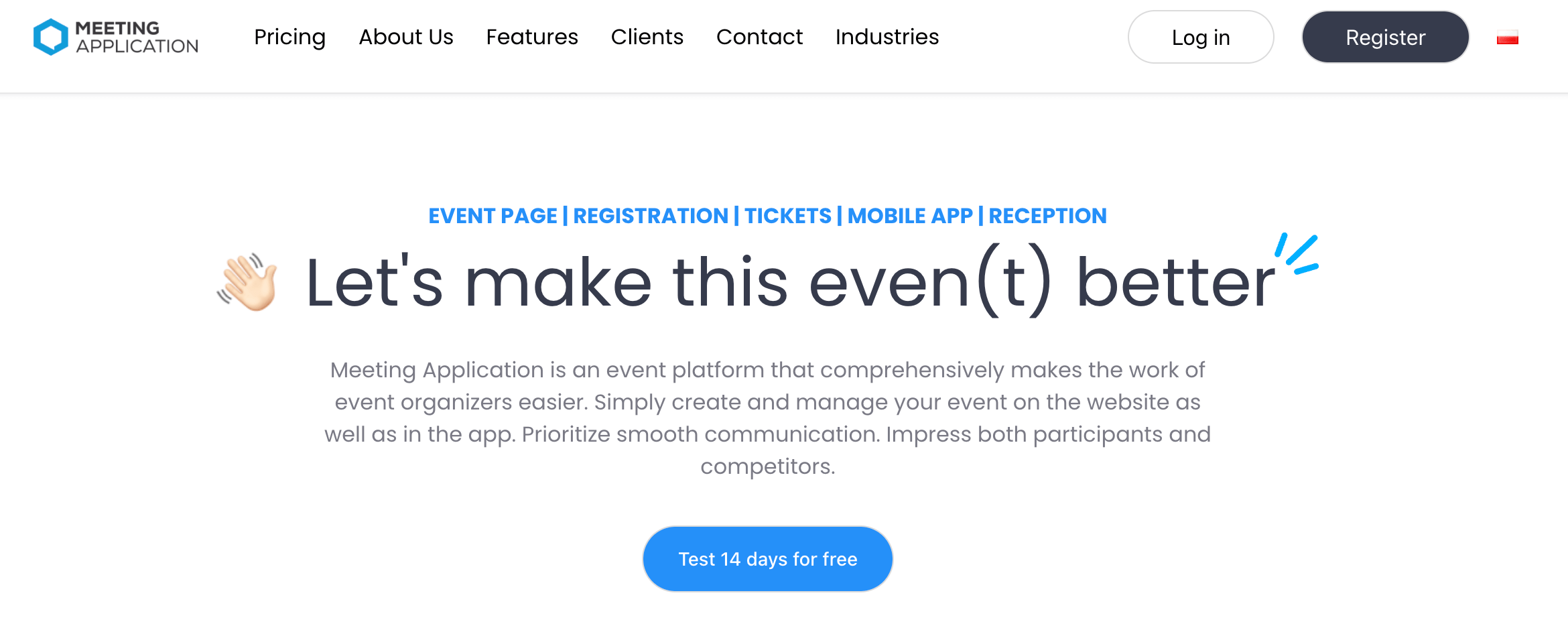
Image credit to Meeting Application
Overall score
4.7 / 5 (175 reviews)
Key Takeaway
Meeting Application is a basic app made for simple, in-person schedules and local business meetings.
Switch Factor
You should choose Meeting Application if you just want a simple digital schedule for a flat yearly price, instead of a bigger comprehensive platform.
EventMobi vs. Meeting Application
Compared to EventMobi, Meeting Application focuses entirely on giving attendees a clean schedule on their phones.
Best For
Corporate roadshows, local festivals, and small meetings that just need a quick mobile guide.
Key Features
Real-time agenda, survey, Q&A, venue maps, quick text alerts, personal schedules, sponsor/exhibitor profile creation, simple sponsor ad slots and private messaging
Pros
- Clean design that is easy for organizers to build and quick for attendees to download.
- You can turn specific app features on or off with simple toggle switches.
Cons
- It lacks deep tools for handling research papers or advanced post-event data reports.
- Connecting the app to big company databases requires extra software tools.
Pricing
The basic Starter plan costs $999 per event and Premium plan costs $2,999 per event. There is a fee charge for tickets as well as additional users.
3. RingCentral Events
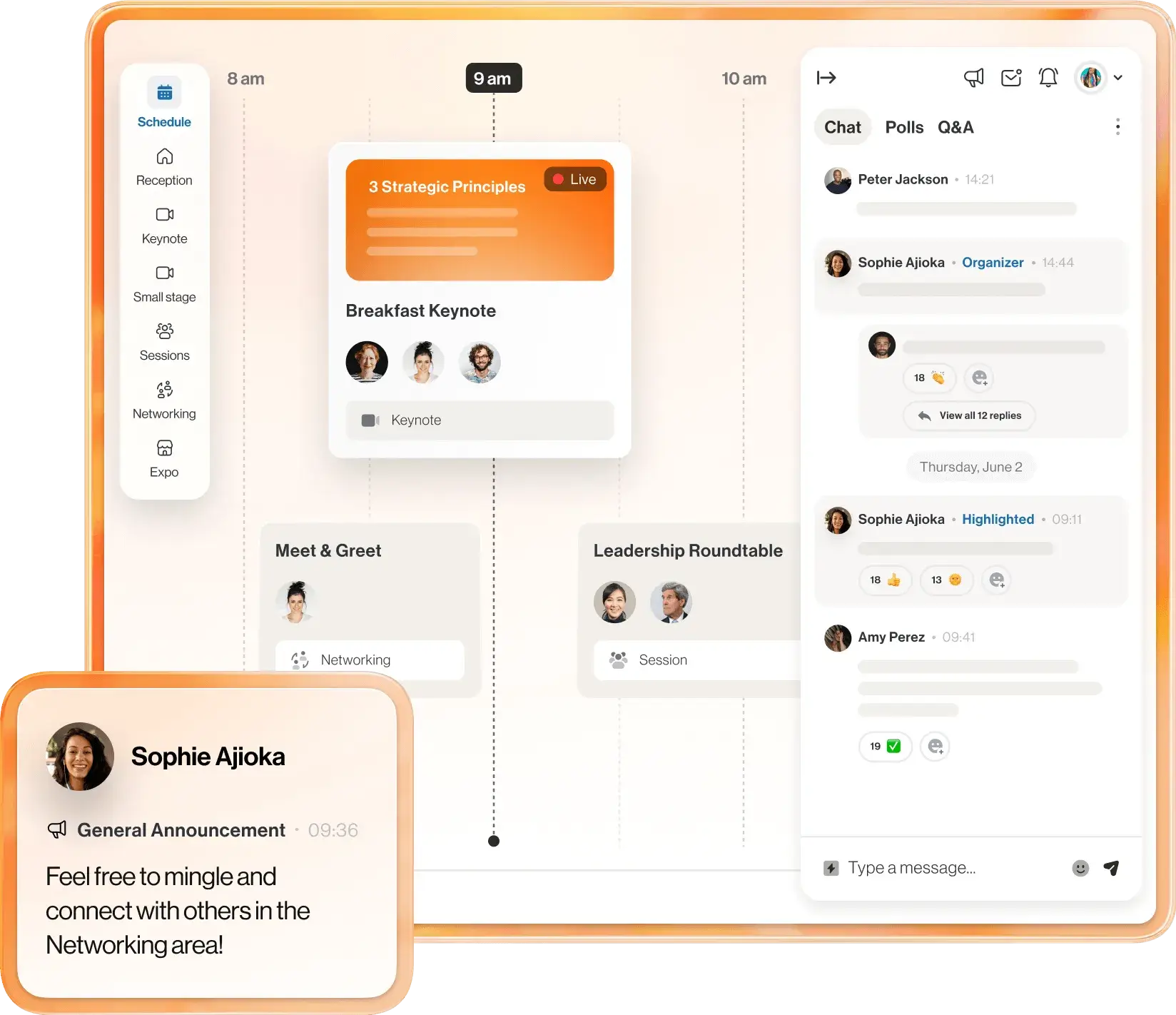
Image credit to RingCentral Events
Overall score
4.5 / 5 (1,449 reviews)
Key Takeaway
RingCentral Events is built to run large online and hybrid events with live video streams.
Switch Factor
Planners choose RingCentral Events when their event is mostly virtual and they need a high-quality online stage and automatic video networking tools.
EventMobi vs. RingCentral Events
Compared to EventMobi, RingCentral Events is built for high attendance virtual sessions watching mainly from their computers.
Best For
Large online summits, global webinars, and hybrid meetings with lots of remote viewers.
Key Features
Multiple live video stages, speed-networking chat booths, virtual expo halls, and automated session notes.
Pros
- The video streams are highly stable even if you have tens of thousands of online viewers.
- Smart tools that quickly write session summaries and notes for your marketing efforst after the event ends.
Cons
- The mobile app is not as strong for managing physical, in-person booths or onsite tasks.
- The backend settings can feel confusing if your event is completely in person.
Pricing
Prices start at $119 per month up to $359 per month billed annually.
4. Micepad
Image credit to Micepad
Overall score
4.4 / 5 (38 reviews)
Key Takeaway
Micepad is a quick event app that focuses on live polls and checking people in at the day of the event.
Switch Factor
It is a great choice if you have a small meeting and want a free plan, or if you want an easy way to print name badges without high costs.
EventMobi vs. Micepad
Compared to EventMobi, Micepad works best for quick setups and check-ins at smaller corporate training sessions and seminars.
Best For
Small business seminars, networking events and company workshops.
Key Features
QR code scanning at the door, digital seating charts, live voting, instant badge printing, custom branding and custom registration forms,
Pros
- It has a completely free plan for small events with up to 50 people.
- Very simple to learn and fast to set up for on-site badge printing.
Cons
- It lacks the advanced tracking tools needed for massive international expos or conferences with multiple tracks.
- There are few built-in email tools for big marketing campaigns.
Pricing
Free for up to 50 attendees. Paid plans start at $300 for up to 250 attendees, and go up to $2000+ if you want more event management features and more attendees.
5. Bizzabo
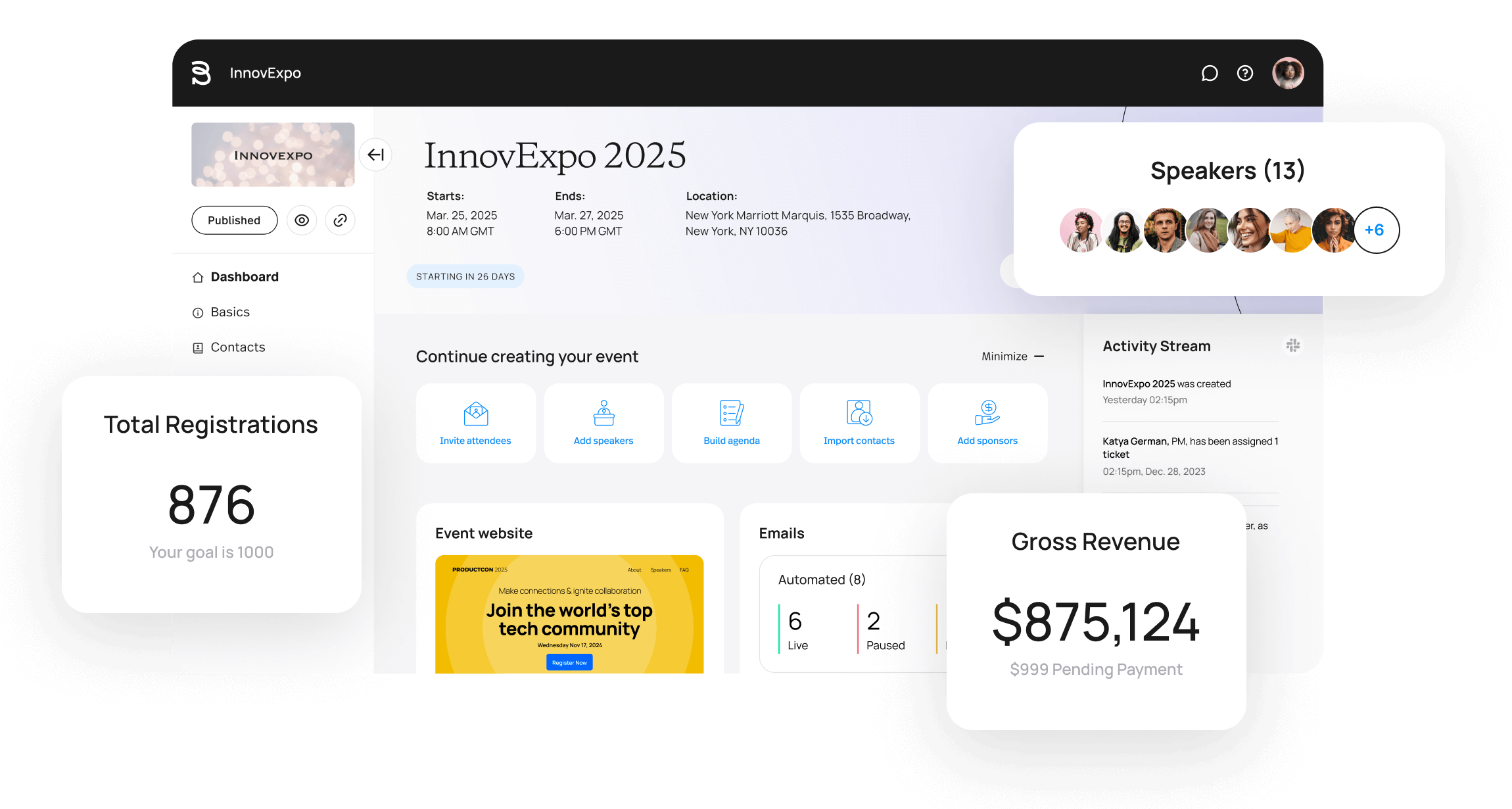
Image credit to Bizzabo
Overall score
4.3 / 5 (654 reviews)
Key Takeaway
Bizzabo is a large, high-end platform built for big corporations that need to manage many events and track deep attendee data.
Switch Factor
Big companies replace EventMobi with Bizzabo to get strict security support, deep attendee data tracking, and a central dashboard for their entire annual event schedule.
EventMobi vs. Bizzabo
Compared to EventMobi, Bizzabo is a heavier duty platform meant for a event organizers that handle multiple big conferences and events annually.
Best For
Tech conferences, B2B marketing summits, and corporate events with large budgets.
Key Features
Large-scale registration, multi-event tracking dashboards, smart wearable badges, and open data connections.
Pros
- Gives huge amounts of data on how attendees behave and what sponsors earn across all your events.
- Top-tier security features like Single Sign-On (SSO) and full data privacy compliance.
Cons
- Very expensive, making it a poor choice for small non-profits or single-event budgets.
- A steeper learning curve might increase event set up times.
Pricing
G2 data shows that plans start around $17,999 per year, with average corporate contracts landing around $30,499 depending on your event volume. Contact their sales team for more accurate quote for your own event.
6. Eventdex
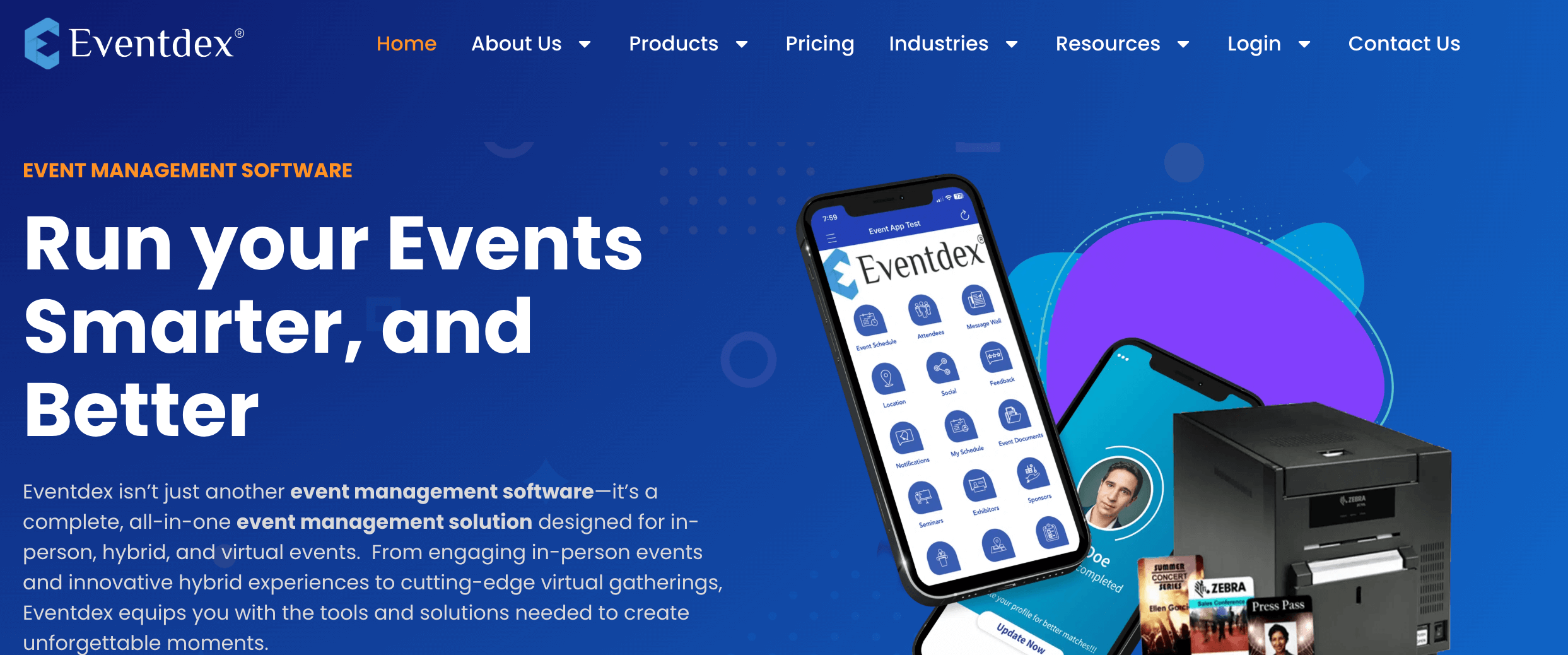
Image credit to Eventdex
Overall score
4.6 / 5 (54 reviews)
Key Takeaway
Eventdex is an event management tool designed specifically for business-to-business (B2B) trade shows and matchmaking.
Switch Factor
Planners choose Eventdex to get zero-commission ticket sales and powerful lead-scanning tools for their business sponsors.
EventMobi vs. Eventdex
Compared to EventMobi, Eventdex focuses mostly on helping sponsors on generating leads and meet serious buyers.
Best For
B2B trade shows, business matchmaking forums, and expos with lots of vendors.
Key Features
Auto-matchmaking for buyers and sellers, 0% commission ticket system, card scanner app, badge designer, self check-in kiosk and dynamic table booking
Pros
- You keep 100% of your ticket money because they do not charge commission fees on ticket sales.
- Great customer service where you can talk directly to developers for support such as custom badge layouts.
Cons
- The phone app UI is a bit old-fashioned compared to more modern event apps.
- Setting up complicated ticket types is not easy to setup.
Pricing
Contact sales team to get custom quote for your event.
7. ClearEvent
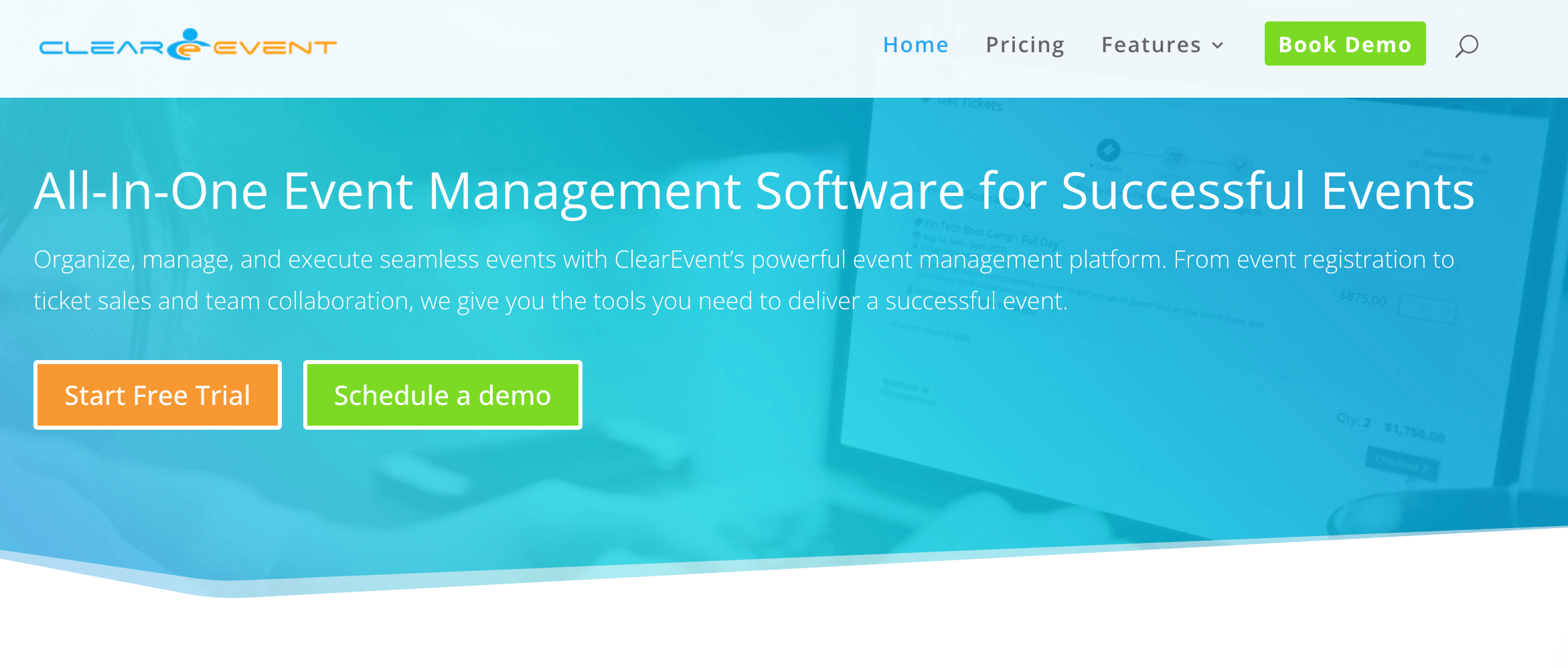
Image credit to ClearEvent
Overall score
4.6 / 5 (46 reviews)
Key Takeaway
ClearEvent is a simple platform built for small teams that need to keep track of tight event budgets and workers.
Switch Factor
Planners switch to ClearEvent to get a predictable flat price for a single or multiple events without any unexpected add-on costs.
EventMobi vs. ClearEvent
Compared to EventMobi, ClearEvent gives you all its core tools for one clear price. All three plans have access to all features.
Best For
Non-profits, corporate events, local community festivals, and small planning teams with limited budgets.
Key Features
Smart Budget feature to track budget with automatic updates from ticket sales and other expenses, booth management, volunteer shift tracking, vendor booth sign-ups, and shared task lists.
Pros
- Very fair flat price that does not charge you extra for having more attendees or ticket sales.
- Includes a handy visual tool where vendors can pick and buy their own spots on a map.
Cons
- Does not offer modern AI writing tools or fully custom app store listings.
- Not built to host bigger hybrid conferences or big virtual video conferences.
Pricing
Highly transparent pricing at a flat rate that starts at $895 per year to host a single active event with all features included.
8. eShow
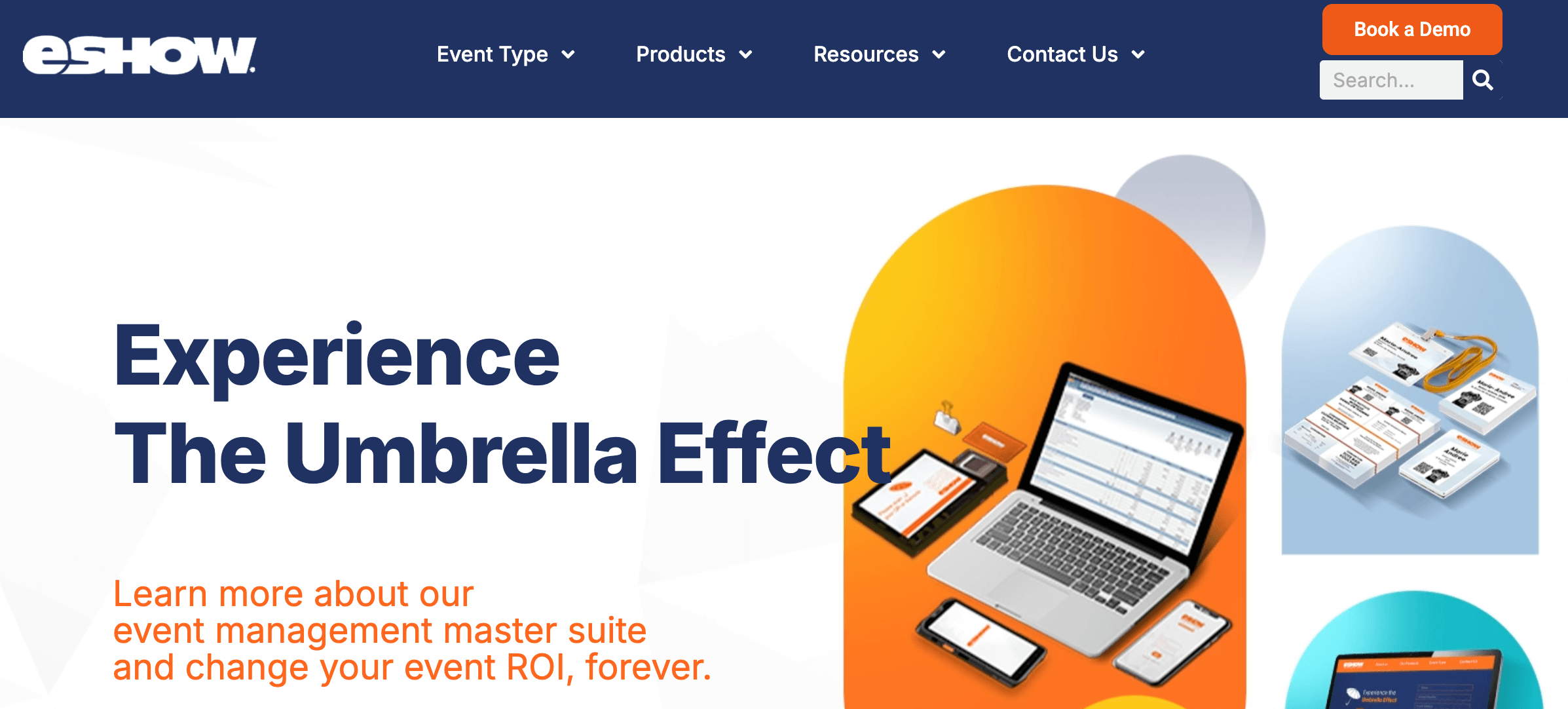
Image credit to eSHow
Overall score
4.1 / 5 (75 reviews)
Key Takeaway
eShow is a heavier duty software platform built for giant association trade shows and conventions.
Switch Factor
Planners move to eShow when they have thousands of exhibition booths and need a system that can manage floor maps and scientific research papers.
EventMobi vs. eShow
Compared to EventMobi, eShow gives you a more comprehensive backend to manage exhibition booths with on-site support during the event.
Best For
Major national associations, medical conferences with intense research reviews, trade show expos, summits and product launches.
Key Features
Research paper (abstract) management, interactive floor maps, deep database syncing, meeting schedulers, registration hub, CRM integrations, video chats and interactive polls/surveys.
Pros
- Incredibly strong backend tools to handle the logistics of giant conventions.
- Easily processes massive amounts of registration, exhibitor and sponsor data.
Cons
- The system is harder to learn and might look outdated compared to newer event apps.
- Engagement and networking features might be too basic for attendees.
Pricing
eShow uses custom, quote-based pricing depending on which parts of the software you need. While small standalone tools start around $39 a month, full packages require a custom call.
Which EventMobi Alternative is Right for You?
Picking the right software comes down to matching your budget with your main operational needs. For large corporate events that need strict data tracking and global security compliance, Bizzabo and RingCentral Events remain highly reliable choices. If you run massive physical trade shows with complex booth layouts and research papers, eShow is built for you. For simpler setups, small teams can look to ClearEvent or Meeting Application to save on administrative overhead. Onsite check-ins and quick live voting can be easily managed through Eventdex or Micepad.
For teams that want to get attendees talking, save time on setup, and get custom matched pricing, Whova offers the best overall balance. Whova continues to be one of the highest-rated EventMobi alternatives, with a 4.8/5.0 rating across 5,000+ organizers. Request a demo today.
FAQ
What are the best EventMobi alternatives for hybrid events?
Whova is highly recommended if you want to get hybrid attendees the best engagement and networking experience. RingCentral Events is better if you need heavy virtual video stages for online viewers.
How does EventMobi pricing compare to other event apps?
EventMobi usually charges per event, starting around $1,500, with extra costs for registration and badge printing. Alternatives like ClearEvent offer flat annual fees ($895/year), while Whova uses a per-ticket fee for registration and custom pricing for the software based on your event size.
Which event software like EventMobi offers native badge printing?
Micepad and Eventdex both have built-in check-in tools that let you design and print badges at the door. Whova also offers full native check-in features alongside its main event app.