
Whova Releases
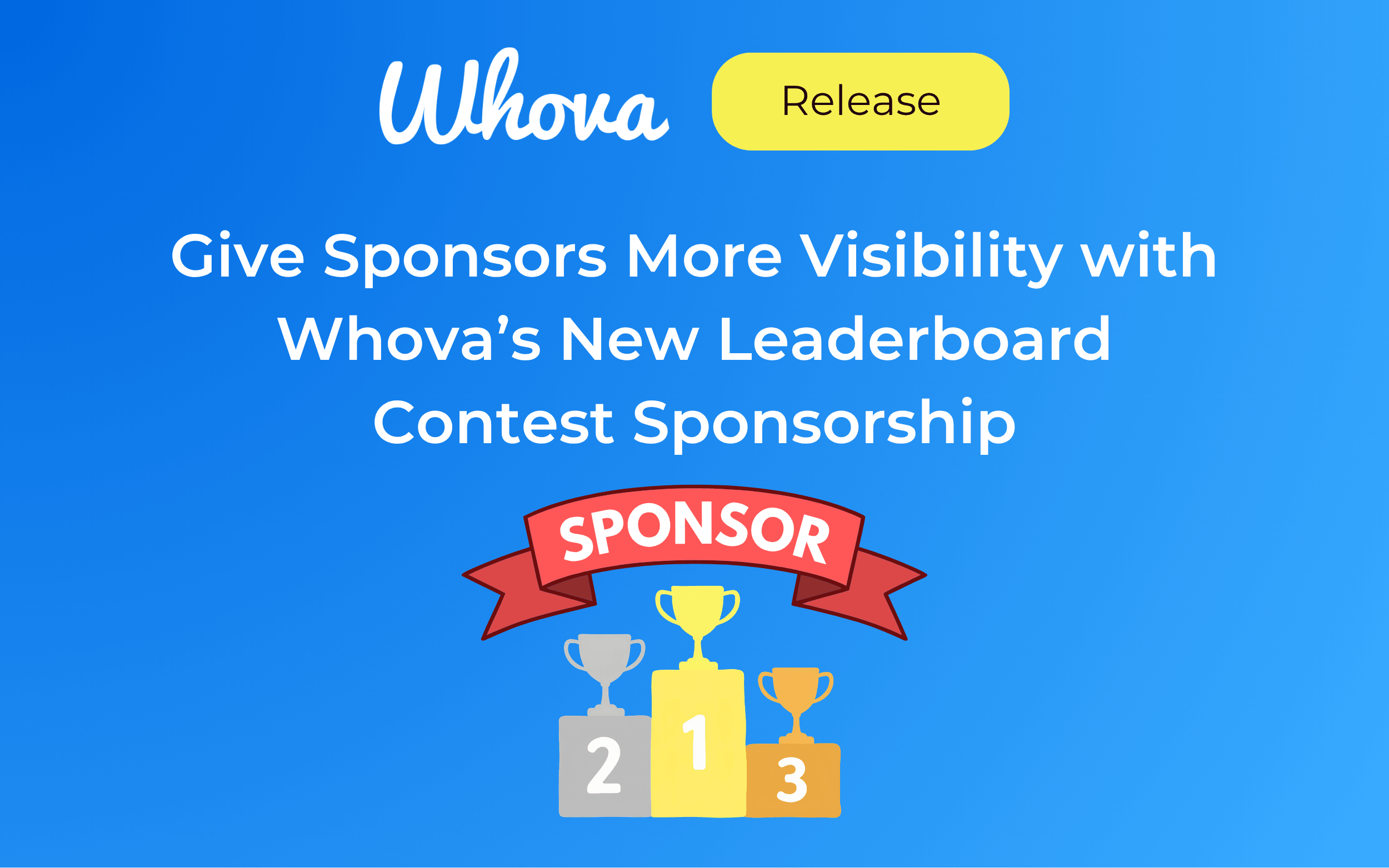
Give Sponsors More Visibility with Whova’s New Leaderboard Contest Sponsorship
You can now prominently showcase a sponsor on the Leaderboard Contest. As attendees earn points, check their rankings, and compete with one another, they’ll see the sponsor’s branding along the way.
Pass the Torch: Make Event Handoffs Easier with Whova
We made it easy to share your templates and settings with the next event organizer. Preserve months of your work, spare the next organizer from repeating unnecessary setup steps, and save yourself from having to explain everything again later.
New: Sync Whova Registration Data Directly to MemberClicks
Your registration data can be one of the most valuable sources of up-to-date information about your attendees and members. With Whova’s direct integration with MemberClicks, you can move that data between systems without the manual effort of transferring records.
Manage Multiple Release & Consent Forms for Different Audiences
Whova’s expanded Release and Consent Forms gives organizers a flexible way manage two forms from one centralized dashboard. Collect and keep track of required compliance forms before, during, and after every event.
Whova Honored as Finalist For 7 Awards at the “Oscars of Event Technology”
Whova is a finalist in 7 categories at the 2026 Event Technology Awards!
Introducing Registration Setup Review: Catch Issues Before You Publish
Whova’s new Registration Setup Review gives you a comprehensive look at your entire registration setup, helping you check ticket details faster and easier. You can also send a PDF to your teammates for feedback!
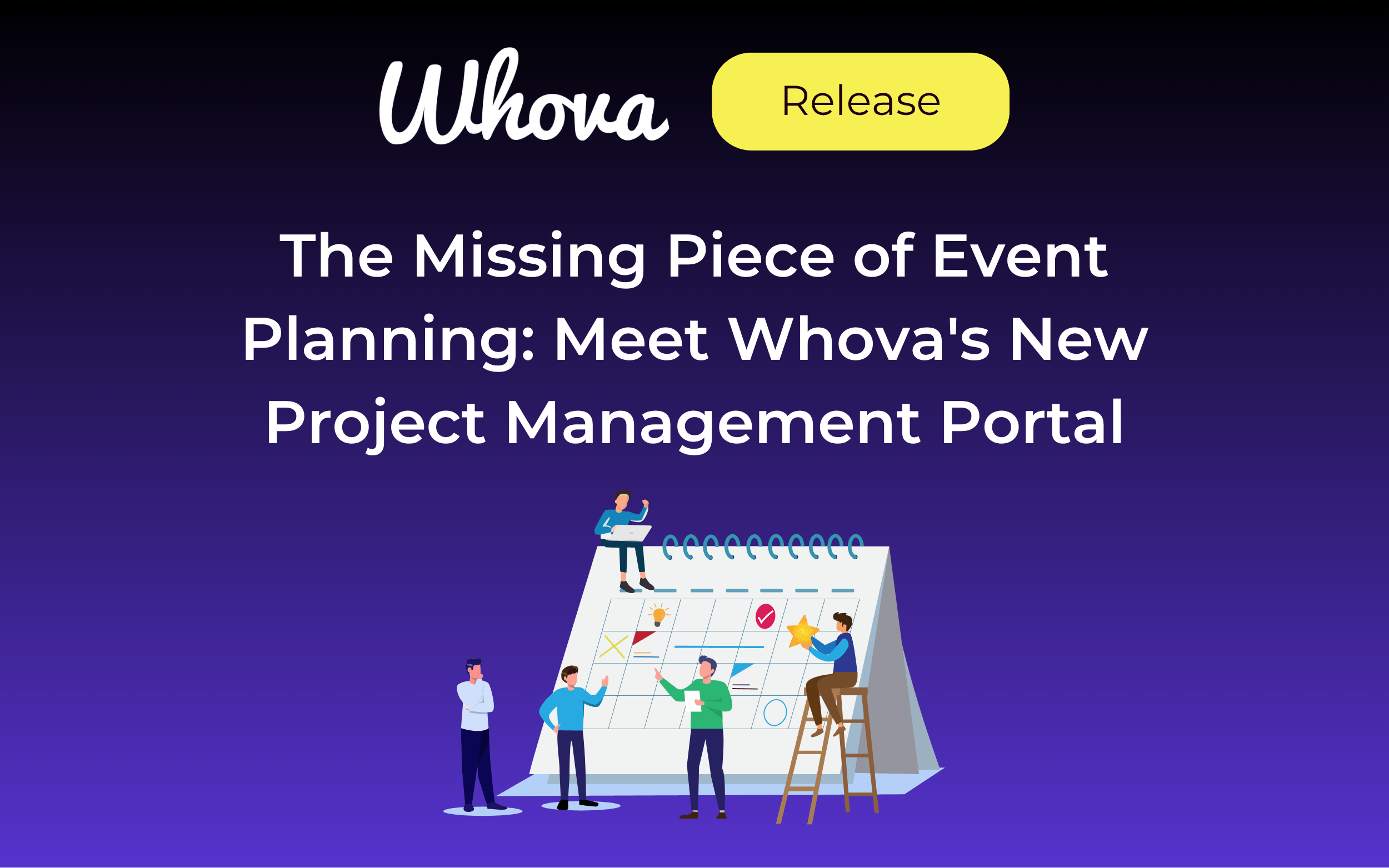
The Missing Piece of Event Planning: Meet Whova’s New Project Management Portal
Introducing Whova’s Project Management Portal—a dedicated Team Portal built specifically for event organizers. Collaborate with teammates, organize tasks, and monitor progress from one shared hub.
Help Every Event Team Start Faster With Organization-Wide Template Sharing
Share resources at the organizational level to spend less time managing template access while building on proven setups. Tailor access level by organization to stay in control of who sees what.
Registration Just Launched? Invite Contacts and Past Attendees in Minutes
Launch email outreach immediately after registration goes live with Whova’s Email Campaigns—reach past attendees and your own contact lists all from one dashboard.
Smarter Session Capping: Limit Capacity in Bulk by Room or Track
You can now bulk add session caps based on room or track, helping you finalize your schedule faster and more efficiently.
Invite-Only Ticketing Made Easier: Copy Restrictions Across Similar Tickets
You can now copy restrictions from one Member or Invite-Only Ticket to another, helping you save time setting up multiple exclusive ticketing options for the same attendee group.
Skip the Spreadsheet Reformatting: Introducing Custom Session List Import
Upload your own session list spreadsheet to start building your agenda faster. Simply match columns to Whova fields and import!
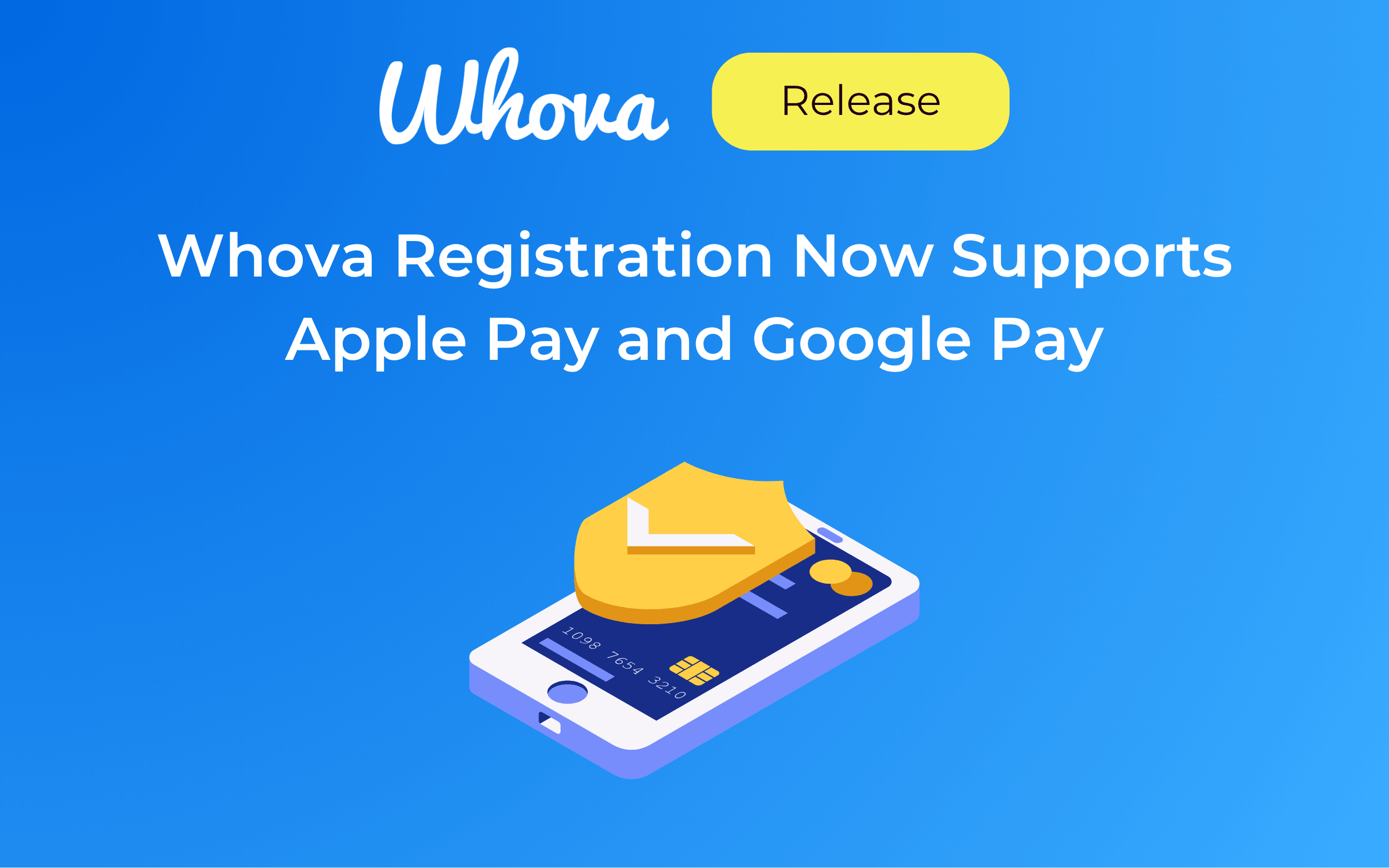
Whova Registration Now Supports Apple Pay and Google Pay
Easily enable digital wallet payments to offer a modern ticketing experience and reduce checkout friction.
Faster Post-Event Report Access for Returning Organizers
We’ve simplified the post-event organizer survey for returning admins to let you access event insights even faster.
New Integration: Instantly Update HubSpot with Whova Registration Data
Sync attendee information back to HubSpot to keep your contact records current.
OpenReview Integration: Import Sessions Straight from Academic Review System
Upload accepted submissions from OpenReview and build your conference program in Whova—no copy-pasting or spreadsheets required.
New: Collect Simple Attendee Consent During Kiosk Check-In
Use this kiosk enhancement to bring visibility to simple consent clauses before attendees check into your event.
Level Up Your Kiosk Check-In With Onsite Name Badge Editing
Let attendees edit the first names on their badges before printing—offering more flexibility and less need for admin assistance.
Never Leave Attendees Guessing: Community-Supported Venue Maps
Community-Supported Floormaps let attendees step up and help each other navigate the venue, while the organizer retains ultimate authority.
Release and Consent Forms: A Stress-Free Way to Manage Event Compliance
Whova’s Release and Consent Forms centralize your event compliance process: manage forms right from the dashboard and enforce signatures at check-in.