

Looking for the best webinar platforms for your organization?
Whether you’re hosting quick product demos, member training sessions, or lead-generation events, the right platform can make or break your attendees’ experience.
Some tools keep it simple: video streaming with basic engagement features. Others go further with full-scale event management, covering registration, attendee tracking, email automation, and post-event analytics.
What you need determines the best fit. A standalone webinar solution works if that’s your only format. But if you’re running webinars alongside larger conferences, a platform that handles both saves time and keeps everything in one place.
We’ve evaluated the eight best webinar platforms to help you find the right one.
How We Compared Platforms
To provide a fair and useful comparison, we evaluated each solution across five criteria:
- Ease of Use: How intuitive is the platform for both organizers and attendees? This includes setup time, learning curve, and whether attendees need to download software to join.
- Features & Integrations: Does the platform offer the tools you need to run effective webinars? We looked at live streaming quality, registration management, attendance tracking, email reminders, engagement tools (polls, Q&A, chat), and integrations with CRMs and marketing automation platforms.
- Scalability: Can the platform grow with your needs? As your events expand, you want software that scales with you rather than forcing a migration down the line.
- Pricing: Is the pricing structure transparent and flexible? Plans should offer good value across different organization sizes and event frequencies.
- User Reviews: What are users saying? Ratings and feedback from G2 and Capterra reveal each platform’s strengths and common pain points.
Comparison Table: 8 Best Webinar Platforms
A quick overview of how each platform stacks up on pricing, ratings, and free trial availability:
| Platform | Rating | Best For | Free Trial |
| Zoom Webinars | 4.4/5.0 | Organizations already using Zoom | No |
| GoToWebinar | 4.3/5.0 | Product demos and lead generation | 30 days |
| Microsoft Teams | 4.4/5.0 | Companies in the Microsoft 365 ecosystem | No |
| Livestorm | 4.5/5.0 | B2B marketing teams | Free plan available |
| WebinarGeek | 4.5/5.0 | Small to mid-sized businesses wanting full branding | 14 days |
| ON24 | 4.4/5.0 | Enterprise marketing teams focused on analytics | No |
| Demio | 4.7/5.0 | Marketing teams running recurring webinars | 14 days |
| Whova | 4.8/5.0 | Organizations hosting both conferences and webinars | Yes |
8 Best Webinar Platforms Worth Considering
Zoom, Microsoft Teams, GoToWebinar, Livestorm, Demio, ON24, WebinarGeek, Whova—each takes a different approach to webinars. Some are lightweight add-ons, others are built for enterprise-scale lead generation, and one doubles as a full event management platform.
Whova
Rating: 4.8/5.0 (average across G2 and Capterra)
Key takeaway: The event management platform that grows with you. Run your flagship conference and your smaller webinars in one place, with consistent branding, data, and workflows across everything.
Best for: Associations and organizations that already run large conferences and want to host micro events like webinars, workshops, and networking sessions throughout the year without switching platforms.
Features:
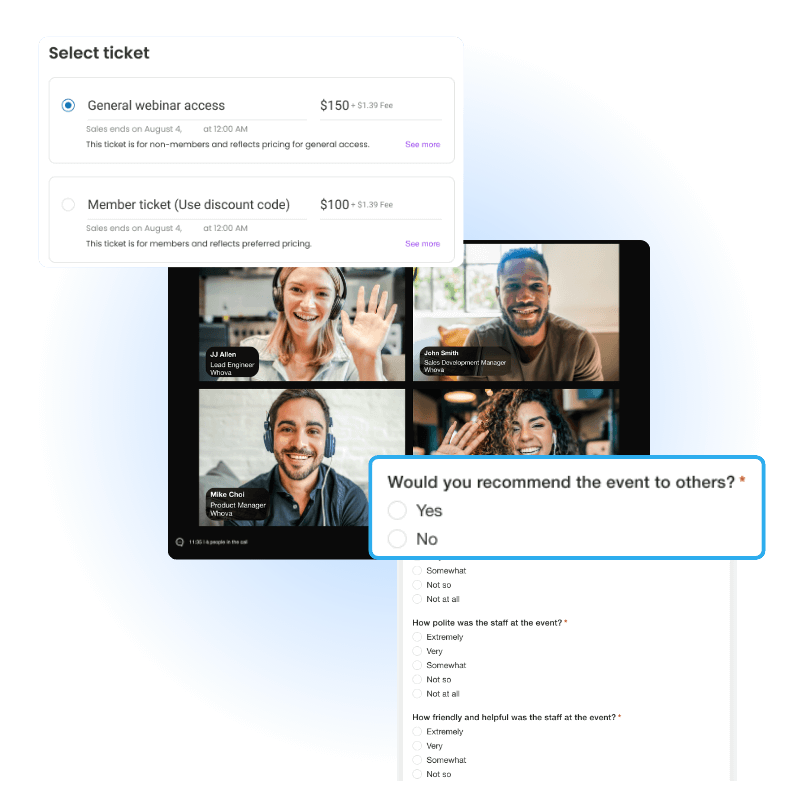
- Whova’s MicroEvents brings webinar capabilities to its event management suite.
- Set up registration with multi-tier ticketing, drive up registrations with embeddable branded widgets, and let automated emails handle reminders and follow-ups.
- Zoom integration powers the live streaming.
- Easily gather feedback with post-event surveys.
- Have your attendee data, branding, and workflows stay consistent in one platform.
Pros:
- No need to learn a second system or manage separate tools for webinars and conferences. Award-winning customer support with a 4.8/5.0 rating.
Cons:
- Webinar features are available to Whova customers only, so this isn’t the right choice if you only need a standalone webinar tool.
Pricing: Custom quotes based on event needs.

Zoom Webinars
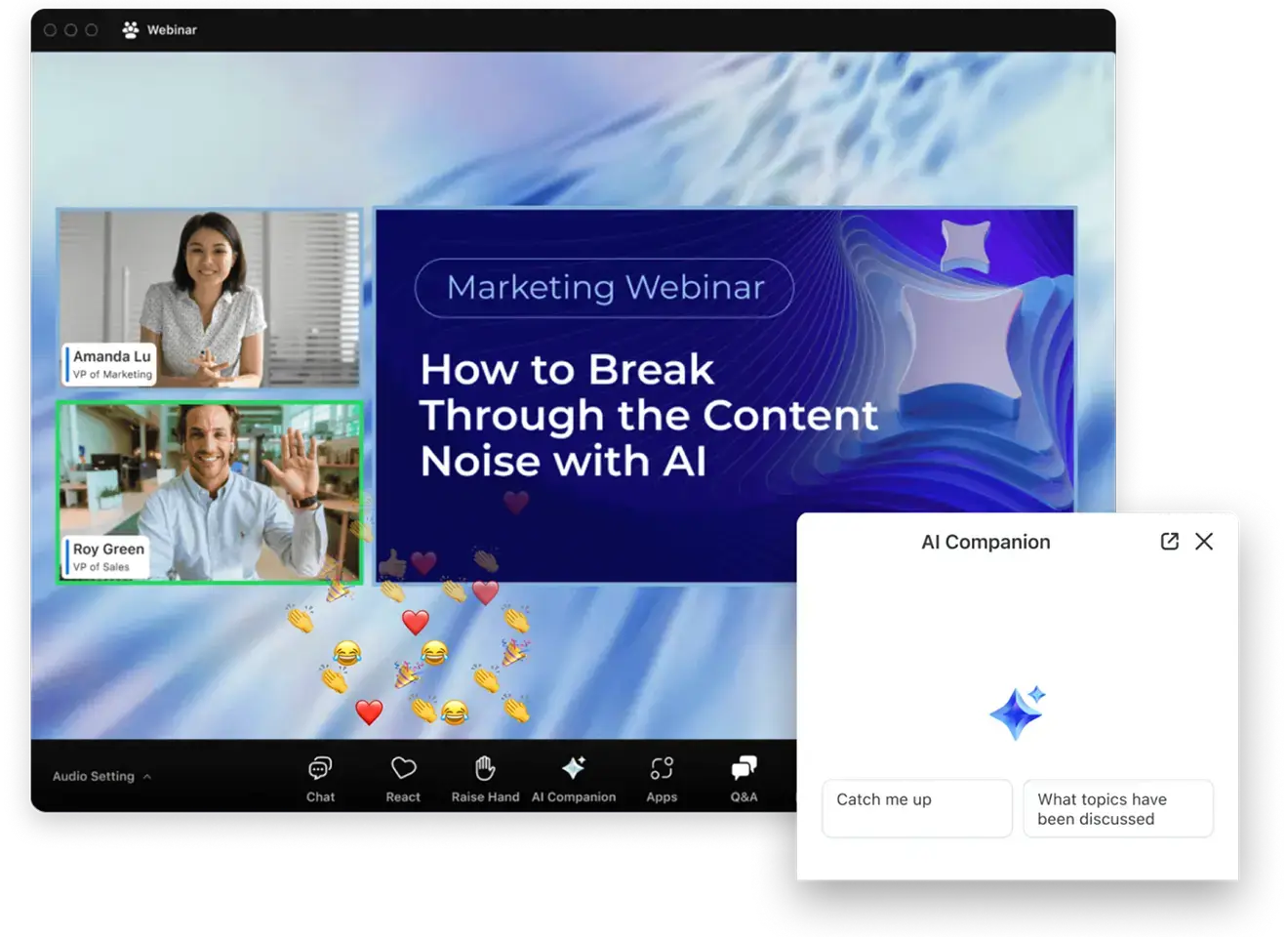
Image credit to Zoom
Rating: 4.4/5.0 (average across G2 and Capterra)
Key Takeaway: A familiar, reliable option for teams already using Zoom Meetings—easy to adopt with minimal learning curve.
Best For: Organizations that want a straightforward webinar add-on to their existing Zoom setup, particularly for internal training, company-wide meetings, or mid-sized marketing events.
Features:
- Supports up to 50,000 view-only attendees depending on your plan, with engagement tools like polls, Q&A, and live chat.
- Includes HD video, screen sharing, registration management, and cloud recording.
- Integrates with major CRMs, including Salesforce, HubSpot, and Marketo, and can stream directly to YouTube and Facebook Live.
Pros:
- The interface is intuitive and familiar to most users.
- Video and audio quality are consistently reliable, and higher tiers include AI Companion features for event planning and follow-up.
Cons:
- Webinars require a paid add-on to your Zoom Workplace plan, and costs can climb quickly as you increase attendee limits or add extras.
- Branding customization is limited on lower tiers.
Pricing: Starts at $79/month for up to 500 attendees, with higher tiers available for larger audiences.
GoToWebinar
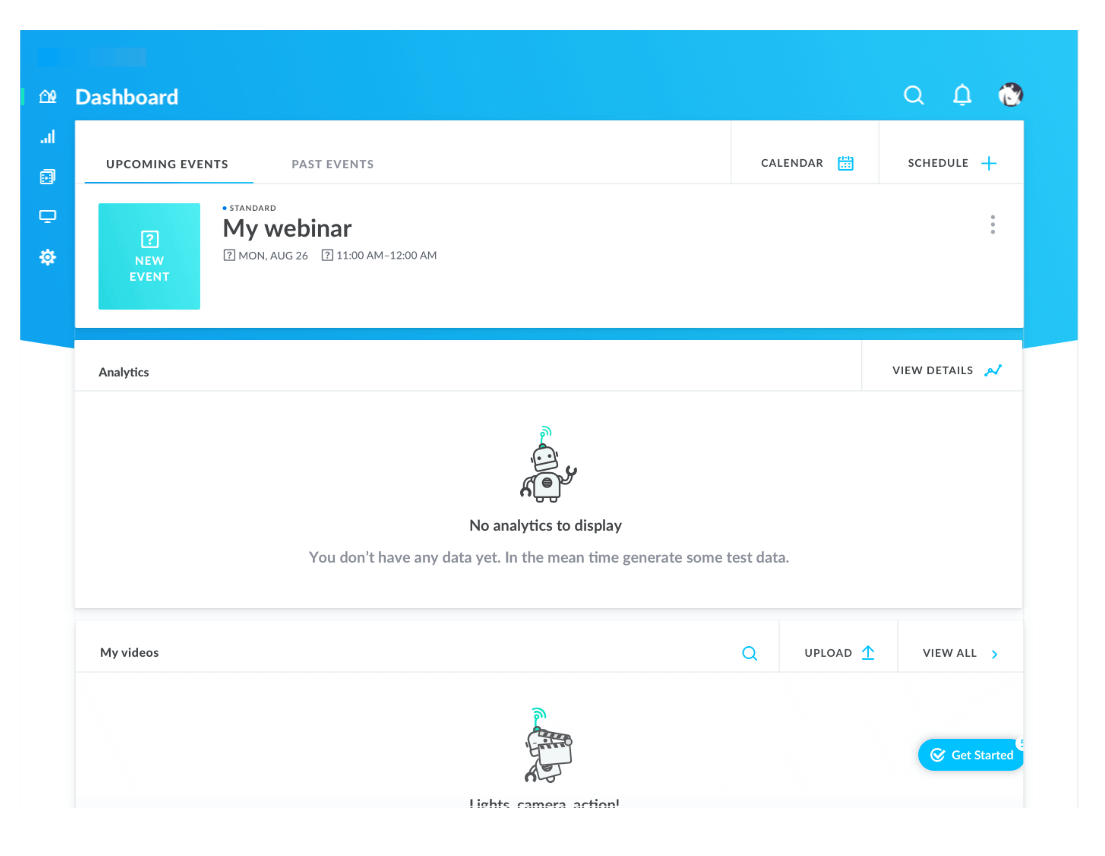
Image credit to GoToWebinar
Rating: 4.3/5.0 (average across G2 and Capterra)
Key Takeaway: One of the original webinar platforms on the market, trusted by over 50,000 customers for hosting millions of webinars annually.
Best For: Businesses and training teams that need a dependable, no-frills webinar solution for product demos, lead generation, or employee training.
Features:
- GoToWebinar supports up to 3,000 attendees and comes equipped with engagement tools like polls, Q&A, surveys, and downloadable handouts.
- Registration pages and email reminders are customizable, and the platform integrates with CRMs like HubSpot and Salesforce.
- If you’re on a higher tier, you also get access to automated and pre-recorded webinar capabilities, plus a bundled GoToMeeting license for internal calls.
Pros:
- Easy to set up and manage, with a strong track record for reliability.
- GoToWebinar also integrates with HubSpot, so marketing teams can automatically sync attendee data to their CRM for lead tracking and follow-up.
Cons:
- The interface feels outdated compared to newer platforms.
- Custom branding is only available on Pro plans and above, and attendees sometimes need to download software to join, which can create friction.
Pricing: Starts at $49/month (billed annually) for up to 250 attendees, scaling up to $399/month for 3,000 attendees.
Microsoft Teams Webinars
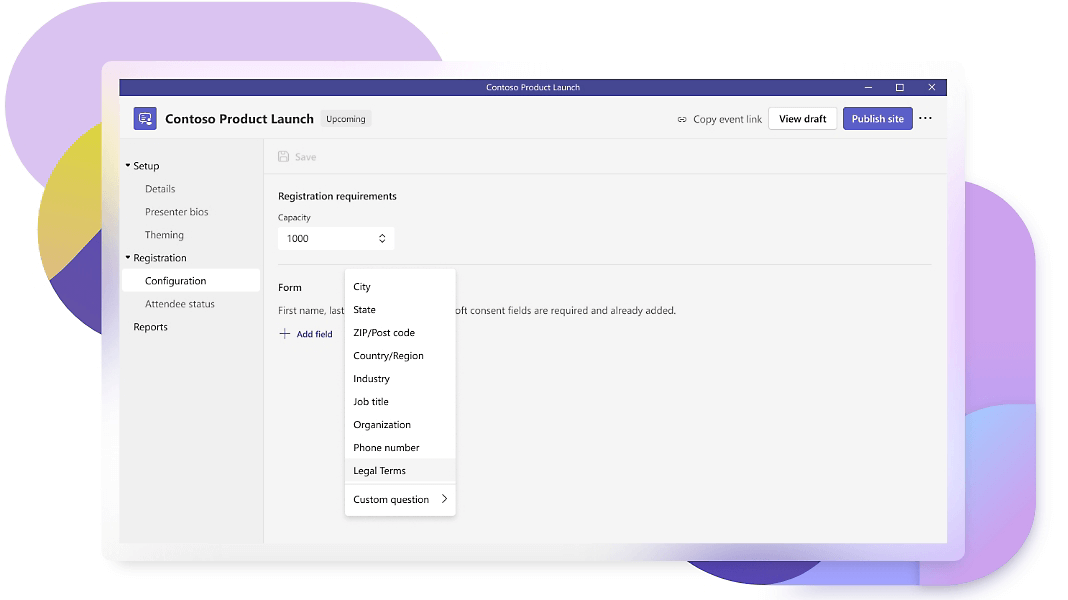
Image credit to Microsoft Teams
Rating: 4.4/5.0 (average across G2 and Capterra)
Key Takeaway: A built-in webinar solution for organizations already using Microsoft 365, offering seamless integration with Outlook, OneDrive, and other Microsoft tools.
Best For: Companies embedded in the Microsoft ecosystem that want to host webinars without adding another software subscription.
Features:
- Supports up to 1,000 attendees (or more with Teams Premium) and includes engagement tools like Q&A, polls, and live chat.
- You can create customizable registration forms and track attendance.
- All webinar recordings are stored automatically in the cloud.
- The native integration with PowerPoint Live makes presentations smooth, and scheduling syncs directly with Outlook.
Pros:
- If you already have a Microsoft 365 Business Standard, Business Premium, or E3/E5 subscription, there’s no additional cost for webinar features.
- All your event data stays within your existing security framework.
Cons:
- Branding and customization options are limited compared to dedicated webinar platforms, so your registration pages and event interfaces will have that standard Microsoft look.
- Users also report occasional delays with screen sharing and loading content.
Pricing: Webinar features are bundled with Microsoft 365 Business Standard and Premium plans, starting at $12.50/user/month.
Livestorm
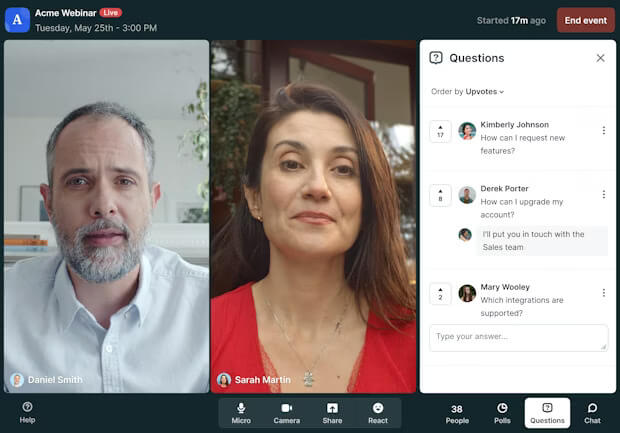
Image credit to Livestorm
Rating: 4.5/5.0 (average across G2 and Capterra)
Key takeaway: A browser-based platform that prioritizes ease of use and CRM connectivity for marketing teams.
Best for: B2B teams running product demos and lead-gen webinars.
Features:
- Livestorm runs entirely in-browser, so neither hosts nor attendees need to download anything.
- Registration pages are customizable, and automated emails handle confirmations, reminders, and follow-ups.
- Polls, Q&A, and live chat keep audiences engaged
- Native CRM integrations and Zapier connectivity to 3,000+ apps make it easy to sync attendee data with your marketing stack.
Pros:
- Zero-download experience reduces attendee friction.
- CRM integrations streamline lead workflows, and setup is quick with minimal learning curve.
Cons:
- Pricing based on monthly “active contacts” can get expensive for frequent webinar hosts.
- Limited customization on lower tiers.
Pricing: Free plan available (20-minute limit). Pro starts at $79/month annually for 100 contacts, scaling with volume. Business and Enterprise offer custom pricing.
WebinarGeek
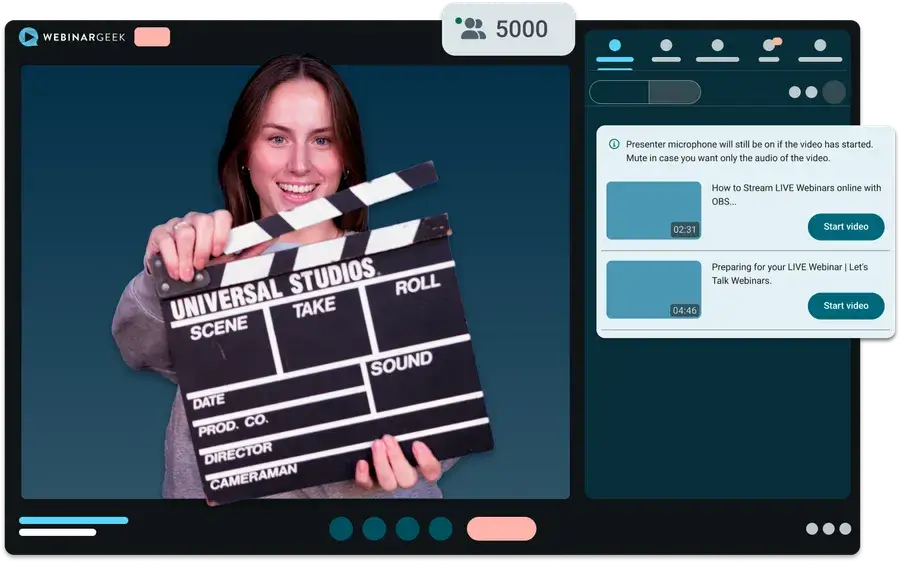
Image credit to WebinarGeek
Rating: 4.5/5.0 (average across G2 and Capterra)
Key takeaway: Budget-friendly webinar software with standout customer support and the flexibility to run live, automated, or on-demand events.
Best for: Small to mid-sized businesses who want a polished, on-brand experience without enterprise pricing.
Features:
- WebinarGeek lets you white-label everything from registration pages to the webinar room itself.
- Polls, quizzes, and CTAs help convert viewers
- Integrations with major CRMs and Zapier keep your data flowing.
Pros:
- Full branding across the entire attendee journey.
- Customer support scores 4.8/5.0 on Capterra, with reviewers praising fast live chat responses.
Cons:
- Support hours are Europe-based, which can be tricky for US teams.
- Interface feels busy until you learn your way around.
Pricing: Starts at €49/month for up to 50 viewers, scaling to Enterprise for up to 5,000. 14-day free trial included.
ON24
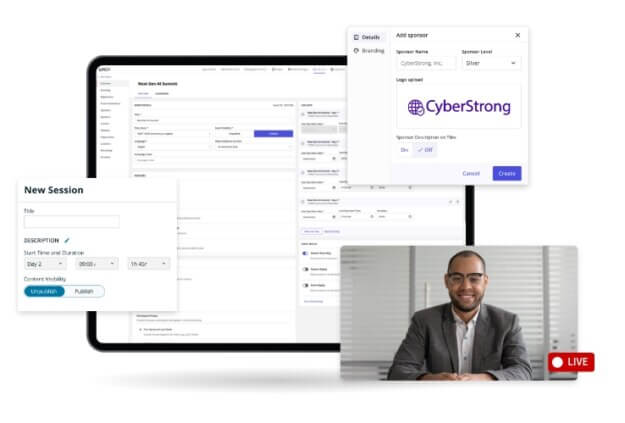
Image credit to Livestorm
Rating: 4.4/5.0 (average across G2, Capterra, and TrustRadius)
Key takeaway: The go-to platform for enterprise marketing teams who need deep analytics, engagement scoring, and direct pipeline attribution from their webinars.
Best for: Mid-to-large enterprises running high-volume webinar programs focused on lead generation.
Features:
- ON24 supports live, simulive, and on-demand webinars with extensive console customization.
- Its real strength is analytics: track attendee behavior, generate engagement scores, and push data directly to your CRM through 30+ integrations.
- AI-powered tools repurpose webinar content into blogs, ebooks, and video clips.
Pros:
- Ranked #1 enterprise webinar platform on G2, with robust reporting that ties engagement directly to pipeline.
- Handles large audiences (10,000+) reliably.
Cons:
- Steep learning curve, dated interface, and pricing significantly higher than competitors.
Pricing: Custom quotes only; plans reportedly start around $10,000/year, with enterprise contracts averaging $68,000/year.
Demio
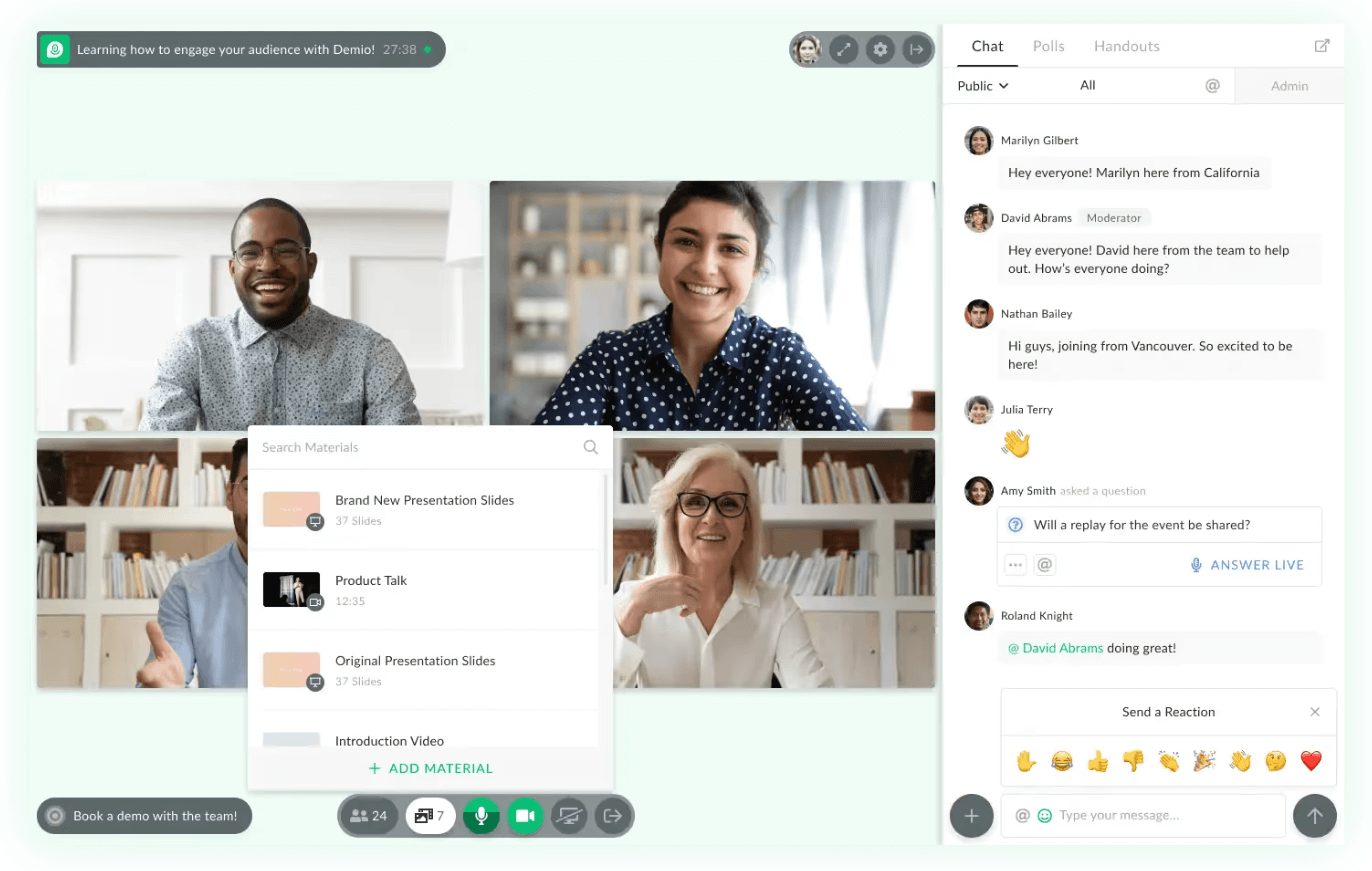
Image credit to Demio
Rating: 4.7/5.0 (average across G2 and Capterra)
Key takeaway: Polished, no-download webinar software that lets marketing teams launch professional events in minutes and automate the follow-up without touching a line of code.
Best for: B2B marketing teams and small businesses running recurring webinars for lead generation, product demos, and customer onboarding.
Features:
- Demio runs entirely in-browser with no downloads for attendees or hosts.
- Live, automated, and on-demand webinars include chat, Q&A, polls, handouts, and featured call-to-action buttons.
- Customizable registration pages and automated email sequences handle the full attendee journey.
- Native integrations with HubSpot, Salesforce, Marketo, and Zapier connect engagement data directly to your marketing stack.
Pros:
- Zero-download experience dramatically reduces attendee drop-off.
- Clean, modern interface that’s easy to learn without IT support.
- Highly rated customer support with fast response times.
Cons:
- Full integrations (HubSpot, Marketo, Salesforcear) are locked behind Premium tier, and automated webinars only available on Growth plans and above.
Pricing: Starts at $42/month, scaling to $184/month for Premium. 14-day free trial available.
Choosing the Right Platform for Your Event Type
The best webinar platform depends on what you’re already working with and what you’re trying to achieve. A few questions to guide your decision:
- Are you already paying for a software ecosystem that includes webinar features?
- Is lead generation your primary goal, or are you focused on training and internal communications?
- How important is custom branding to your organization?
- Do you need robust analytics and CRM integrations, or just a reliable way to go live?
- Are webinars your only virtual format, or do you also run larger conferences and in-person events?
The last question is important; if you’re running webinars alongside bigger events, a standalone webinar tool means managing two separate systems, two learning curves, and two sets of attendee data. That’s where an all-in-one event platform like Whova is the smarter choice.
Try Whova for Your Next Webinar
Every platform on this list can get you through a webinar. The bigger consideration is whether it fits how your organization operates. A standalone tool works if webinars are your only format. But if you’re juggling annual conferences, member workshops, training sessions, and webinars throughout the year? That’s where Whova comes in. One platform, zero learning curve, one place for all your attendee data.
Book a demo to see how Whova can simplify your event management for large conferences and webinars.
FAQ Section About the Best Webinar Platforms
How do I choose the right webinar software for my business?
Start with your priorities: audience size, hosting frequency, and must-have integrations. For lead generation, look for strong CRM connections. For ease of use, prioritize minimal setup and no attendee downloads. If webinars are part of a bigger event calendar, the best webinar platform is one that handles everything in a single system.