
By: Whova Team | Last Updated: August 04, 2026

Looking for RegFox alternatives that run the whole event, not just the checkout?
RegFox is a solid ticketing tool. You build a form, set your prices, and collect payments. For an event where you only need help with people buying a ticket and showing up, that could be enough.
Most organizers leaving RegFox want one event planning solution that covers more than the sign-up. For example, a mobile event app, attendee check-in at the door, and on-site name badge printing, without purchasing a second platform to run the rest of the event day.
If you are searching for event registration software options like RegFox in 2026 that help relieve your event management tasks, elevate attendee check-in and simplify coordination, start with this guide.
Key Takeaways
- RegFox is an event registration software with limited event management functionalities. There’s no speaker portal, badge printing is only available on the Premium tier, and attendee networking features could be limiting.
- The RegFox alternatives worth comparing are Whova, Eventtia, Fliplet, Cvent, and Swoogo. Eventtia matches attendees for meetings, Fliplet lets your team build an app screen by screen, Cvent sources venues and hotel blocks, and Swoogo builds multi-page event websites.
- Whova comes out on top with 4.8 out of 5 on G2 across 1,800+ reviews, and it charges per event rather than by annual contract.
Which RegFox Alternative Is Right for Your Event?
Why Do Event Organizers Look for RegFox Alternatives in 2026?
During our evaluation, RegFox won’t be able to manage your speaker files, efficiently connect attendees who bought tickets or centralize other aspects of your event. That means a second tool for whatever your registration platform doesn’t cover, and a planning cycle spent keeping both in step.
No Speaker Workspace
Speakers have nowhere to log in, update their own bios, or upload presentation slides. Those files reach you by email instead, and someone on your team has to organize the data manually or with another tool.
No Centralized Event Management
Want live polls in a session? Feedback surveys once it’s over? A notification telling attendees the room has changed? Anything past registration and check-in gets handled manually or handed to a second app you pay for. That works for a small event. Scale up and an all-in-one platform starts making more sense.
No Advanced Networking
People go to conferences to meet other people. Past a few hundred attendees, that stops happening by chance, so you need discussion boards and attendee matchmaking to make the introductions, and most organizers would rather have those built in than pay for a separate app.
How Should You Evaluate Other Event Software Alternatives?
A feature list tells you what a platform can do but it won’t tell you how hard it is to set up, or who you’ll need to help you. Problems usually turn up on event day, and by then you have signed an annual contract or discovered the software is too fiddly for a volunteer to use.
Ask every platform on your shortlist these five questions.
1. Can Someone Non-technical Set It Up?
Most event teams don’t have a developer on hand. Building branded registration pages with your ticket categories should be something you can do yourself. Find out whether conditional logic forms are point-and-click or something support has to help you with.
2. Does It Support the Ticket Types You Sell?
You should be able to configure early bird ticket rates, group bookings, and comped tickets. A conference typically sells four or five ticket types at the same time, so check that the platform handles more than one price at once.
3. Does Check-in Run Off Your Live Registration List?
Check whether the attendee check-in app pulls from your live list, and whether on-site name badge printing runs from the same records or needs an export first. Ideally, you want one list that check-in and badge printing both work from, so nobody has to remember to re-export it.
4. What Do Past Users Say About Event Day?
Read the reviews on G2 and Capterra, and pay attention to repeat complaints. One reviewer calling the form editor clunky might just be fussy. Seven of them saying it means you’ll have the same issue. Favor recent reviews, since old complaints may already be fixed.
5. How Does the Pricing Work?
Some platforms charge per event, others put you on an annual contract whether you run two events or twenty. Work out which is cheaper at the number of events you run, then find out what happens if that number changes mid-contract.
How Do RegFox and Its Top Competitors Compare at a Glance?
What Are the 5 Best RegFox Alternatives for 2026?
1. Whova
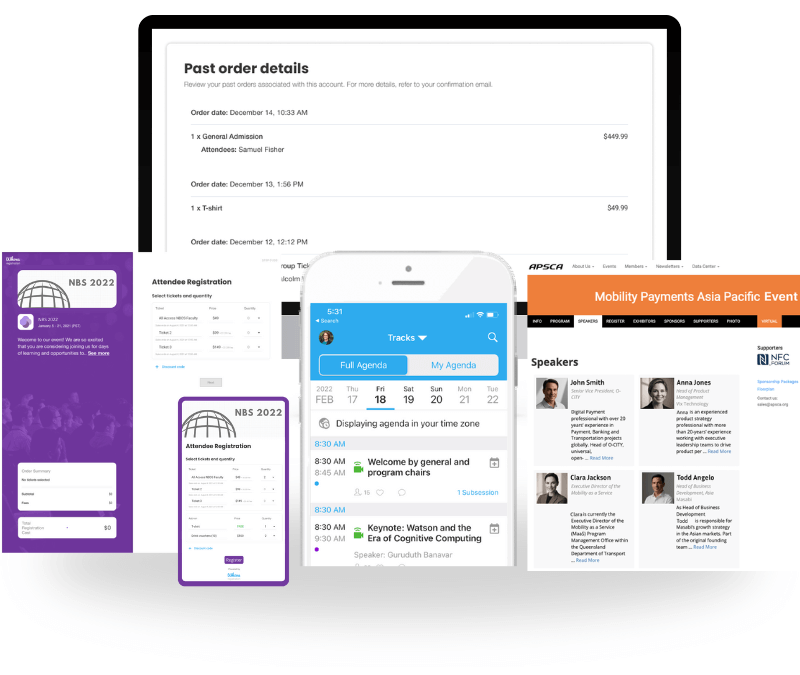
Quick Verdict: Highly-rated, comprehensive event management software that smoothly links custom ticketing with a native attendee event app and on-site coordination tools.
Switch Factor: You don’t need to export data across separate systems. Attendee management information flows effortlessly from the customizable registration form straight into on-site badge printing and the Whova event app.
Then there’s the Speaker Center, an efficient speaker management tool for collecting what you need. Speakers add their own bio, headshot, and session details, and if someone’s job title changes later on, your agenda and speaker pages update themselves.
Sarah Vaught Cathey of the Kentucky Chamber of Commerce named this as a significant factor in choosing Whova for an event with more than 100 speakers.
RegFox vs. Whova: Unlike RegFox, which is built as a fast registration page builder, Whova is an all-in-one event platform that runs your whole program, including check-in, speaker management, attendee networking, and more.
Best For: Professional conferences, educational summits, association annual meetings, expos, and trade shows.
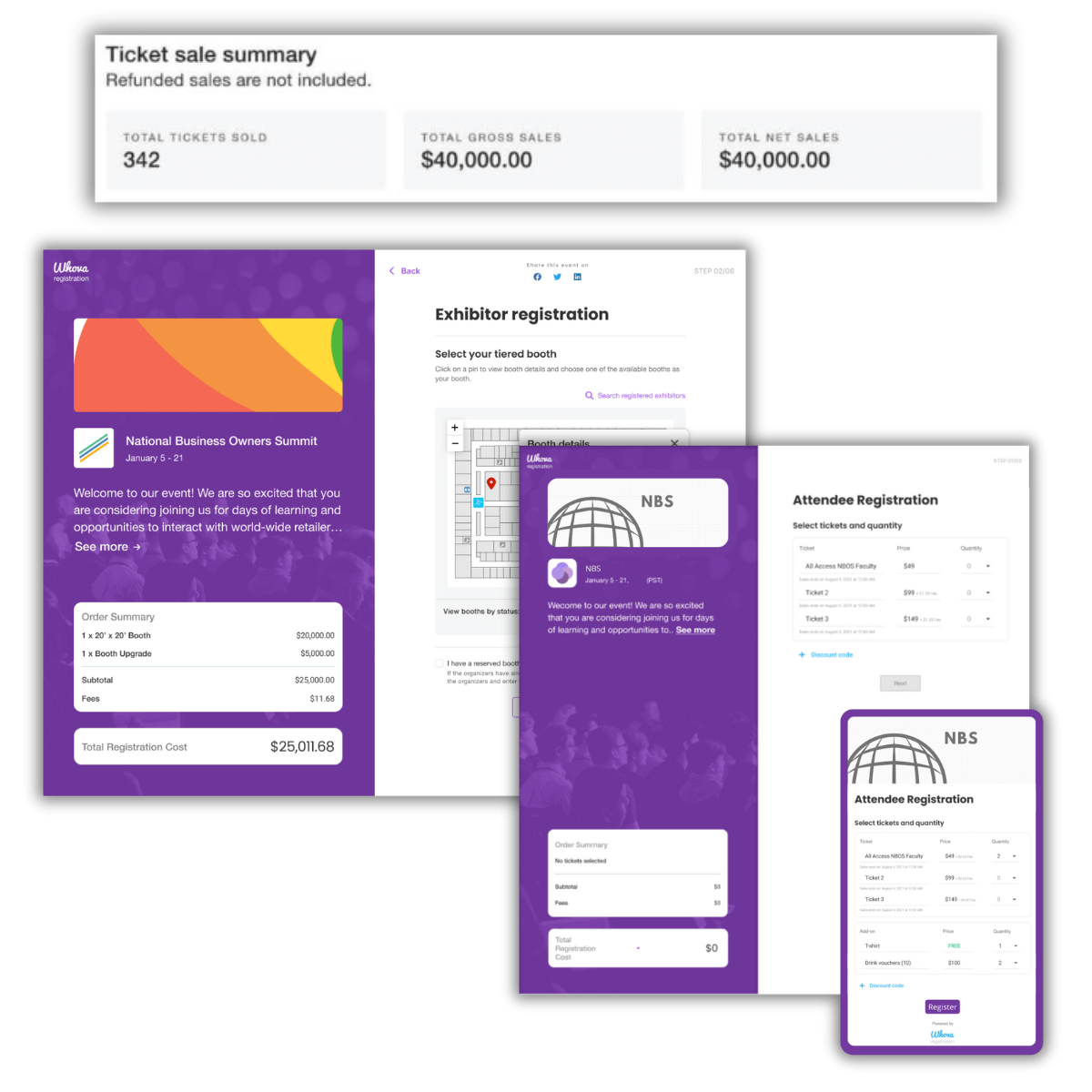
Key Features:
- Branded registration pages with conditional logic forms
- Early bird ticket rates, group tickets, invite-only tickets, discounts, and add-ons
- Email marketing campaigns and retarget campaigns for “abandoned” registrations
- Separate exhibitor and sponsor registration with booth selection and a la carte opportunities.
- Session access tied to ticket type
- Attendee check-in app with on-site name badge printing
- Built-in speaker management tool for bios, headshots, and slide submissions
Pros:
- It’s an all-in-one event platform, so registration details flow straight into check-in, badges, and the attendee app. Registration forms also adapt to different ticket types.
Cons:
- Not ideal for informal social gatherings
Pricing setup:
- Per-event pricing quoted to your event size and format. Free tickets carry no organizer fee, and paid tickets cost 3.0% plus 99¢.
“Whova literally saved us thousands of dollars by allowing us to handle registration, print name badges, and run everything on-site inside one single platform.”
— Loryn Wellman, Generational Wealth Conference
2. Eventtia
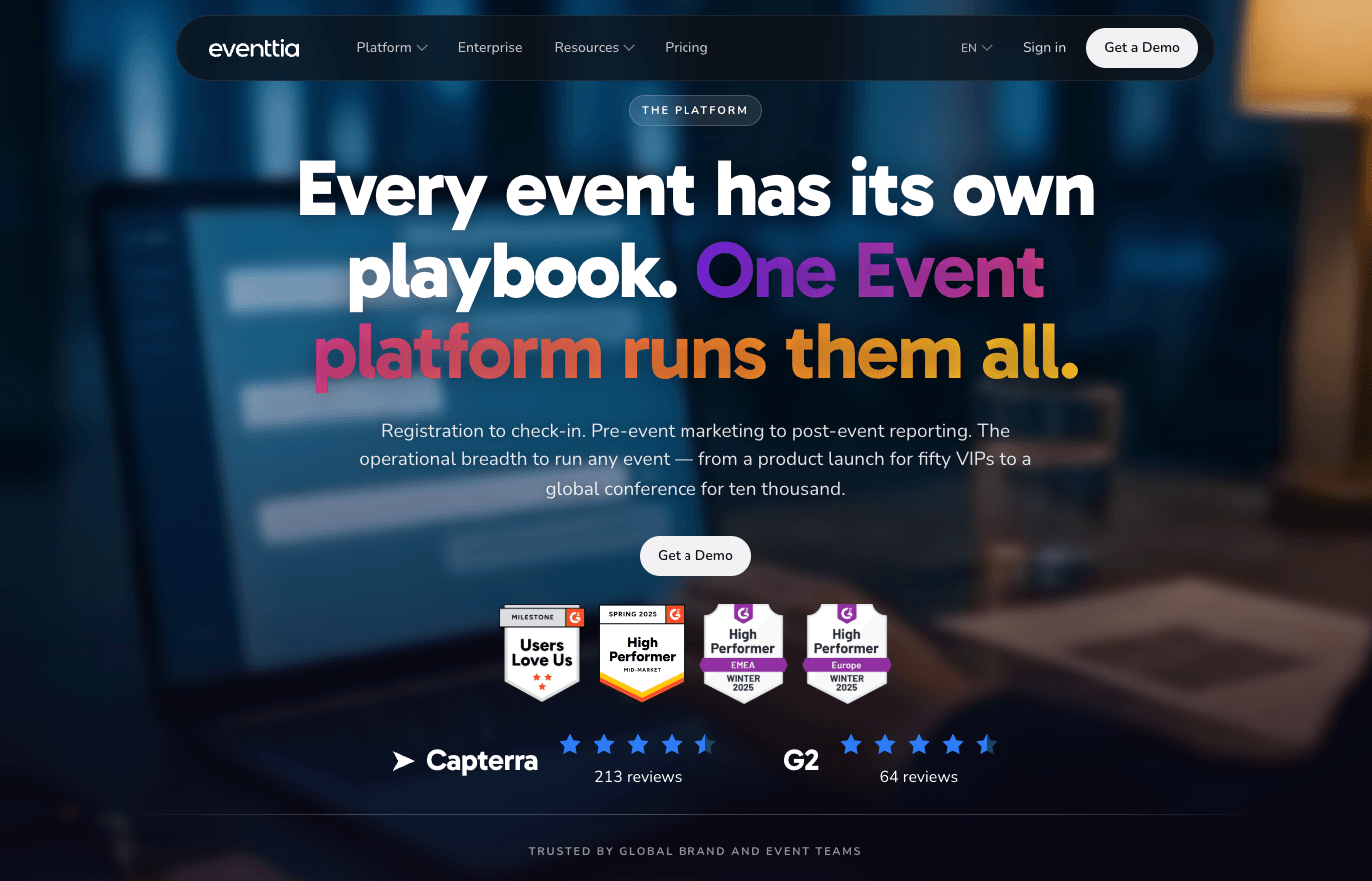
Image credit to Eventtia
Quick Verdict: A structured corporate event software that focuses heavily on business matchmaking and organized professional communication.
Switch Factor: You get automated meeting scheduling built into your registration form. Attendees say what they’re looking for and what they’re offering, Eventtia pairs them up and builds each schedule, so you no longer have to arrange large B2B networking forums by hand.
RegFox vs. Eventtia: Eventtia is built for complex corporate programs, going well beyond RegFox’s transactional checkout. That means hybrid and virtual formats on the same platform, attendee messaging through WhatsApp and SMS, and reporting that covers registrations, payments, and attendance together.
Best For: Enterprise networking forums, corporate summits, and commercial business events.
Key Features:
- Participant profile management
- Email, WhatsApp, and SMS messaging
- Multi-ticket workflows and payment processing
- Appointment scheduling with automated meeting requests
- Real-time dashboards for registrations, payments, and attendance
Pros:
- Excellent for international corporate gatherings with multi-currency requirements
Cons:
- Can require a slightly longer learning curve for smaller teams organizing basic events.
Pricing Setup:
- Annual contract licensing tiers.
3. Fliplet
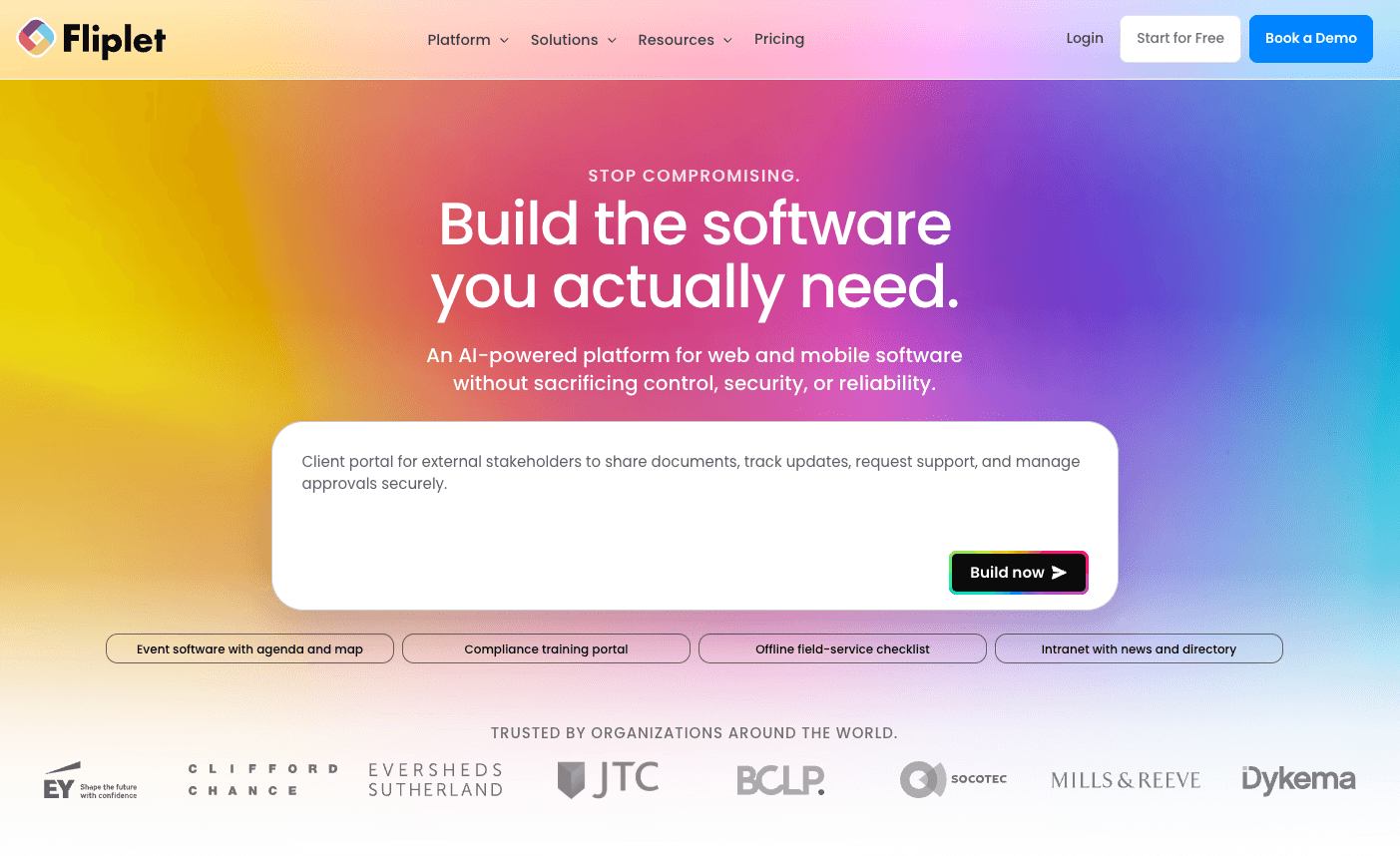
Image credit to Fliplet
Quick Verdict: A flexible, no-code software builder that gives organizations complete creative control over their digital event presentation.
Switch Factor: Your marketing and communications teams can build and modify the app screen by screen, without writing code for most layouts. Over 80 law firms use it for exactly this, mostly for partner conferences and internal events where the app has to match the firm’s branding.
RegFox vs. Fliplet: Fliplet provides an open development environment, whereas RegFox works within structured, pre-built registration forms. The payoff is repeat use, since your first build becomes the starting point for the next event. One firm that switched now claims to get an event live in 10 to 15 minutes.
Best For: Corporate internal meetings and innovation teams that want a unique visual layout.
Key Features:
- Drag-and-drop builder with a library of prefabricated components
- Offline-first apps that keep working when the venue wifi drops
- Connections to CRM, Microsoft 365, Salesforce, and Power BI
- Registration forms with conditional logic, approval workflows, and pre-filled fields for returning attendees
Pros:
- Complete visual branding control across your layout
Cons:
- Requires a bit more upfront design time compared to using ready-made software templates.
Pricing Setup:
- Pricing plans based on the number of attendees, days, and added features.
4. Cvent
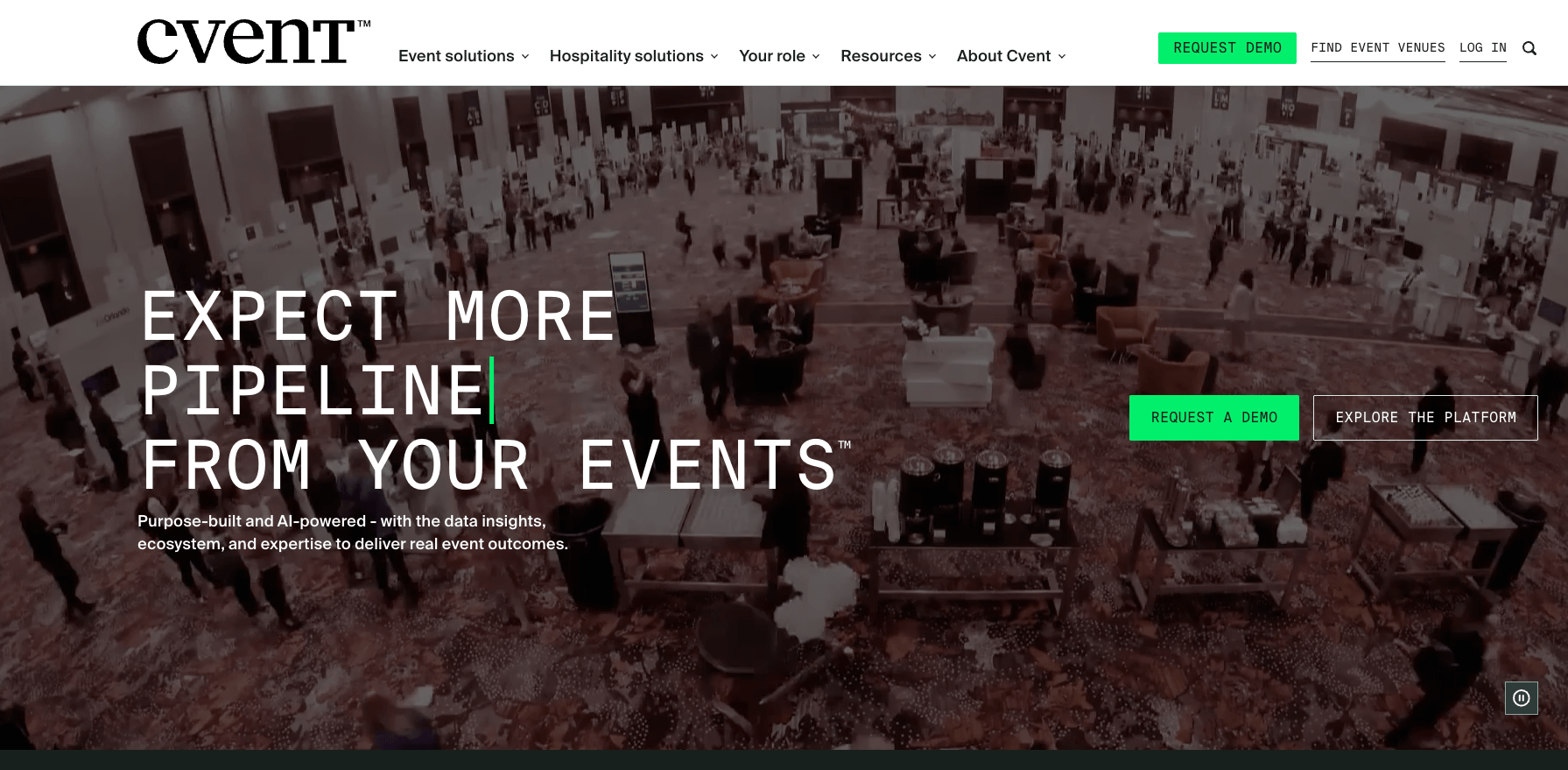
Image credit to Cvent
Quick Verdict: A large-scale enterprise event logistics tool designed for extensive venue sourcing and complex institutional data workflows.
Switch Factor: If you’re running events across several cities, going through corporate procurement, and holding large hotel room blocks, then this platform is for you. Its supplier network covers nearly 340,000 hotels and venues, and last year’s rates stay on file for when you negotiate the next contract.
RegFox vs. Cvent: Cvent is a heavy enterprise software suite built for corporate logistics, while RegFox operates as a more lightweight registration software.
Best For: Large universities, enterprise companies, and massive multi-track international conventions.
Key Features: Extensive venue sourcing database, budget tracking, advanced custom registration paths, and robust data visualization.
Pros:
- Unmatched logistical depth for enterprise-size events.
Cons:
- Requires extensive specialized training to master the interface effectively.
Pricing Setup:
- Enterprise license agreements and contracts.
5. Swoogo
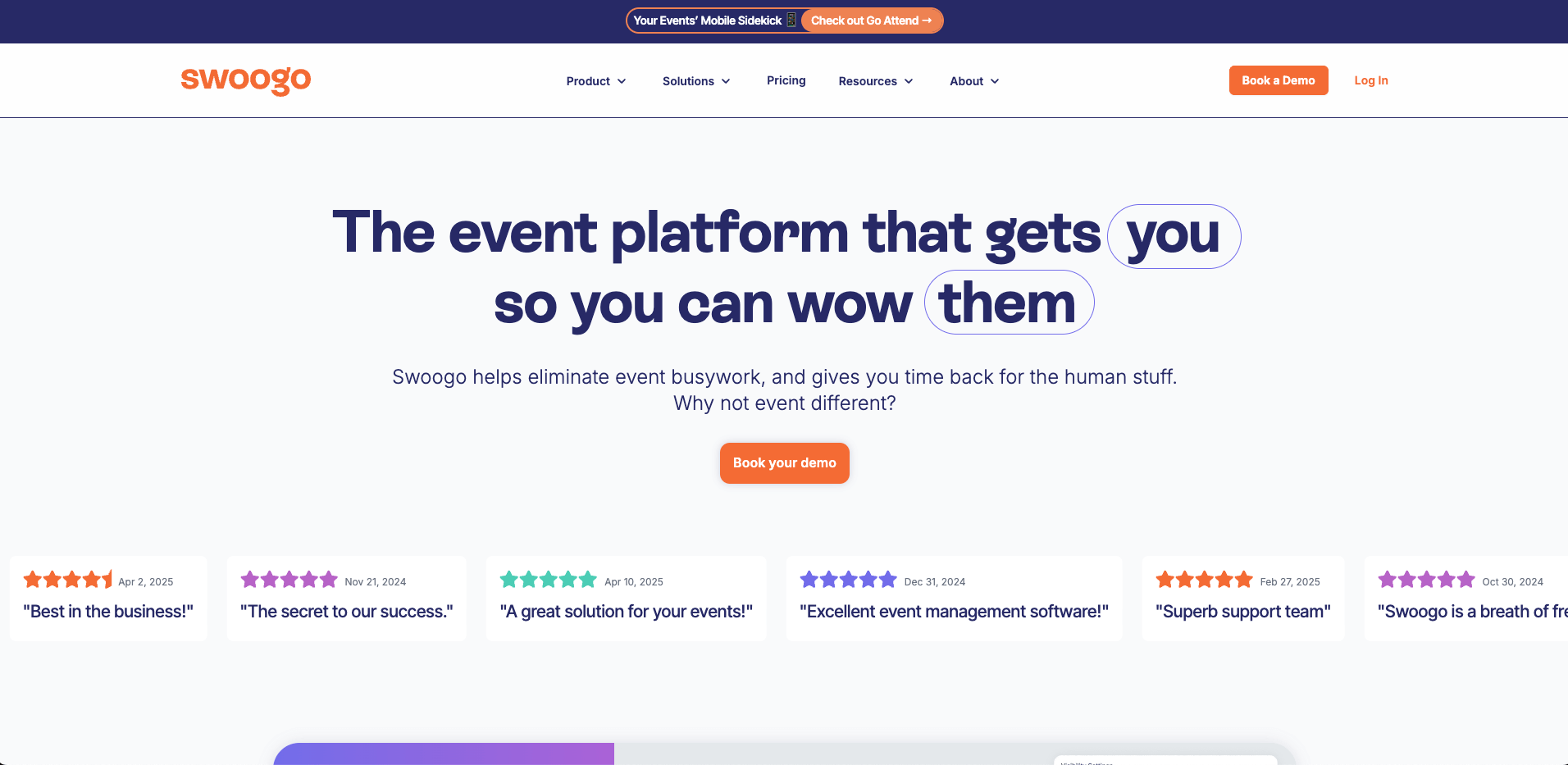
Image credit to Swoogo
Quick Verdict: A user-friendly registration software focusing on multi-page website building and flexible design choices.
Switch Factor: You get a full event website instead of a single checkout page. Swoogo’s drag-and-drop editor handles multiple pages, and one reviewer describes bypassing their web department entirely, which used to take days for a single edit. Conditional logic is unlimited, so a form can branch as many times as your registrant types need.
RegFox vs. Swoogo: Swoogo allows planners to create comprehensive, multi-page event web hubs, whereas RegFox centers primarily on individual checkout forms. Swoogo is best for teams who treat registration as a marketing channel, tracking what attendees do on the site and shaping campaigns around it.
Best For: Creative marketing agencies and high-end brands requiring strict brand presentation.
Key Features:
- Drag-and-drop website builder for multi-page event sites
- Call for Speakers add-on for collecting session proposals
- Mobile check-in, with badge printing handled through integrations
- Conditional logic forms with unlimited registrant types and custom questions
Pros:
- Excellent design customization for online registration pages
Cons:
- Focuses heavily on marketing and registration workflows that seem complex to adopt for new users.
Pricing Setup:
- Transparent user-based annual tier models.
How Can You Choose the Right Registration Option for Your Event?
Work out which jobs you handed to another tool last time or did manually. For example, check-in, badges, the agenda, updating speaker files, or venue sourcing. The right platform is the one that already does those.
If venue contracts and hotel blocks dominate that list, look at Cvent. If it’s arranging meetings between buyers and sellers, Eventtia. Brand teams who sign off on every screen will get further with Fliplet, while Swoogo suits anyone who needs a full event website instead of one page.
Organizers leaving RegFox want one platform for the whole event: registration, the mobile event app, check-in at the door, and badge printing. An all-in-one event planning solution that is easy to use like Whova covers all four tasks and more.
Schedule a free demo and see how much of your event Whova can run.
Frequently Asked Questions About RegFox Alternatives?
Can I use alternative platforms to restrict session access based on ticket types?
Yes. On Whova you can use the Ticket Session Mapping: you assign each ticket to specific days or sessions, and only those attendees see it in their agenda.
Do other registration options include native on-site name badge printing?
Some platforms print badges themselves. Others need a separate tool you buy and connect before printing. Whova does on-site name badge printing from the attendee list you already have. You can run them all off the week before or print one at a time as people arrive.
What are the main feature differences between a basic registration software and an all-in-one platform?
Basic event registration software sells tickets. Someone picks an option, pays, and their name lands on a list you can export. An all-in-one platform can both run the registration form and the event. The platform allows speakers to submit their own bios and presentation slides, sends attendees push notifications when sessions change rooms, and keeps the check-in desk synchronized with the same registration list, which helps eliminate the need to export data between systems.
Which RegFox alternative is best for conferences, trade shows, or multi-session events?
Whova and Cvent are alternatives that can handle conferences, trade shows and multi-session events. Both platforms support tools such as abstract management, multi track agenda scheduling, exhibitor management and flexible registration.
Which RegFox alternative has the best customer support?
Whova and Swoogo provide the best support with positive reviews in platforms such as G2. Both provide fast response through chat, email and live support from real support staff.