
By: Whova Team | Last Updated: July 23, 2026

For conference content managers, technical program committee chairs, and association operations teams, presenter coordination is one of the most consistent pressure points in the planning cycle.
Fragmented workflows across multiple email threads and shared folders push organizers to constantly keep an eye for follow-ups when they should be focused on the event program. Speakers, meanwhile, have no visibility into what’s been received and what’s still missing.
The best speaker management software handles all of these as a complete pipeline, not a chain of manual handoffs. Presenters submit their bio, headshot, session details, and AV requirements through a single form. Missing assets get flagged and followed up automatically. And confirmed content feeds directly into the agenda, so by the time a session is locked, the program already has what it needs.
If that’s the standard you’re evaluating against, here’s what to look for in 2026.
Key Takeaways
- Whova is designed for organizations running the full conference workflow, where abstract management, multi-track agenda building, and attendee engagement all need to live in one platform.
- Teams that already have a registration system but need a dedicated speaker onboarding portal for content collection will find Sessionboard a better fit.
- Sessionize is the lightest option — straightforward call for papers (CFP) tooling for smaller community events and developer meetups where speed of setup matters more than feature depth.
What is Speaker Management Software?
Speaker management software is a tool that helps organizers handle everything related to speakers at an event, from collecting submissions and managing files to coordinating sessions.
Some of these platforms offer a speaker onboarding portal for presenters to submit their bios, headshots, and presentation files directly. On the organizer side, abstract submissions flow through a structured call for papers (CFP) workflow, where review teams score submissions, accept sessions, and sync them directly into the agenda.
Conference content managers, technical program committee chairs, and association operations teams use these platforms to run complex programs with dozens of presenters, including those that award continuing education credits (CE/CME).
Quick Comparison Table
The six platforms below cover the main use cases in speaker management. Each one suits a different event type and workflow, so the right choice depends on what your program needs.
Why Is Dedicated Speaker Management Software Essential for Conferences?
Coordinating presenters across spreadsheets and shared drives fragments data fast. A bio gets updated in one place but not the event website, or a speaker submits the wrong file version and nobody catches it until load-in. A dedicated speaker management platform helps increase organization and streamline processes across the entire workflow.
Eliminates Spreadsheet Data Fragmentation
A speaker onboarding portal replaces that guesswork with a single dashboard where submission status is always up-to-date. Organizers can see exactly where each presenter is in the process without running a manual audit or cross-referencing three different documents.
Reduces Stress on Manual Information Collection
Speaker submission forms remove email dependency by giving each presenter direct access to their own profile. All the speaker information can be organized in one single place and be directly presented to attendees right away. Additionally, presentation version control handles the file management side, so the most recent slide deck is always the one that gets used.
Streamlines Multi-Track Session Scheduling
Conflict detection algorithms flag room and speaker clashes during the programming stage, giving organizers time to resolve them before the schedule locks. A flexible agenda builder also lets teams organize sessions by track and tag, keeping the speaker schedule, room assignments, and attendee-facing agenda in sync whenever something changes.
How to Choose the Best Speaker Management Software?
Answering these questions will help you separate a good fit from an expensive workaround.
Abstract Management
How well does the platform handle the full review cycle? Double-blind peer review assignments, reviewer scoring, and automated decision notifications should all run without manual coordination.
Speaker Submission Portal
What does the submission experience look like for speakers? Custom onboarding forms that capture bios, headshots, and presentation files in one sitting reduce the back-and-forth that drags out content collection.
Centralized Presenter Communication
Does communication stay inside the platform? Most platforms facilitate this through mass emails, keeping speakers informed about deadlines, logistics, and updates. Some, like Whova, also let organizers reach speakers directly through the event app or web portal.
Event Speaker Pages
How are speaker profiles published? Dynamic web widgets that automatically generate public-facing speaker pages save hours of manual updates and keep the event website up-to-date without developer involvement.
Administrative Control
Who controls the data, and how easily can they access it? Speaker centers with CSV export options and granular permission settings give operations teams direct visibility over the data. At scale, not having that access creates bottlenecks that slow down the entire planning cycle.
Multi-Track Program Management
Does it handle multi-track programs? For conferences running concurrent sessions, look for built-in room assignments, session tagging models, and streamlined pipelines to add accepted presentations into the agenda. This way speaker and session data moves cleanly between the agenda, registration system, and attendee app.
What Are the Leading Speaker Management Software Platforms in 2026?
1. Whova
Quick Verdict: All-in-one event management software providing end-to-end speaker management from initial abstract submission to final session interaction.
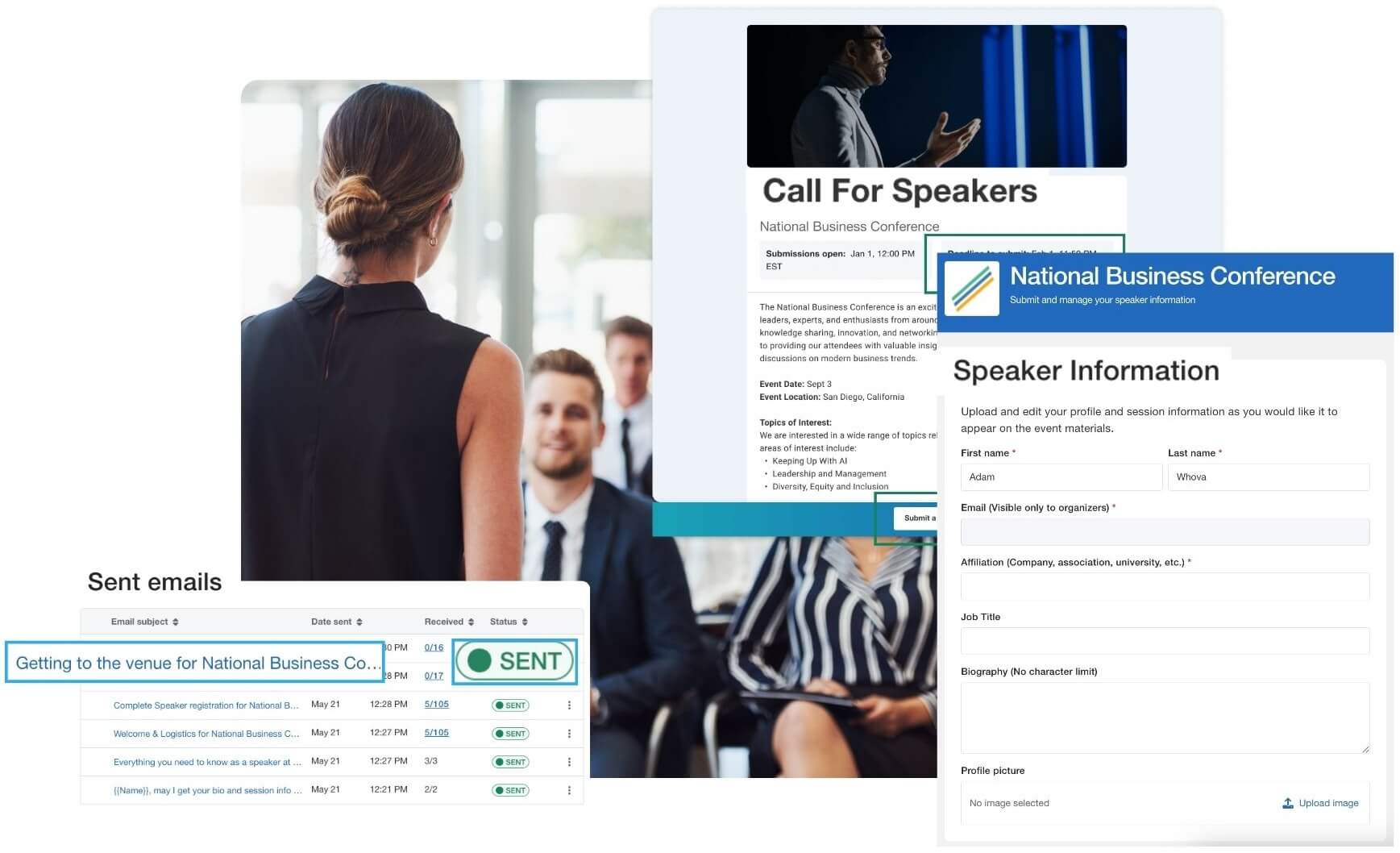
Best For: Academic conferences, association events, and industry-specific conferences that require a centralized speaker management dashboard.
Whova’s abstract management and speaker management modules let organizers set up submission paths for different content types, including call for speakers, posters, and demos. From there, reviewers work through double-blind assignments, and organizers assign tracks and tags to sort accepted sessions into the right program slots. Once reviews are complete, organizers send emails directly to speakers. The speaker center then gives accepted speakers a place to upload bios, headshots, and session materials, with any updates syncing across the event website and app.
Key Features:
- Abstract submission management with customizable portals, reviewer assignment, acceptance notifications and agenda integration.
- Speakers upload bios, photos, and presentation files through the speaker submission portal.
- Organizers send reminders, deadlines, and updates to speakers straight from the platform.
- The speaker center enables easy CSV data export while generating public, responsive speaker webpages with clean presentation templates.
Pros:
- Known for responsive customer support.
- Offers an integrated workflow spanning abstract management, speaker management, agenda building, registration, and attendee engagement.
Cons:
- Best suited for academic and professional conferences, conventions, association events, and trade shows.
Pricing Format: Custom quote provided per event.
2. Sessionboard
Quick Verdict: A specialized, standalone content management application designed to organize speaker onboarding sequences and assets alongside your existing platform infrastructure.
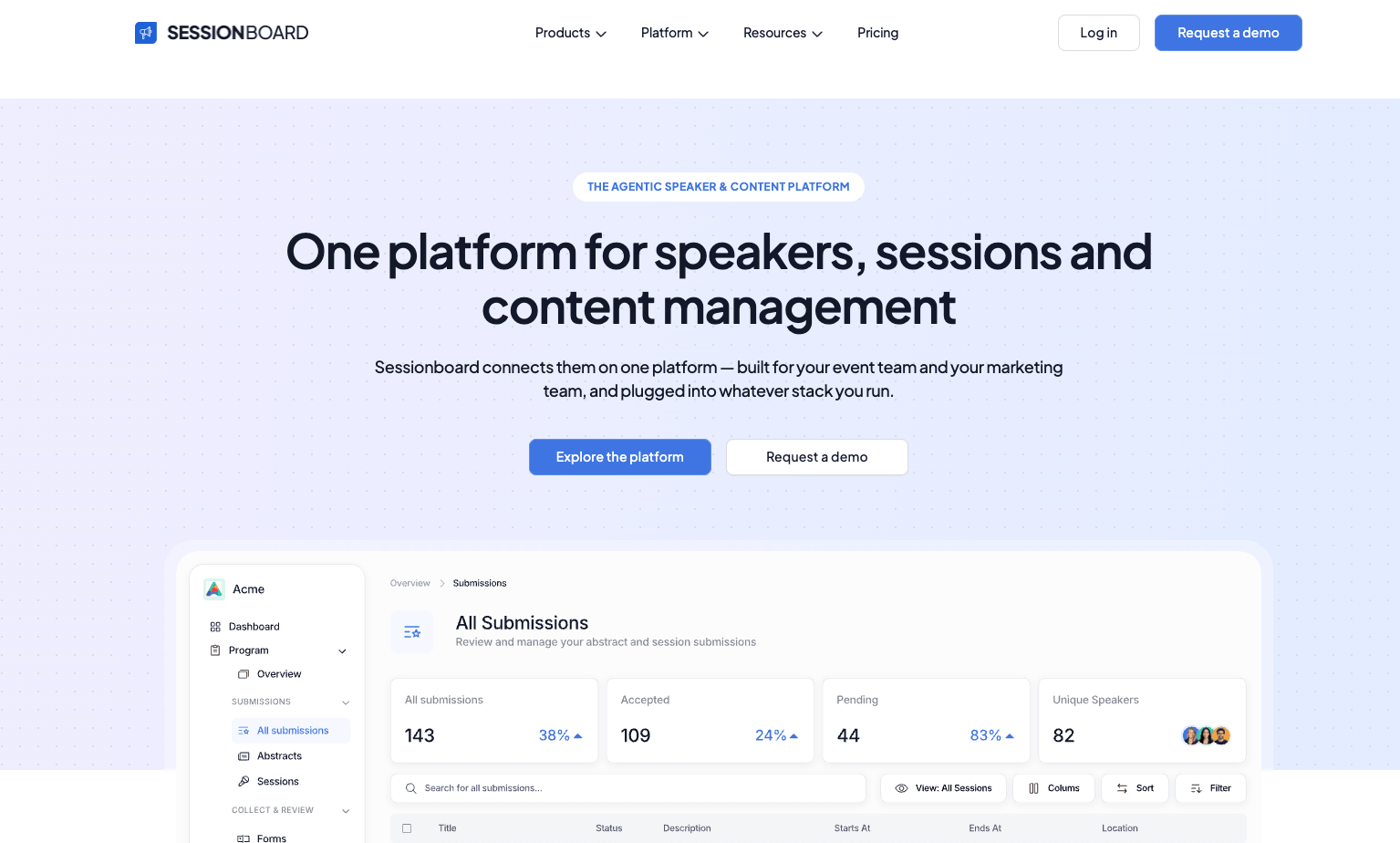
Image credit to Sessionboard
Best For: Content-heavy corporate teams looking for a dedicated asset collection layer.
Sessionboard focuses on the content side of the program, covering call for papers, speaker onboarding, abstract scoring, and session tagging models. Teams that already run on Cvent, Bizzabo, or similar platforms can connect Sessionboard via integrations rather than replacing their existing stack. However, organizations that don’t already have a registration and attendee engagement platform will need to add one alongside Sessionboard to run a full event.
Key Features:
- AI evaluators provide a first-pass score on every submission before human review.
- Dedicated reviewer dashboards with blinded scoring and comment visibility controls.
- Program chairs monitor reviewer completion rates in real time and send bulk reminders.
- Accepted speakers automatically populate speaker management with submission data, bios, and headshots.
Pros:
- Strong speaker onboarding.
- Content collection workflows eliminate back-and-forth communication.
Cons:
- No native registration or attendee app, so a separate event platform is required to run the full event workflow.
Pricing Format: Annual subscription license based on volume expectations.
3. Cadmium
Quick Verdict: An enterprise-tier management platform for health associations and large professional institutions that prioritize education tracking and abstract evaluation rubrics.
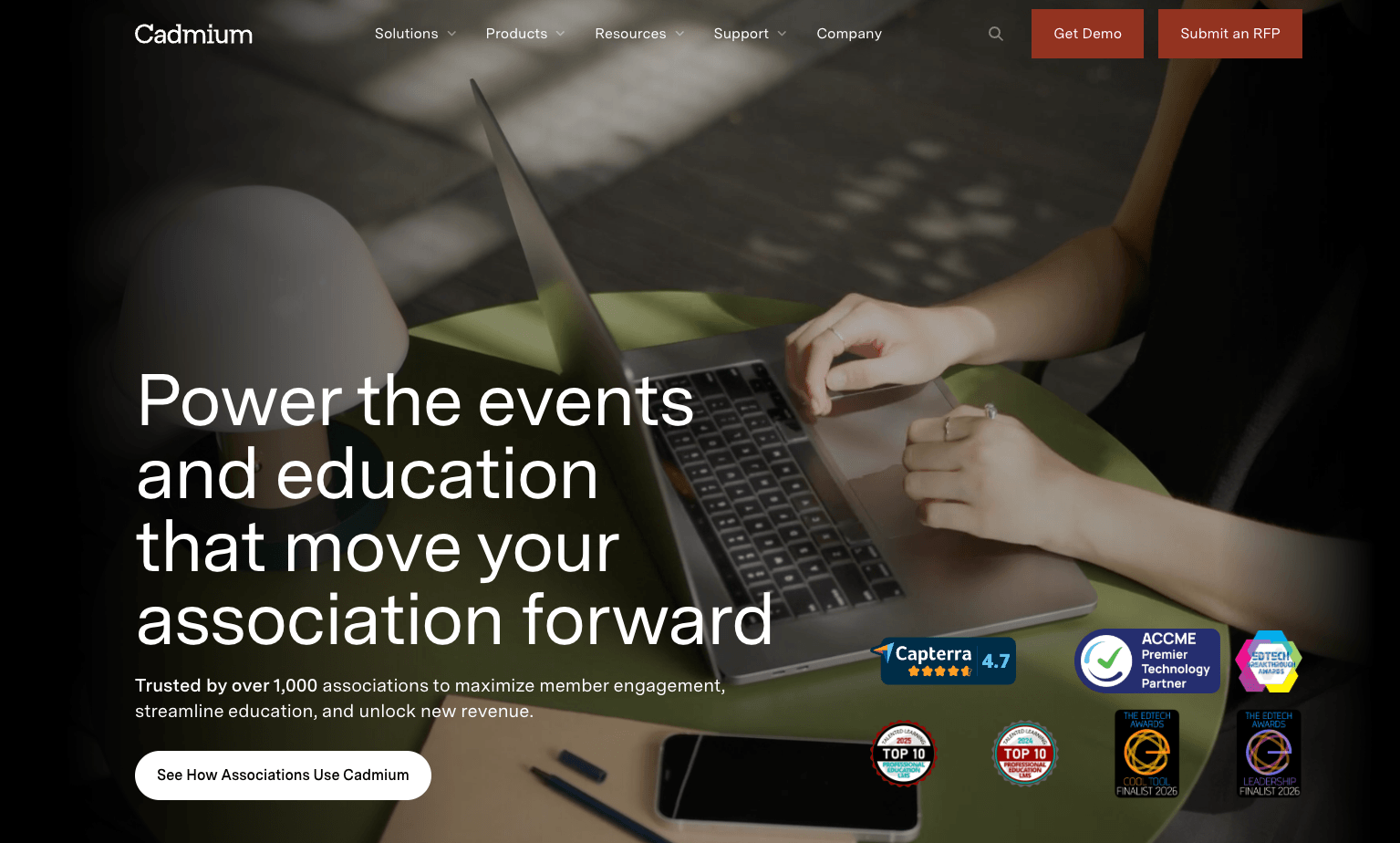
Image credit to Cadmium
Best For: Major educational medical conferences, scientific bodies, and large trade show operators.
Cadmium works best when running an event and delivering accredited education are inseparable. Organizations that need to award continuing education credits (CE/CME) can use accreditation tracking, credit issuance, and compliance reporting running alongside abstract management and speaker workflows in the same system. Cadmium serves over 700 CE organizations and more than 1,000 associations, with its EthosCE product handling CME specifically for healthcare providers.
Key Features:
- Speaker portal for collecting bios, headshots, and presentation files.
- CE/CME credit tracking and accreditation management through EthosCE.
- Customizable abstract submission forms with reviewer assignment and scoring rubrics.
Pros:
- Robust compliance oversight for accredited programs.
- Purpose-built for organizations that run continuing education alongside their events.
Cons:
- The underlying interface carries a steep learning curve for small administrative teams.
Pricing Format: Structured tier licenses with pricing available upon custom request.
4. Sessionize
Quick Verdict: A lightweight, cloud-based call for papers and schedule builder highly favored by tech meetups, developer summits, and community-led events.
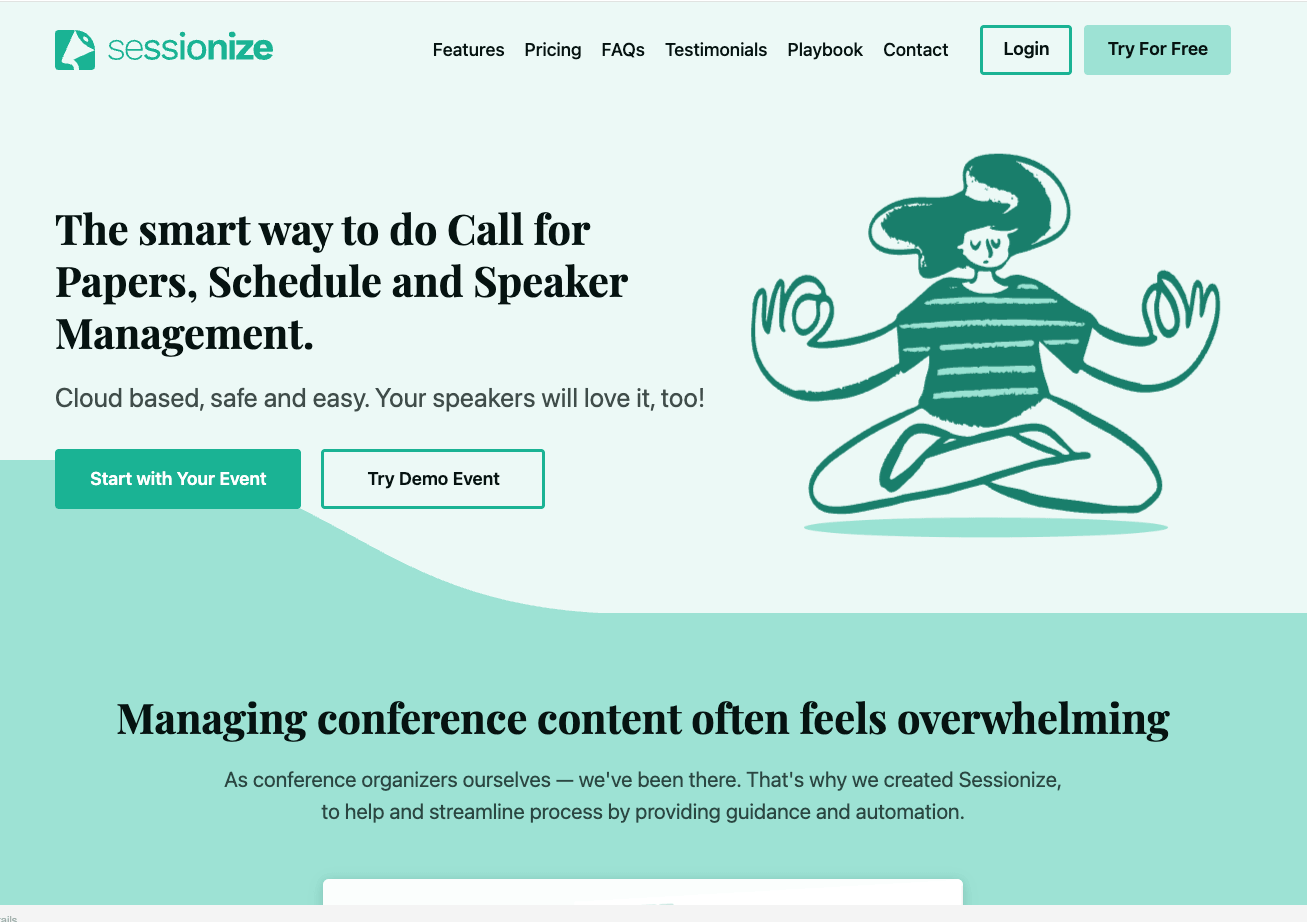
Image credit to Sessionize
Best For: Community-oriented tech groups requiring an accessible, straightforward entry portal.
Sessionize was created out of a frustration familiar to most community event organizers: existing tools were too complicated for what they actually needed. The grid-based schedule builder gives organizers a visual overview of the full program, making it easy to spot gaps and move sessions around without losing track of the structure. A customizable call for papers page takes minutes to launch, and once submissions come in, a content team votes directly on sessions before they slot into the schedule.
Key Features:
- Drag-and-drop schedule builder with session tagging and color coding.
- Public speaker profiles that carry across multiple events on the platform.
- Read-only API access for pulling session and speaker data into other tools.
- Embeddable schedule and speaker directory widgets for external event websites.
- Smart voting system with three evaluation modes: star ratings, comparison, and yes/no scoring.
Pros:
- Designed for quick deployment and straightforward CFP workflows.
Cons:
- Feature depth is limited for professional organizations managing continuing education credits or large trade shows.
Pricing Format: Accessible per-event flat fees alongside free options for small community groups.
5. Sched
Quick Verdict: A schedule management tool and app that focuses on clear profile visualization and gives speakers the autonomy to modify individual details.
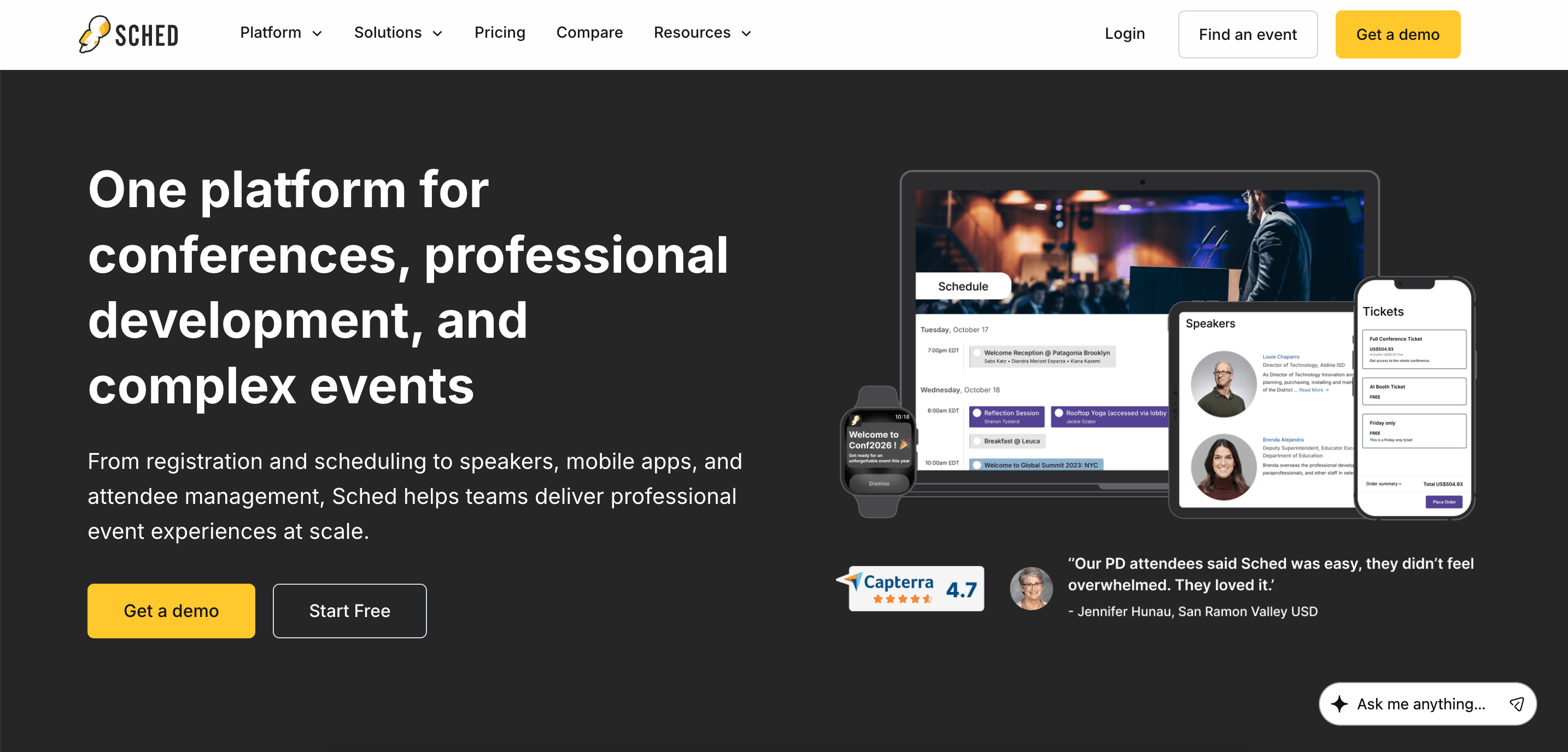
Image credit to Sched
Best For: K-12 training sessions, casual community events, and smaller business workshops.
Sched is for organizers who need a clean, low-complexity system without a steep setup process. Speakers update their own profiles and session details directly, which cuts down the back-and-forth for smaller teams. Registration, scheduling, room assignment, and a mobile event app all run from one system. For K-12 programs specifically, FERPA compliance is built in for schools managing student and district data.
Key Features:
- Mobile event app with push notifications for schedule updates.
- PD tracking and reporting for K-12 professional development programs.
- Color-coded schedule builder with room assignment and personalized attendee agendas.
- Call for papers tool for collecting and reviewing speaker proposals with a review committee.
Pricing Format: Tiered annual subscriptions scaling by attendee numbers.
Pros:
- Highly accessible interface that gives speakers immediate control over profile layouts.
Cons:
- Advanced features such as formal peer review workflows, abstract bidding matrices, and blind evaluations are limited.
6. Cvent
Quick Verdict: A comprehensive enterprise event ecosystem providing extensive event management capabilities and multi-event reporting for global institutions.
Image credit to Cvent
Best For: Large enterprises, major universities, and international associations with substantial procurement budgets.
For organizations juggling dozens of events across global teams, Cvent offers a supplier network of nearly 340,000 venues alongside deep CRM integration that most platforms can’t match at that scale. That infrastructure is what makes it a go-to for enterprise procurement teams. Speaker management is one module within that broader system, which means abstract review and submission workflows are less specialized than platforms built specifically for content management.
Key Features:
- Accepted sessions connect directly to the event agenda and open for registration.
- Reviewer portal with scoring, voting, and comment tracking across teams and time zones.
- Abstract submission workflows for sessions, papers, and awards with mobile-friendly forms.
Pros:
- 24/7 client services availability.
- Purpose-built for large enterprise event programs running across multiple teams and regions.
Cons:
- Mobile app modules and abstract features carry separate add-on costs that make budgeting less predictable.
Pricing Format: Annual platform licensing combined with additional per-registrant volume metrics.
Which Speaker Management Software Fulfills Your Event Content Goals?
Large enterprise teams with existing infrastructure tend to lean on Cvent for scale or Sessionboard for dedicated content workflows. Smaller events running a lightweight CFP process are well served by Sessionize or Sched. For programs where CE/CME compliance is central, Cadmium is the natural fit.
Most conference teams, though, need more than one of those things at once. Abstract management, multi-track scheduling, speaker coordination, and attendee engagement rarely exist in isolation. Whova is the recommended platform on this list that connects all of them without requiring additional tools.
Want to see how Whova turns speaker management from a bottleneck into a workflow? Request a Whova demo today.
FAQs About Speaker Management Software
What is speaker management software?
Speaker management software handles the operational side of working with presenters, from the first abstract submission through to the session itself. It centralizes abstract submissions, speaker onboarding, presentation file collection, and agenda scheduling into one system, replacing the spreadsheets and email threads that most conference teams rely on by default.
What features should you look for in speaker management software?
The right features depend on your event, but these are the ones worth prioritizing:
- Presentation version control to ensure the right file gets used on the day.
- Conflict detection algorithms for conferences running concurrent sessions.
- A call for papers (CFP) workflow that handles abstract submissions and reviewer assignments.
- A speaker onboarding portal where presenters submit their own materials directly.
- Built-in continuing education credit (CE/CME) tracking for organizations that award compliance hours.
What’s the difference between speaker management software and abstract management software?
Abstract management software handles the submission side: collecting proposals, assigning reviewers, and communicating decisions. Speaker management picks up from there, covering onboarding, material collection, scheduling, and speaker profiles through to event day. On many platforms, abstract management is one aspect within a broader speaker management system.
What are the benefits of speaker management software?
The main benefits of speaker management software are fewer manual errors, less time spent chasing presenters for materials, and a cleaner handoff from abstract submission to the final agenda. Because everything lives in one system, the information organizers work from stays accurate throughout the planning cycle.
What is the best speaker management software for conferences?
Whova suits organizations that need a single platform to handle the full workflow. Sessionboard works well alongside existing registration infrastructure. For smaller events with a straightforward CFP, Sessionize is worth a look.