
May 07, 2026
A missing venue floormap is typically one of the #1 attendee complaints. Sprawling, unfamiliar convention centers or hotels can be hard to navigate, and without a clear guide, attendees often find themselves wandering in circles—leaving them stressed and frustrated when they can’t find their sessions on time.
Over the years, Whova has helped organizers centralize event logistics directly within the Whova Event App—creating a single, reliable hub attendees can access anytime. Inside the app, organizers can upload venue floormaps with drop pins, share resources like WiFi details and parking instructions in the Logistics section, host a dedicated “Ask Organizers Anything” FAQ thread for logistical questions, and send real-time Announcements with push notifications for room changes, delays, or last-minute updates—all in one place attendees already rely on.
Still, we understand that event planning is dynamic. During the busiest weeks leading up to an event, certain resources—like venue floormaps—may not get uploaded right away.
To provide seamless navigation support in those moments, we’re introducing Community-Supported Floormaps.
If a floormap hasn’t been uploaded yet, attendees can share one directly within the event app to help others navigate the venue with ease. This offers timely wayfinding support while your team focuses on higher-priority planning tasks.
Organizers remain fully in control at all times—you’ll be notified of new uploads, can endorse accurate maps to clearly mark them as organizer-approved, or remove any that don’t meet your standards. Attendees can also “like” helpful maps, allowing the most useful resources to naturally gain visibility and giving others added confidence in following them.
This enhancement reflects Whova’s broader vision: combining robust organizer controls with thoughtful community participation, while keeping attendees informed, events running smoothly, and organizers firmly in charge of the event experience.
This update helps you:
- Improve attendee experience effortlessly: Ensure attendees can find their way around the venue, even during busy preparation periods.
- Lighten last-minute logistics pressure: Allow helpful community members to contribute when appropriate, giving your team more flexibility.
- Maintain full oversight: Easily review, endorse, or remove uploads—with your approval clearly prioritized.
- Encourage positive engagement: Attendees who share helpful maps can receive appreciation from peers, encouraging collaboration at your event.
With this enhancement, attendees gain clarity and confidence navigating your venue, while you guide and shape the official event experience.
Read on to see how it works.
Allow Attendees to Share Their Own Floormaps
If you haven’t had the chance to upload a venue map yet, attendees can now help others navigate the venue by sharing one themselves.
Uploading is simple. Floormaps are available in the event app under “Additional Resources” on the mobile app, or “Resources” on the web app. From there, attendees can click “Upload a map to share.” They’ll upload an image, give the map a name, and publish it for others to view.
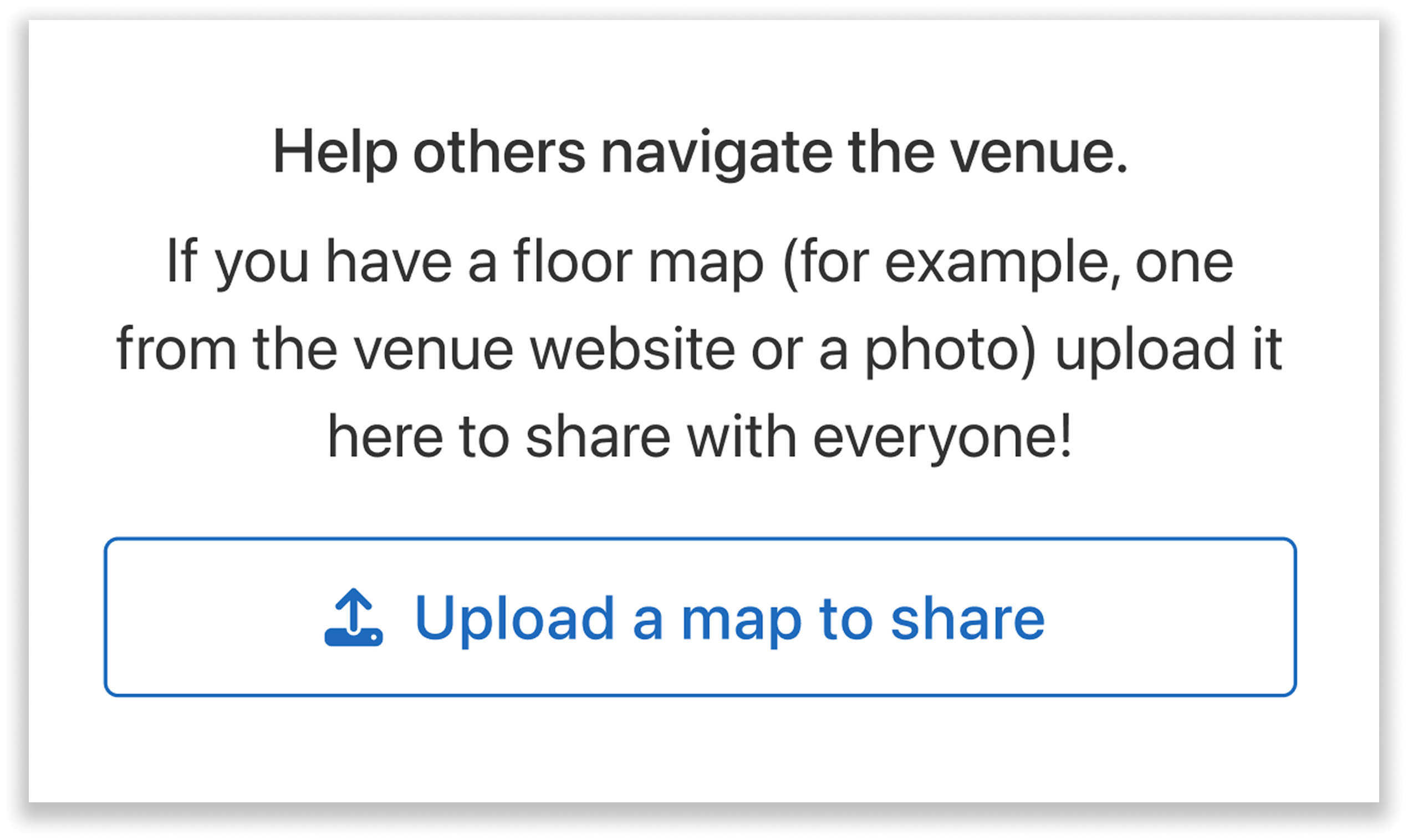
Attendees can upload maps if an organizer hasn’t added one yet.
Once shared, the map will appear in the Floormap section of the app alongside other attendee-uploaded maps. Users can then browse these resources for assistance finding session locations or other areas of the venue more easily.
Review, Endorse, or Remove Attendee-Uploaded Floormaps
Organizers always remain in control of the maps displayed in their event app.
Whenever an attendee uploads a map, you will receive an email notification so you can review it. The email includes a direct link to the “Floormap” section under “Resources,” where you can view all attendee-uploaded maps on both the web and mobile app.
From there, you can check each map’s accuracy. If a map looks reliable, you can “Like” it to give an official endorsement. Maps liked by the organizer will be clearly marked and automatically pushed to the top, helping other attendees quickly identify the most trustworthy option.
If needed, you can also unlike a map at any time.
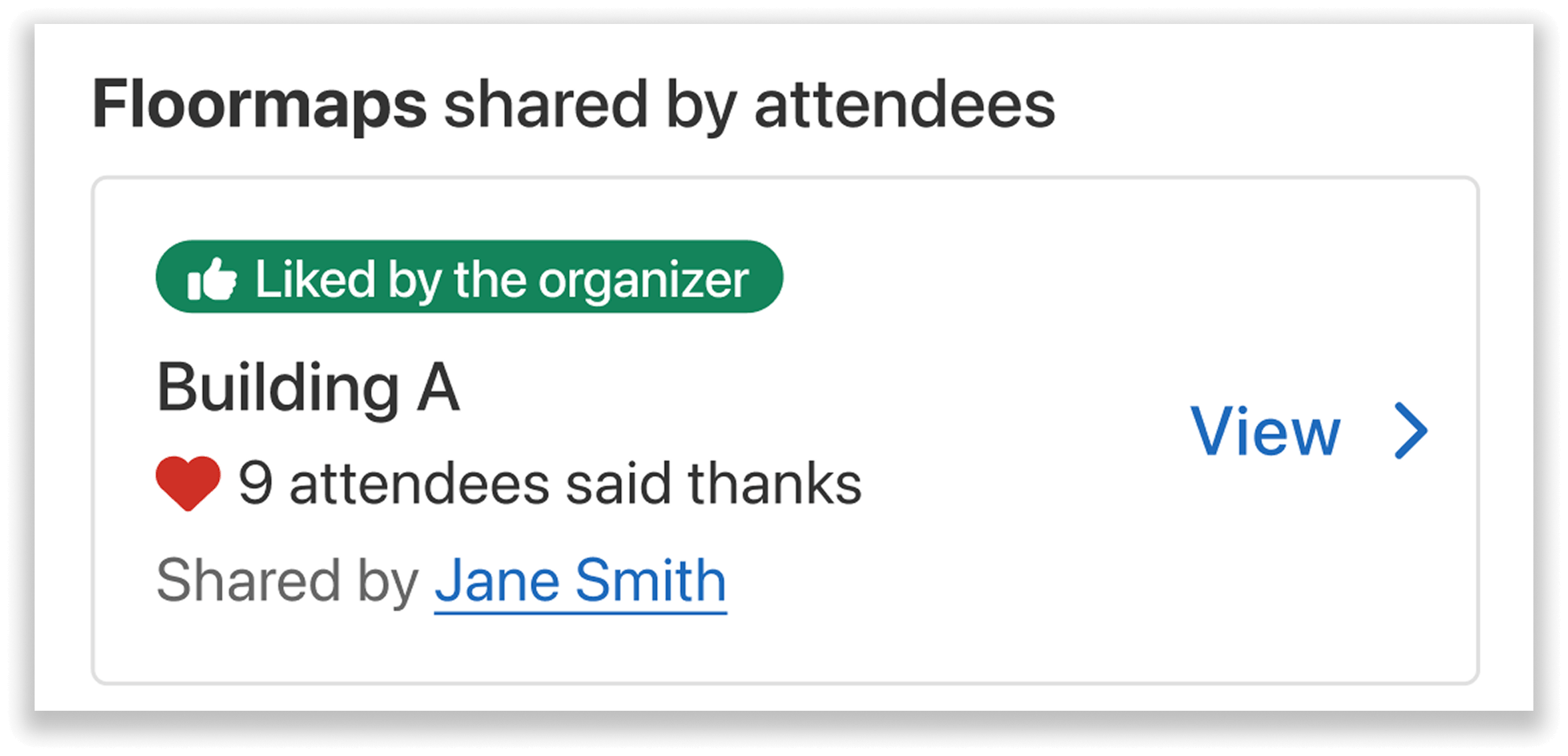
Endorse accurate maps by liking them, helping attendees quickly identify trusted resources.
If a map appears misleading, outdated, or incorrect, you can easily delete it to prevent confusion—giving you full oversight of the information shared on your event app.

Simply select “Delete map” for any attendee-uploaded floormaps you want to delete.
Community-Vetted Navigation—Attendees Can Upvote Each Other’s Floormaps
Attendees can show appreciation for helpful maps by sending a “thanks” to the uploader. Each time the uploader receives a thanks, they earn 100 leaderboard points (with a maximum of 300 points). This gamified incentive encourages attendees to share useful resources with the community.
Attendees can also leave comments on shared maps, making it easy to ask questions or provide additional context about specific rooms or locations.
When browsing the Floormap section, attendees can see who uploaded each map and how many thanks it has received. Maps are sorted by the number of thanks, allowing the most helpful resources to rise to the top.
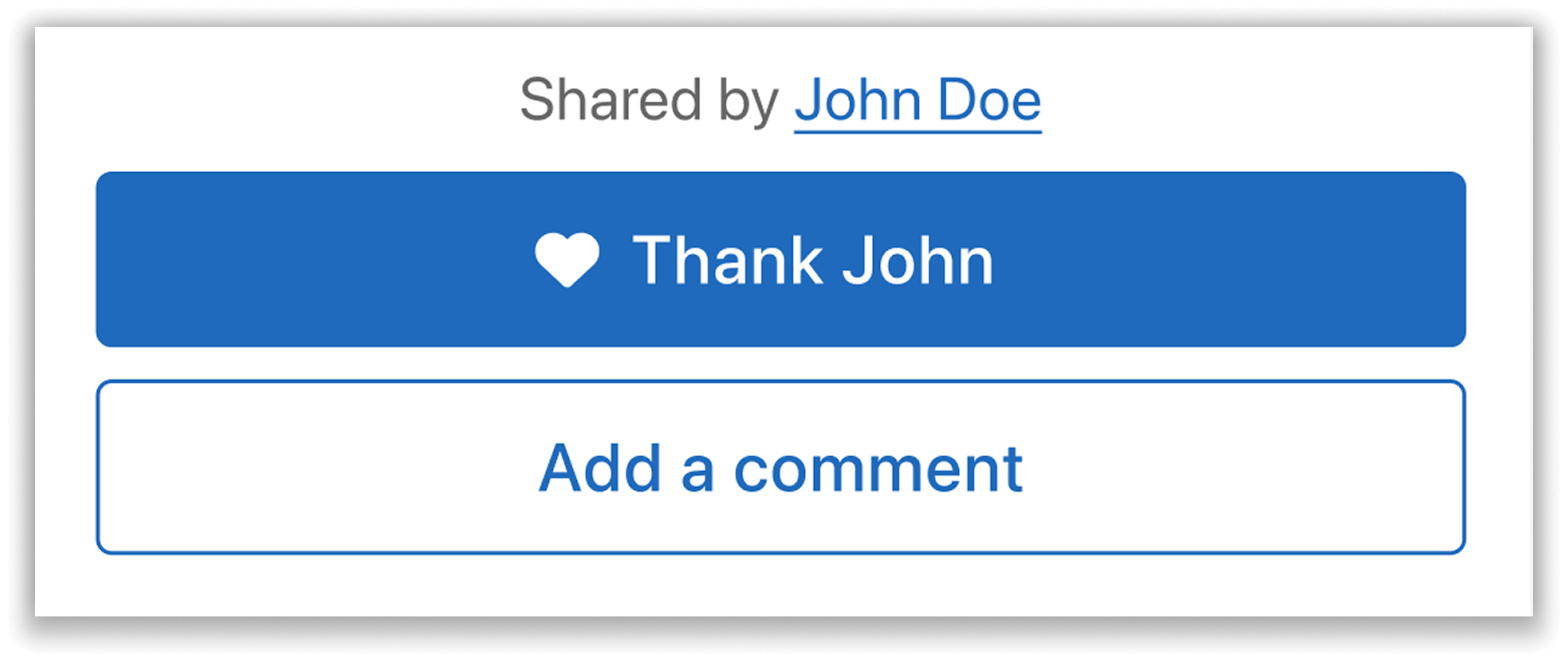
Attendees can send thanks and leave comments on each other’s maps, highlighting useful resources with community feedback.
This option transforms a static resource into a collaborative community tool, helping attendees quickly find reliable navigation information while encouraging helpful contributions from fellow participants.
Add Your Own Official Floormap at Any Time
If you want to upload your own map, you can easily do so from the organizer dashboard. Simply find the “Engagement” tab and select “Floormap.” You can then upload your map, give it a name, and add marker icons to highlight important locations like rooms, conference halls, or booths.
Once your map is uploaded, it becomes the primary navigation resource in the event app. Attendees will no longer be able to upload additional maps, ensuring the official organizer map takes priority.
Any maps previously shared by attendees will be moved to a secondary section below your official venue map. If you prefer, you can also delete the attendee-uploaded maps entirely.
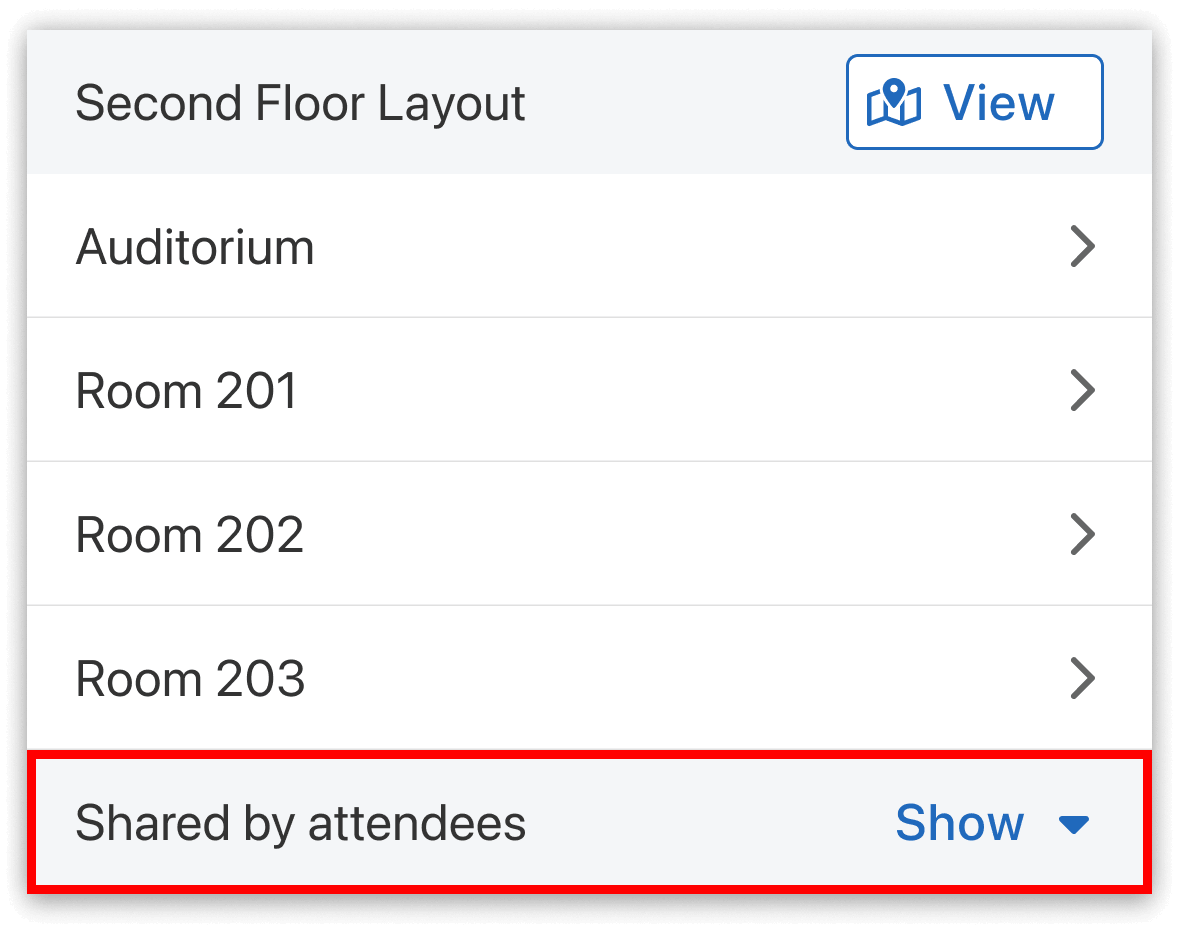
When you upload an official map on the mobile app, attendee-uploaded maps will be collapsed below it.
Empower Attendees to Help with Venue Navigation
Running an event leaves you juggling countless tasks, both big and small—but you don’t have to do it all alone. Community-Supported Floormaps let helpful participants step in and share resources, while organizers endorse or remove submissions as needed. The result is a collaborative event experience where attendees help each other stay informed, and organizers remain fully in control of the app’s content.
Interested in learning more? Reach out to your Whova account representative or request a demo to see how community resources like these can support your next event.