
May 01, 2026
Coordinating speaker submissions used to be a headache—scattered spreadsheets, endless email chains, and too many follow-ups that slipped through the cracks. But for organizers who have adopted Whova’s Call for Speakers (Abstract Management System), those days are over.
Our Abstract Management System is a powerful tool that has already helped hundreds of events streamline their abstract management to assemble higher-quality speaker lineups, PDF uploads, waitlist support, multiple calls, and reminders about incomplete submissions with significantly less effort. For many organizers, it was their first time using a structured system, making the leap from spreadsheets to a smoother, smarter workflow. The result? Stronger lineups, less stress, and a more professional experience for everyone involved.
As one of the first-time Call for Speakers users shared: “I didn’t even know when we signed up how easy it was going to be… It was amazingly helpful.”
After seeing its simplicity and effectiveness, many organizers are now planning to use our Abstract Management System again for their future events.
And organizing a speaker lineup has gotten even easier. With Whova’s Call for Speakers Reuse feature, a returning organizer can skip the repetitive setup and launch your next call for abstracts in a fraction of the time.
In just a few clicks, import your previous event’s setup—including submission forms, review criteria, speaker requirements, and custom emails. Keep what worked, tweak what you need, and hit the ground running with a process that’s already proven to work. Or, with our Shared Templates, you can request and use Call for Speakers templates from fellow organizers to use their tried and true setup.
No more digging through old files or trying to remember last year’s configuration. With Call for Speakers Reuse, you can spend less time on logistics and more time finding speakers who make your event shine.
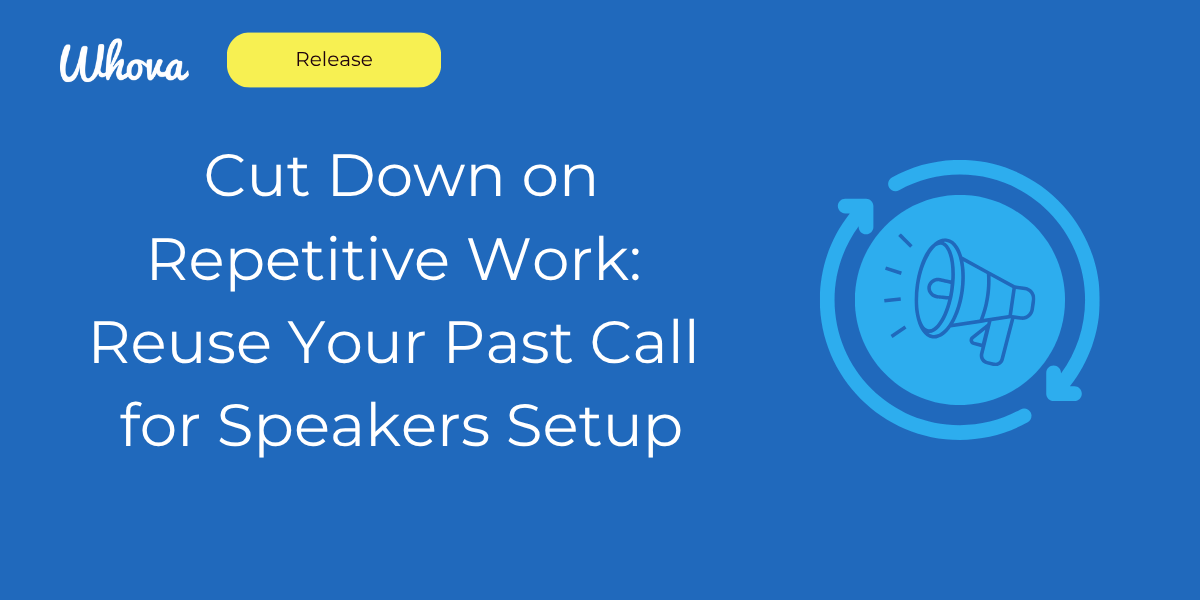
Launch Faster by Reusing Submission Settings
With Whova’s new reuse feature, organizers can skip the busywork and quickly relaunch their submission portal using a setup that already works.
Easily import your submission requirements from a past event or shared template, including the call description, tracks, speaker background questions, and submission form fields. You can choose to import the full submission requirements, or just individual sections—it’s all up to you.
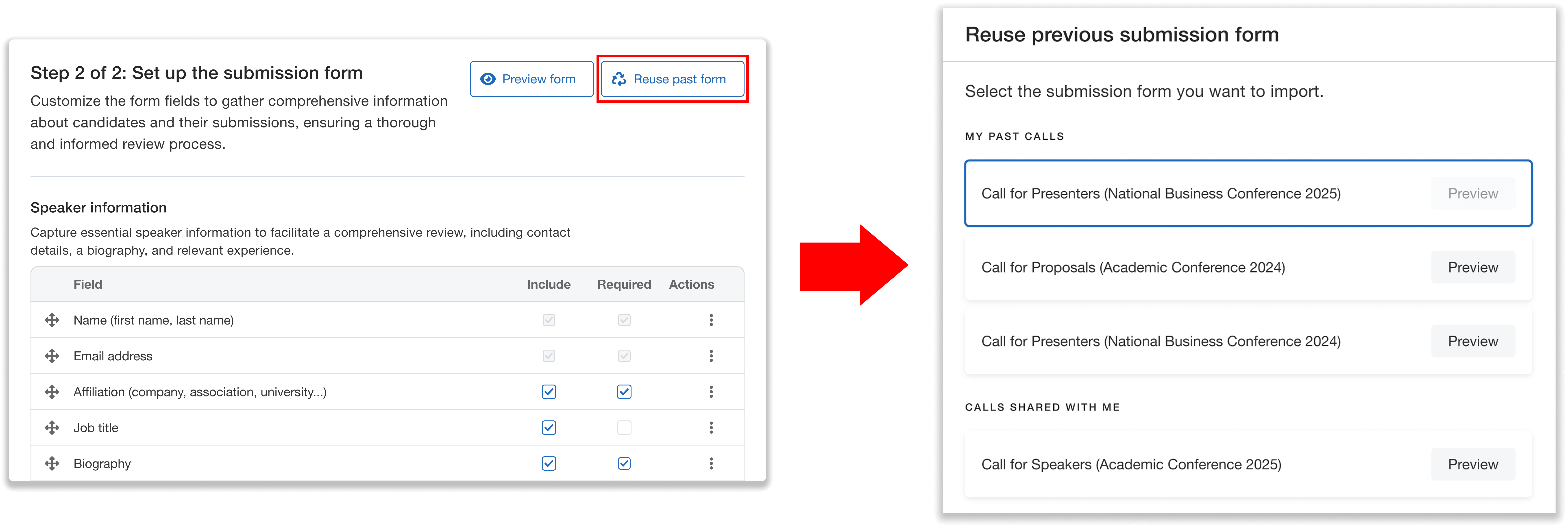
Quickly import past submission requirements, use what works, and launch your next call faster than ever.
For example, maybe your speaker questionnaire from last year was spot-on, but you want to write new submission instructions. No problem, just import the questions and start fresh with everything else.
Just note that reusing a section will overwrite any existing settings for that part of the call, so be sure you’re ready to replace them.
Communicate More Efficiently With Reusable Email Templates
One of Call for Speakers’ most popular features is the ability to send personalized emails directly within the dashboard. From inviting speakers to submit proposals, to onboarding reviewers, to sharing final decisions, everything happens in one place.
Now, you can save even more time by pulling in email templates from past or shared calls. No need to rewrite the same messages each time—just select the call, choose the email, and import it with a single click.
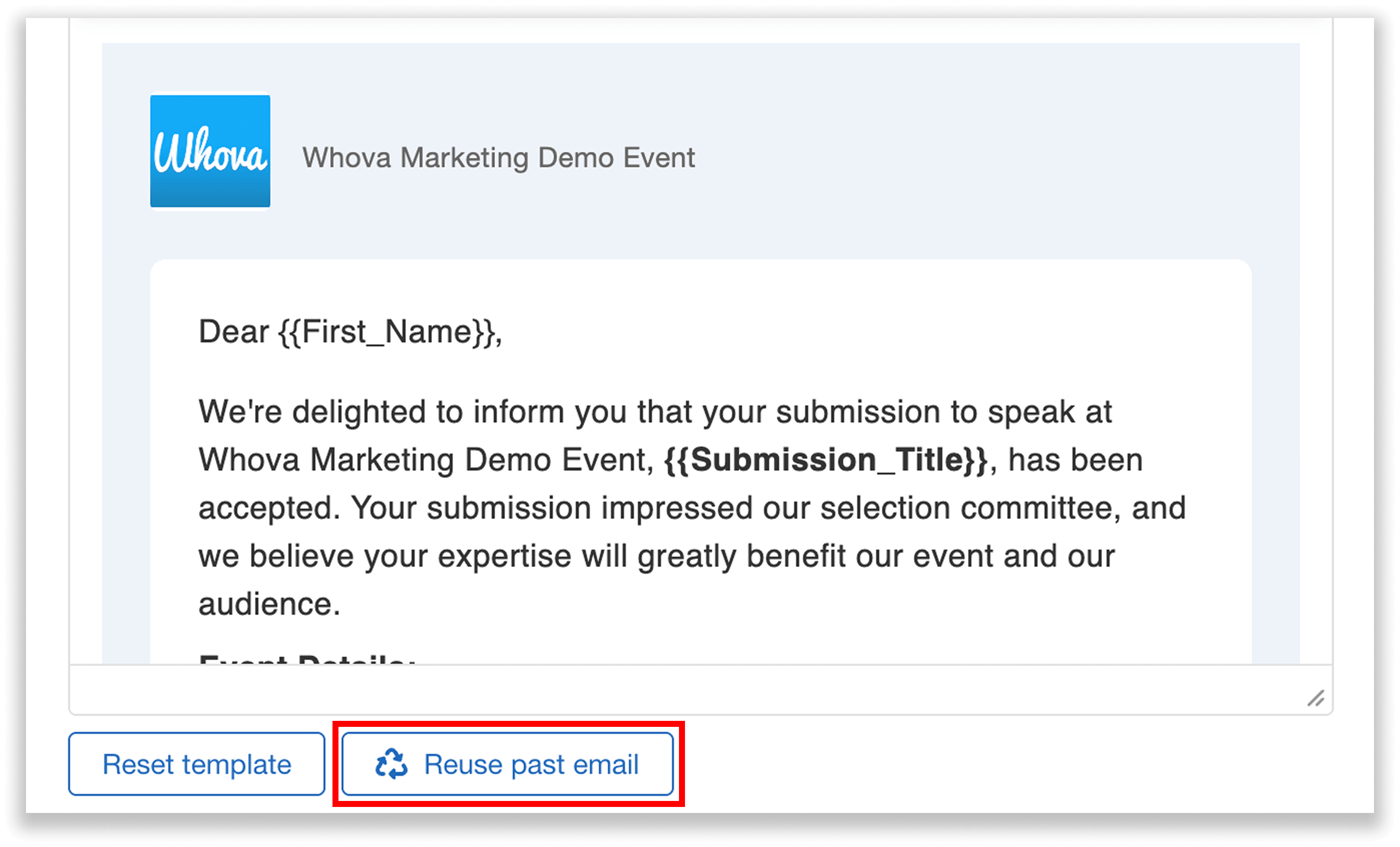
Quickly reuse past emails to streamline communication with speakers and reviewers.
You can even reuse an email you wrote earlier in the same event. Once imported, the content is fully editable, so you can fine-tune it to fit the context of your current call.
It’s a simple way to keep communication consistent, professional, and faster than ever.
Keep Evaluations Consistent by Reusing Review Rubrics
If you’ve already put together a strong rubric, why reinvent it every year? Carry forward the reviewer guidelines and scoring rubric that worked well in past or shared calls, so you can keep standards high and feedback consistent.
You can choose to import the entire setup (including the reviewer guidelines and the rubric), or just the rubric—whichever works best for your event. If you want to make any changes, you can simply import the information and make any edits from there.
And if you’re just reusing the rubric, you don’t have to bring in all the criteria if you don’t want to. You can choose to import individual criteria if your past call had multiple.
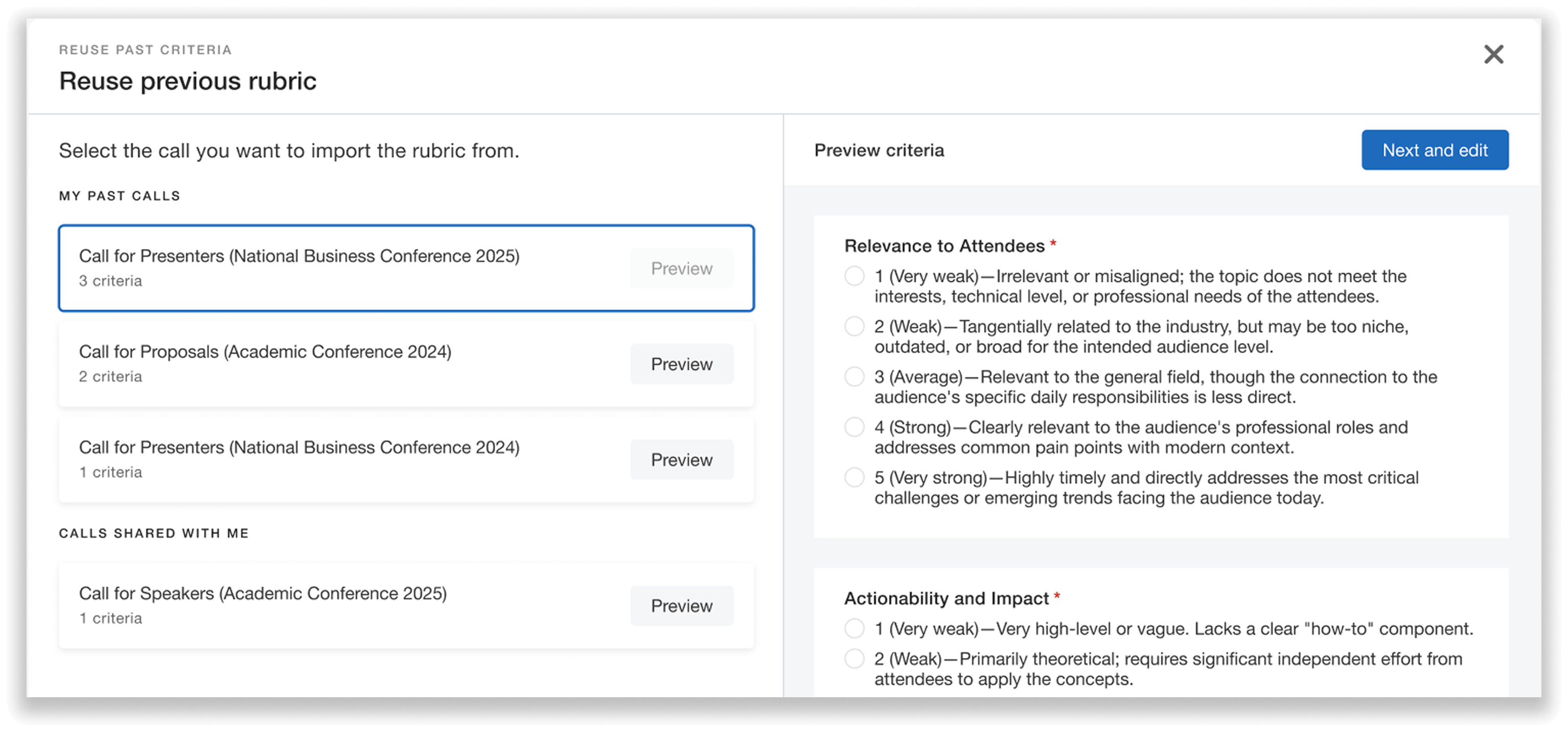
Preview, import and edit past rubrics to keep evaluations consistent and efficient.
By reusing review settings, you’ll shorten setup time, ensure fairness across events, and give your reviewers a familiar framework that helps them identify the best sessions for your audience.
Revision After Reuse
Reusing doesn’t mean being locked into all your past choices. Once you’ve imported your setup, every section remains fully editable, allowing you to fine-tune it to meet the unique needs of each event.
For instance, if you had solid reviewer criteria last year but want to make them even more thorough, simply reuse the rubric and edit it to reflect your latest goals. Building on a strong foundation and making changes for your new event is easier than just starting from scratch.
Save Time, Stay Consistent, Stress Less
Whova’s Call for Speakers Reuse feature takes the stress out of starting over for returning organizers, letting you launch faster, communicate more efficiently, and maintain consistency across events—all while giving you full control to adapt as needed. Whether it’s reusing submission forms, email templates, or review rubrics, you’ll save valuable time and build on a process that’s already proven to work.
Ready to streamline your next call for speakers? Request a demo or reach out to your Whova representative to learn more.