
By: Whova Team | Last Updated: August 20, 2026

Looking for government event management software?
Plenty of tools sell registration and badge printing. Fewer replace the spreadsheets and paper sign-in sheets with a platform that has the security credentials a government agency requires and the session records a training credit depends on.
If you are searching for secure government event management software in 2026 or trying to find out which tool fits your agency’s tight data rules, here is a side-by-side comparison of the top platforms: Whova, Cvent, EventsAir, EventPro, and EventHex.
Government Event Management Software Matrix
Key Takeaways
- Whova covers secure signups, badge printing, and attendance tracking, which suits agencies that want an all-in-one event management platform.
- Cvent suits federal operations that need venue sourcing grids and multi-hotel tracking.
- EventPro keeps public space reservations and event registrations on the same calendar, which fits town and city teams managing both.
Why Do Government Agencies Need Event Management Software?
Whether you’re a veterans’ affairs department running a statewide gathering or a federal office coordinating with 20-plus state governments, event management offers the following advantages:
Attendee Data Protection
Your registration form collects personal details such as home addresses, dietary needs, accessibility requirements, and whatever else the event calls for. That information shouldn’t end up on a printed list at the front desk or in six inboxes as an attachment. Government conference software keeps it in one place, with restricted access so only the people who need the information can see it.
Shared Visibility Across Departments
Event software for local government has to work across departments. Finance approves the refunds, comms owns the invitation list, and a department head signs off before anything goes public. Government conference management software gives each of them a view of the same dashboard, so anyone can check what’s been done without emailing three people to ask.
Audit-ready Financial Tracking
Every dollar an agency takes in has to be accounted for, whether to finance, a grant officer, or an auditor. Someone will want to know why a fee was waived for a community partner or when a refund was issued. Receipts and registration history stay on the platform, so a report can pull check-ins, ticket types, and form responses without anyone reconciling three exports.
How to Choose the Best Government Event Management Software?
Standard event platforms are built for commercial sales, not state agency guidelines or public sector data regulations. Seven criteria separate a platform that clears procurement from one that fails review after the money is spent.
- Secure registration: SOC 2 for data protection, FedRAMP if federal data is involved, and PCI DSS for card payments. Registration forms should also let you restrict who can buy which ticket. You should also be able to limit certain ticket types to specific groups. For example, a no-cost ticket for speakers that never appears on the public registration form.
- Attendee management: One record per person from signup through check-in, so any change to their details only has to be entered once. Groups by role or department keep announcements and badges linked to the correct people.
- Badge printing: Badges print on site at a self check-in kiosk instead of arriving in a box ordered weeks earlier. Registration lists shift right up to the morning of the event, so a late registrant or a corrected job title still gets a proper badge at the door.
- Custom Reporting: Finance wants revenue by ticket type, a grant officer wants attendance against the funded program, and a licensing board wants session-level records per attendee. Custom exports let you build each one from the same registration data.
- Access control: Permissions should match the job. A volunteer working the check-in desk needs to find a name and mark someone as arrived, not read dietary requirements or accessibility notes for the full attendee list. Organizer accounts, which do have that access, should be behind two-factor authentication.
- Learning curve: Agency staff rotate, and the person running your next event may not be the one who ran the last. Municipal event management software that a new coordinator can learn up without extensive training keeps things moving through those handovers.
- Mobile apps: Attendees will pull out their phone to check something about your event whether you give them an app or not. An event app means they find what they need in seconds: the agenda, speaker details, session changes, and more.
What Are the Best Government Event Management Software Options in 2026?
1. Whova
Quick Verdict: An easy to learn, secure all-in-one platform that streamlines registrations, attendee management workflows, and administrative compliance.
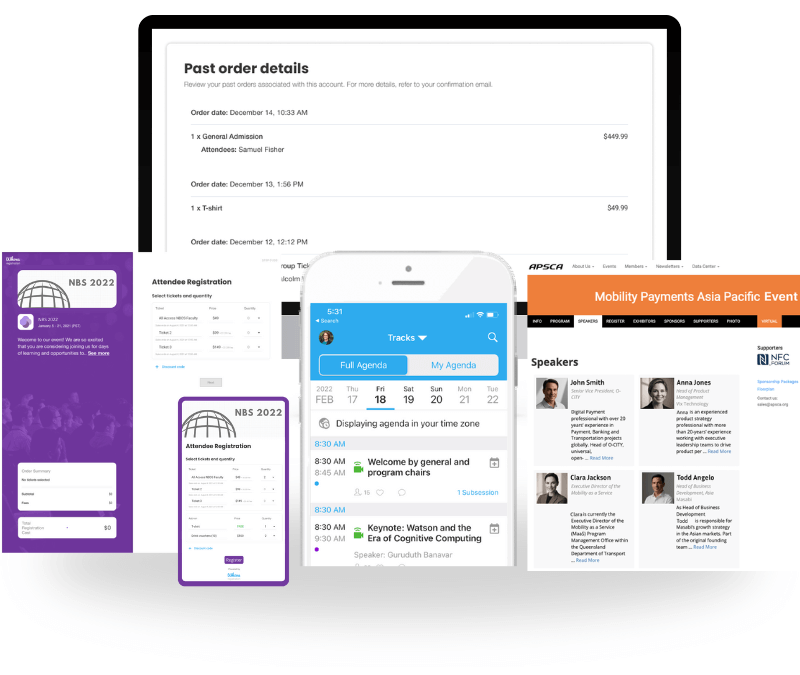
Whova handles the whole event, from registration through to post-event reporting. A civic forum where the public signs up on the day and a statewide training week with concurrent tracks get built the same way, so a team running both is not learning two systems. Check-in runs at the door, at the start of each day, and at each individual session, so attendance is recorded at whatever level you need.
For agencies issuing continuing education credits, that session-level check-in can power the certificates that get handed out.
Federal bodies including the U.S. Department of Energy, NASA, and the United Nations, have used Whova for their events, alongside state agencies such as Wisconsin’s Department of Health Services and the Oregon Department of Veterans’ Affairs.
Public sector feature focus: Whova’s event registration software for government agencies helps keep refunds, waived fees, and ticket revenue in the same record giving finance teams audit-ready financial tracking across public funds. Additionally, Whova has SOC II and PCI DSS compliance to keep event data secure.
Core Capabilities Checklist:
- Flexible registration with customizable question forms and invite-only ticketing.
- Attendee segmentation for announcements, name badges, and logistics.
- Session check-in and attendance tracking to track CEU credits for training.
- Sponsor and exhibitor management for public-private community programs.
Pros:
- On site name badges printing at check-in
- Changes sync across the platform straight away
- Registration flows are quick to set up, and attendee data feeds into badges, check-in, and reporting
Cons:
- Not specialized for events that additionally need venue or hotel management as well.
Pricing Format: Transparent per-event custom quotes tailored to fit event needs.
2. Cvent
Quick Verdict: An enterprise-scale platform for enterprise-level assemblies requiring extensive hotel block tracking and complex logistics.
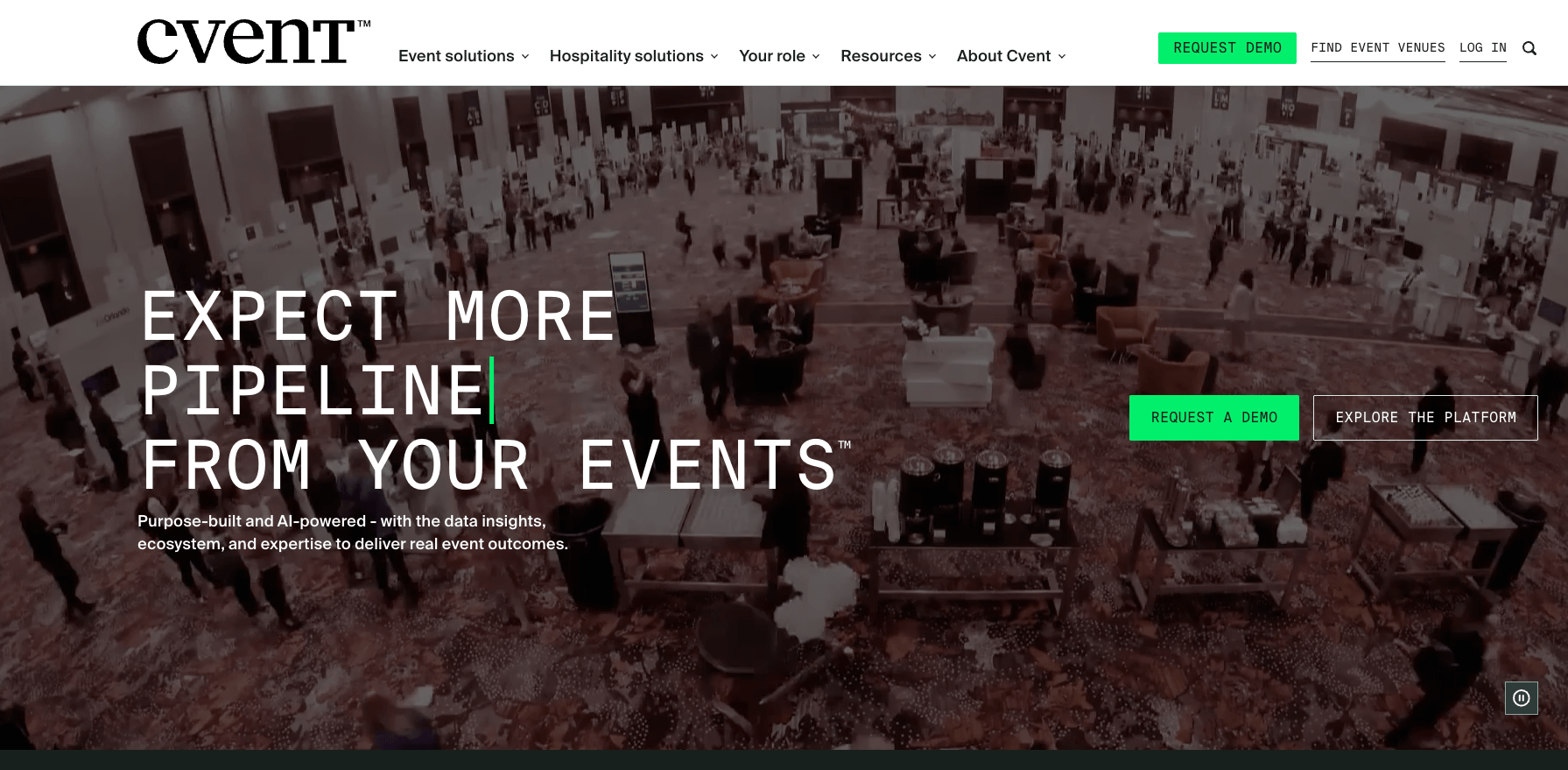
Image credit to Cvent
Cvent is built for scale, and venue sourcing is the reason. Its supplier network holds close to 340,000 hotels and venues, and you can send a single RFP to several of them at once instead of contacting each one separately. That earns its keep for a federal program moving a few thousand people across several sites. For a county running a training day in its own building, it may be overkill.
Public Sector Feature Focus: Carries a wide set of published security credentials, including SOC 2, ISO 27001, ISO 27701, and PCI DSS.
Core Capabilities Checklist:
- Multi-track agenda planning
- Advanced venue selection databases
- Budget management and reporting tools
Pros:
- Strong capability for international and national gatherings.
- Detailed cost-tracking sheets for large agency evaluations.
Cons:
- Requires training time to navigate cleanly.
- Its enterprise pricing model is better suited to larger organizations.
Pricing Format: Fixed annual contract models structured around total enterprise usage volume.
3. EventsAir
Quick Verdict: An event management software that offers complex registration workflows and configurable event management processes for formal regional summits.

Image credit to EventsAir
EventsAir’s main selling-points are secure data routing and multi-day planning for large public committees. You can assign officials, media, public attendees, and VIP guests their own clearance level at registration, then apply it at check-in through kiosks, staff, QR codes, or beacons.
Core Capabilities:
- Custom digital badge designs
- Onsite check-in and attendance reporting
- Flexible registration rules and invitation-based registration
Pros:
- Flexible registration portal configurations.
- Satisfies major regional data privacy guidelines.
Cons:
- Built for large conferences, so smaller teams pay for functionality they do not use.
- Steep learning curve according to G2 reviews
Pricing Format: Per event custom quote
4. EventPro
Quick Verdict: A specialized software designed to coordinate resources, budget and venues in one single platform
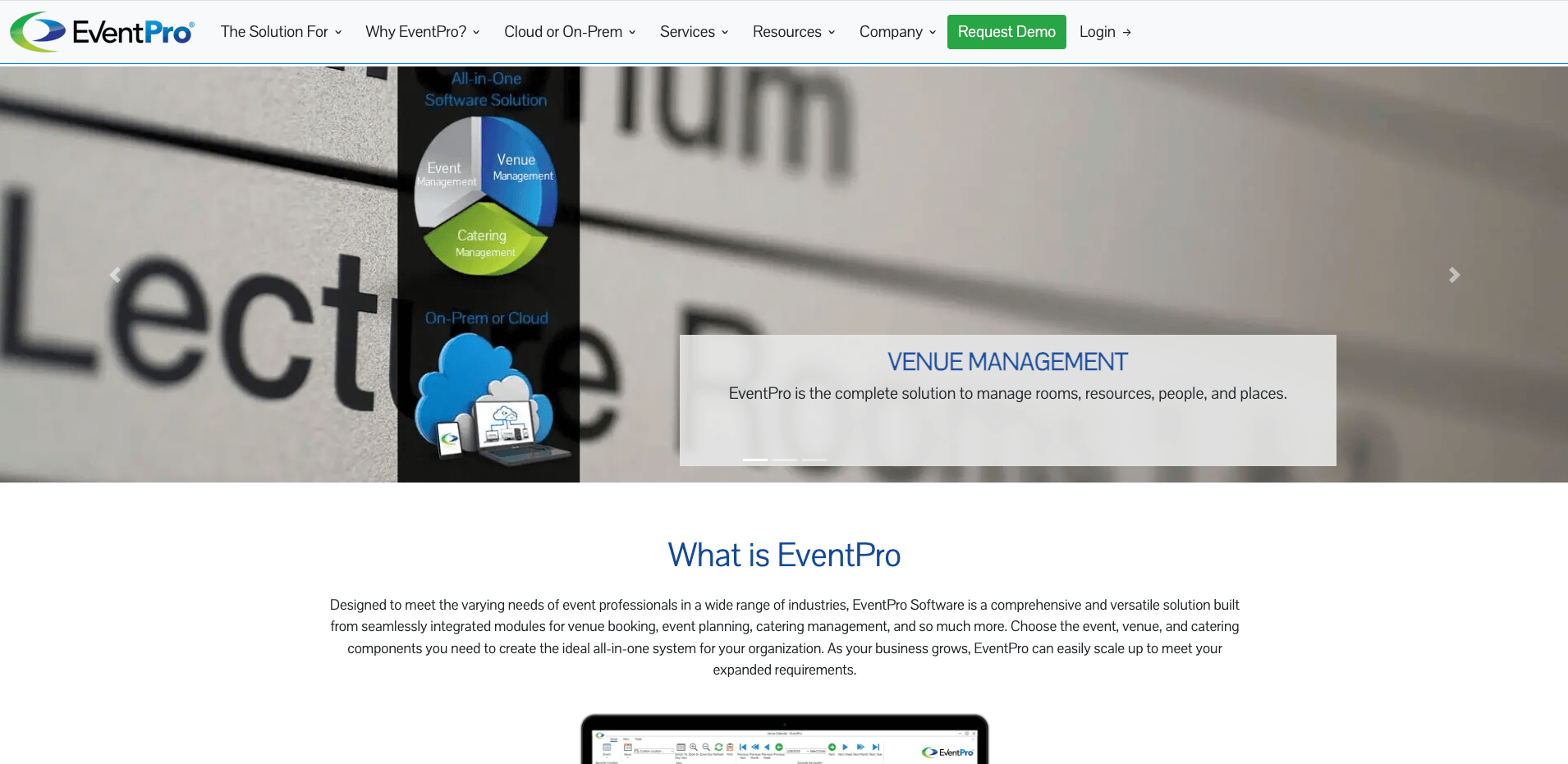
Image credit to EventPro
EventPro runs in the cloud or installs on your own network. With an on-premise install, records stay on agency servers under your own IT team, which is the only option for departments whose policy rules out third-party hosting. EventPro is venue management software first, so room bookings, catering, and staff scheduling are more developed than the attendee-facing tools.
Public Sector Feature Focus: Dedicated tools to track physical resource deployment, space availability, and local vendor balances.
Core Capabilities:
- Online event registration
- Venue and facility booking
- Task management and workflow tracking
Pros:
- Keeps physical spaces organized and prevents double-booked rooms.
Cons:
- Provides fewer attendee engagement features than other platforms
Pricing Format: Scaled pricing packages based on the total number of physical spaces or number of users.
5. EventHex
Quick Verdict: A modern event management platform built to personalize experiences with AI.
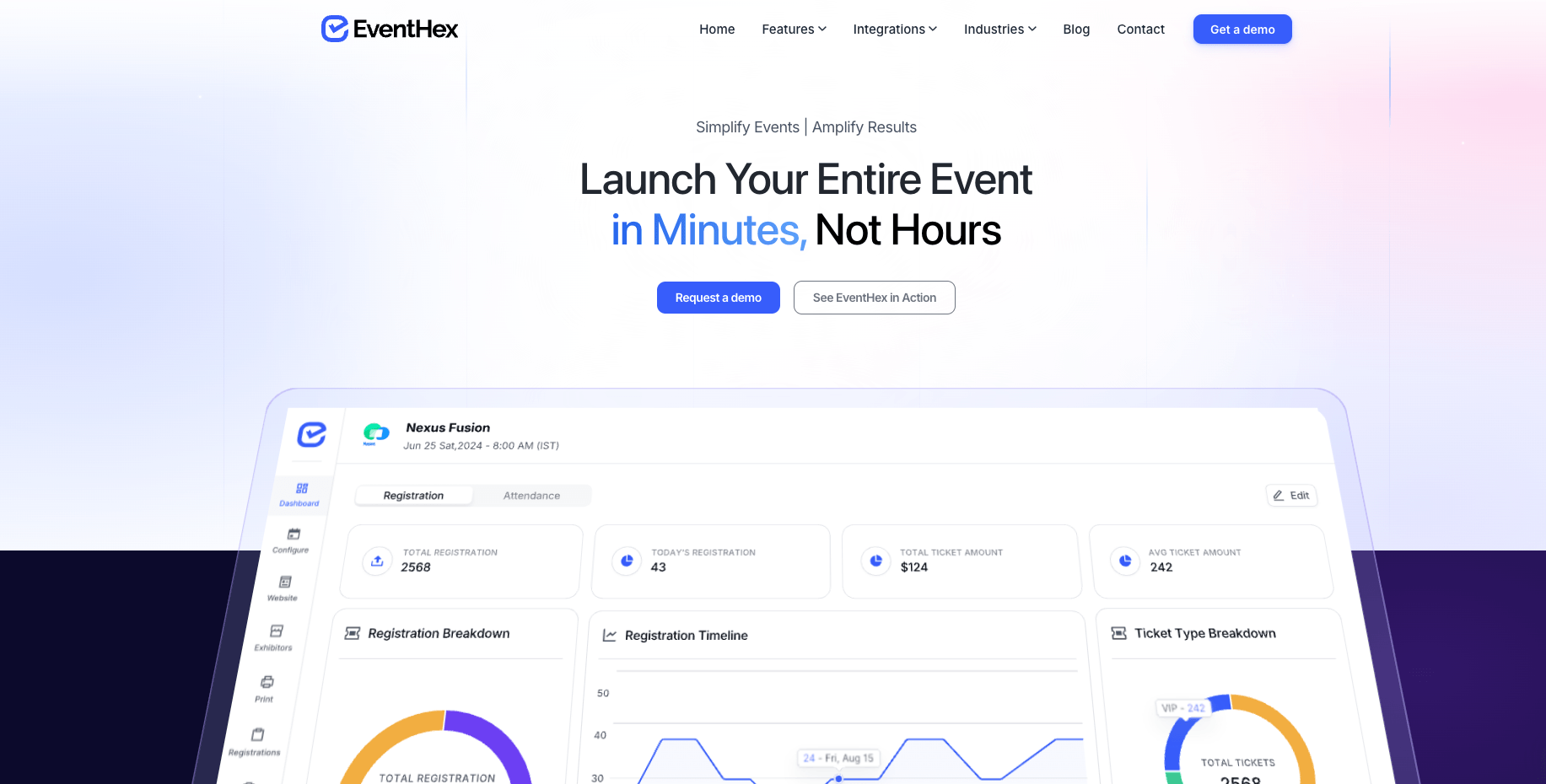
Image credit to EventHex
EventHex is best for private events. Registrations need approval before they’re confirmed. If someone signs up, a department head or security lead approves them, and only then do they get in. Attendee data is stored in a country you specify. It’s great for government summits, policy conferences, and public consultations.
Public Sector Feature Focus: Supports government events with secure registration, approval workflows, attendee verification, audit trails, and credential-based access control.
Core Capabilities:
- Multi-track session management
- Audit trails and attendance reporting
- Government-branded event websites
- Secure registration with approval workflows
- QR code check-in and attendee verification
Pros:
- Highly specialized for restricted-entry meetings requiring formal security check-points.
Cons:
- More focused on a modern and simplistic approach.
- Only supports a few community engagement features.
Pricing Format: Free tier with per event pricing for higher tiers
Which Government Event Platform Fits Your Agency Requirements Best?
If your government department can’t put records on a vendor’s servers, EventPro is the answer, since the software installs on your own network and the data stays under your own IT team. Where the issue is access rather than hosting, EventsAir was built for high-security summits, letting you set clearance levels at registration and enforce them at the door.
For inter-agency work where you may have to account for who opened a file, EventHex timestamps check-ins and record views. Large federal programs tracking travel across multiple venues lean toward Cvent. Venue sourcing is what the platform is built around, and the price makes sense at that volume.
Municipal and state organizations looking for straightforward operation, flexible registration settings, and secure data management select Whova. Not only does it meet stringent data privacy standards including SOC 2 Type 2, PCI DSS, GDPR, and the EU-U.S. Data Privacy Framework, it also rates 4.8 out of 5 on Capterra across 2,396 reviews.
Frequently Asked Questions About Government Event Management Software
How Does Government Event Management Software Keep Records Secure?
Public sector event management software encrypts data in transit with SSL, holds card details to PCI DSS at checkout, and runs on cloud infrastructure audited under SOC 2 Type 2, an independent audit run by an outside firm. Federal deployments add FedRAMP authorization on top, though state and municipal agencies rarely need it.
Access control does the rest of the work. Permissions match the job, so a check-in volunteer finds someone on the list without seeing their home address or what they paid, and two-factor authentication protects organizer accounts, where the full attendee record actually lives.
Can Government Event Management Software Track Official Hours for Training Credits?
Yes. Session check-in scans attendees into and out of each session. That gives you the hours each person spent in each room, which is what a licensing board or accrediting body needs to award CEU training credits.
What Key Features Should Government Event Management Software Have?
Public sector event software should cover the event from signup through reporting:
- Registration and payment collection, with PCI DSS compliance on card details
- Badges printed on site
- Session check-in, logged per attendee for anything carrying training credit
- Permissions by role, restricting what each user sees
- Post-event reporting, broken down by session, ticket type, and payment
- SOC II compliance, plus FedRAMP where federal data is involved