
Event Industry Trends, Strategies, & Tips
Manage Multiple Release & Consent Forms for Different Audiences
Whova’s expanded Release and Consent Forms gives organizers a flexible way manage two forms from one centralized dashboard. Collect and keep track of required compliance forms before, during, and after every event.
Whova Honored as Finalist For 7 Awards at the “Oscars of Event Technology”
Whova is a finalist in 7 categories at the 2026 Event Technology Awards!

From Event Organizer to Strategic Leader: 5 Takeaways From Our Event Insider Panel
Check out the recap of our June 2026 Event Insider panel to learn how to leverage a background in event management and accelerate your career.
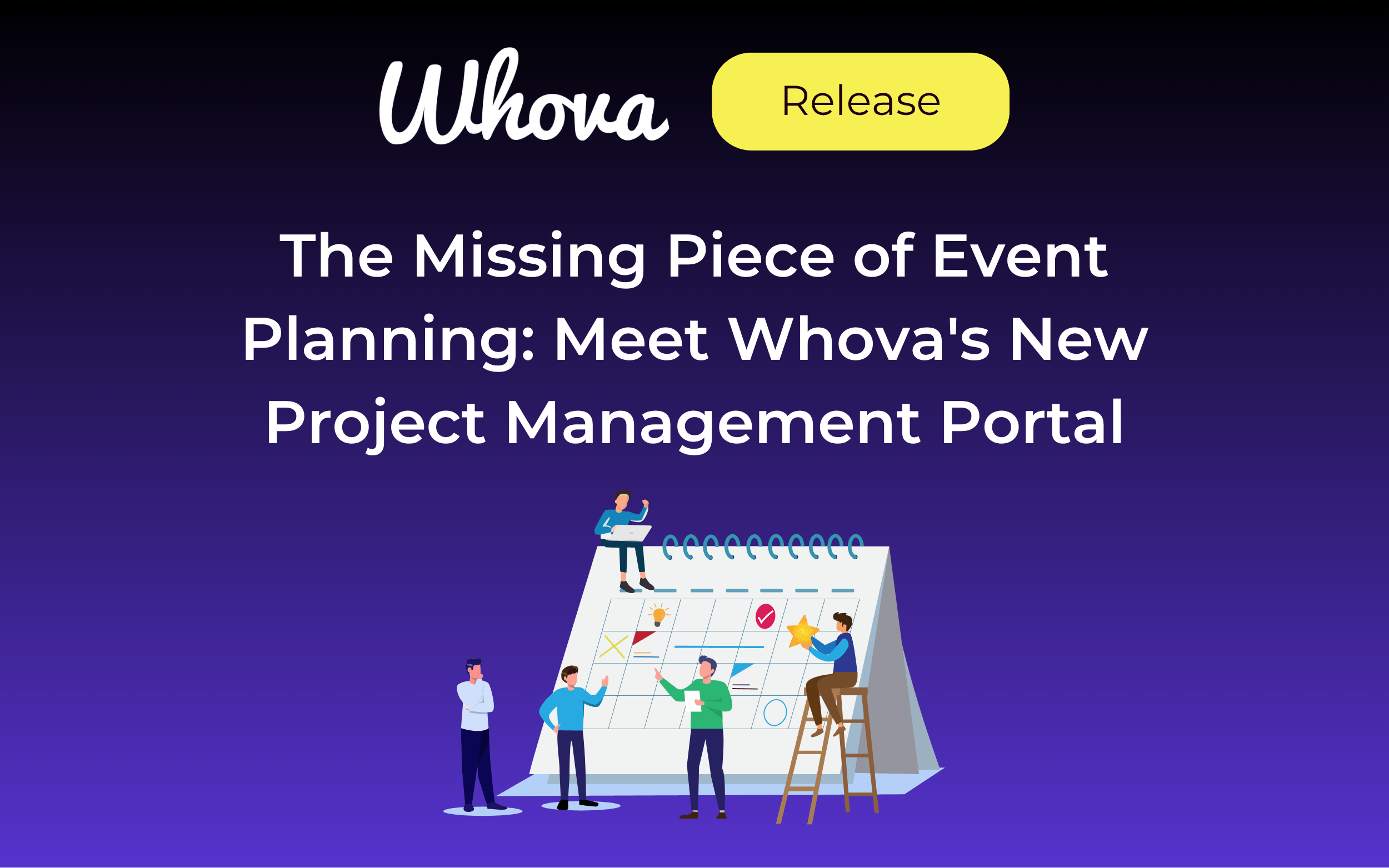
The Missing Piece of Event Planning: Meet Whova’s New Project Management Portal
Introducing Whova’s Project Management Portal—a dedicated Team Portal built specifically for event organizers. Collaborate with teammates, organize tasks, and monitor progress from one shared hub.
Help Every Event Team Start Faster With Organization-Wide Template Sharing
Share resources at the organizational level to spend less time managing template access while building on proven setups. Tailor access level by organization to stay in control of who sees what.
Smarter Session Capping: Limit Capacity in Bulk by Room or Track
You can now bulk add session caps based on room or track, helping you finalize your schedule faster and more efficiently.
Skip the Spreadsheet Reformatting: Introducing Custom Session List Import
Upload your own session list spreadsheet to start building your agenda faster. Simply match columns to Whova fields and import!

Mastering the Bottom Line: 5 Expert Tips for Event Budget Management
We sat down with three experts to learn about common budgeting mistakes, hidden fees, and expert tips to balance cost-efficiency with a meaningful attendee experience.
New: Collect Simple Attendee Consent During Kiosk Check-In
Use this kiosk enhancement to bring visibility to simple consent clauses before attendees check into your event.
Never Leave Attendees Guessing: Community-Supported Venue Maps
Community-Supported Floormaps let attendees step up and help each other navigate the venue, while the organizer retains ultimate authority.
Release and Consent Forms: A Stress-Free Way to Manage Event Compliance
Whova’s Release and Consent Forms centralize your event compliance process: manage forms right from the dashboard and enforce signatures at check-in.
Map Add-Ons To Exclusive Sessions With Ticket Session Mapping Enhancement
Use Add-On Session Mapping to keep sessions exclusive to attendees who purchase certain add-ons. You can also now test your mappings to ensure accuracy, and exclude ticket types from certain sessions quickly.
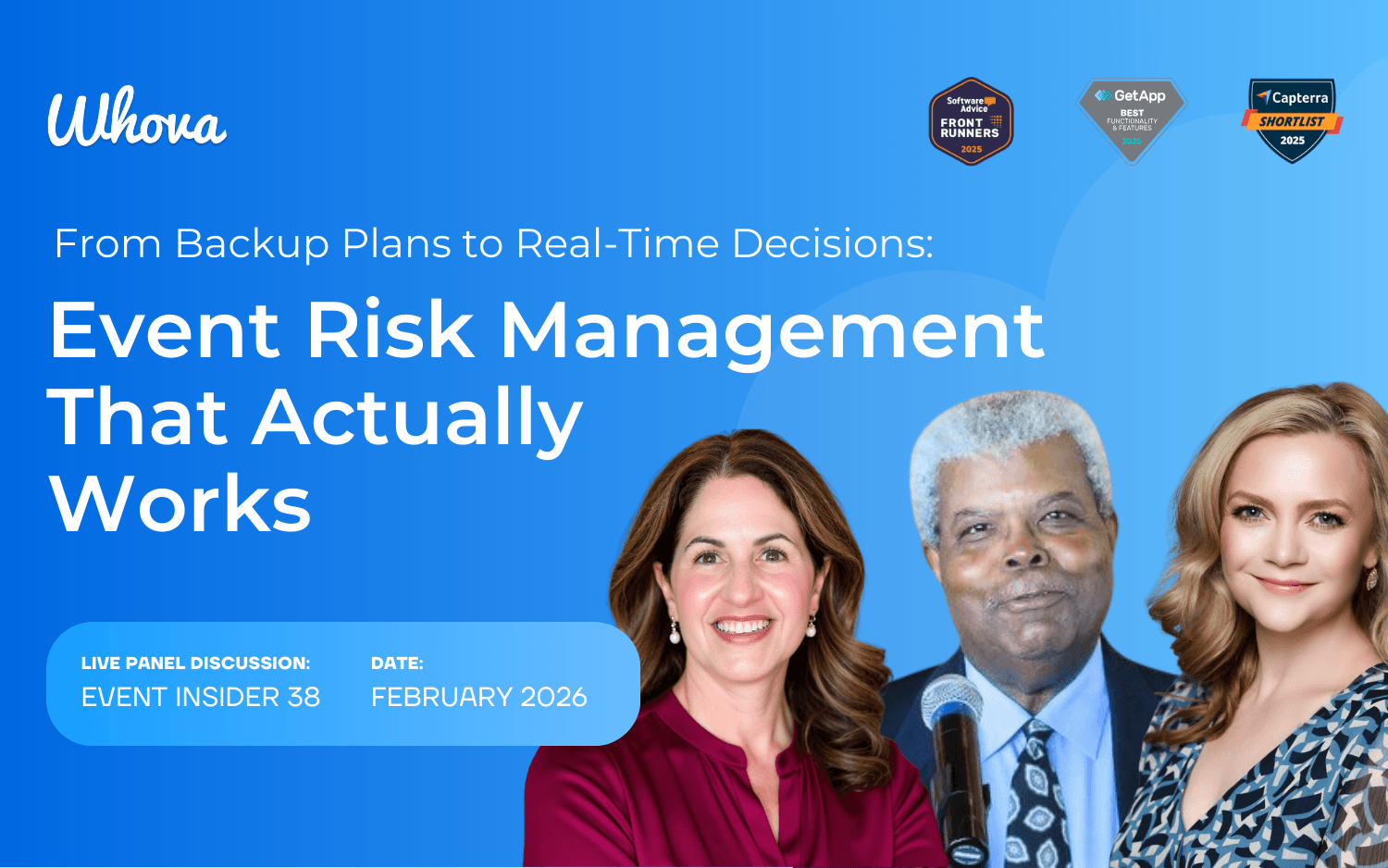
5 Event Contingency Planning Tips That Actually Work
Experts James “Jim” Beatty, Kim Glenn, and Michelle Scanlon share their proven strategies for risk mitigation in event planning.
From Hours to Minutes: Streamline Session Editing with Whova’s Bulk Move Tool
Use Whova’s Bulk Move Sessions option to shift an entire block of sessions to a new time or day, keeping the order and spacing intact.
New Event, Same Professional Webpage—Reuse Setups for Consistency
You can now reuse agenda webpage and event website settings, and preview past speaker form settings, to keep event marketing setup smooth and consistent.
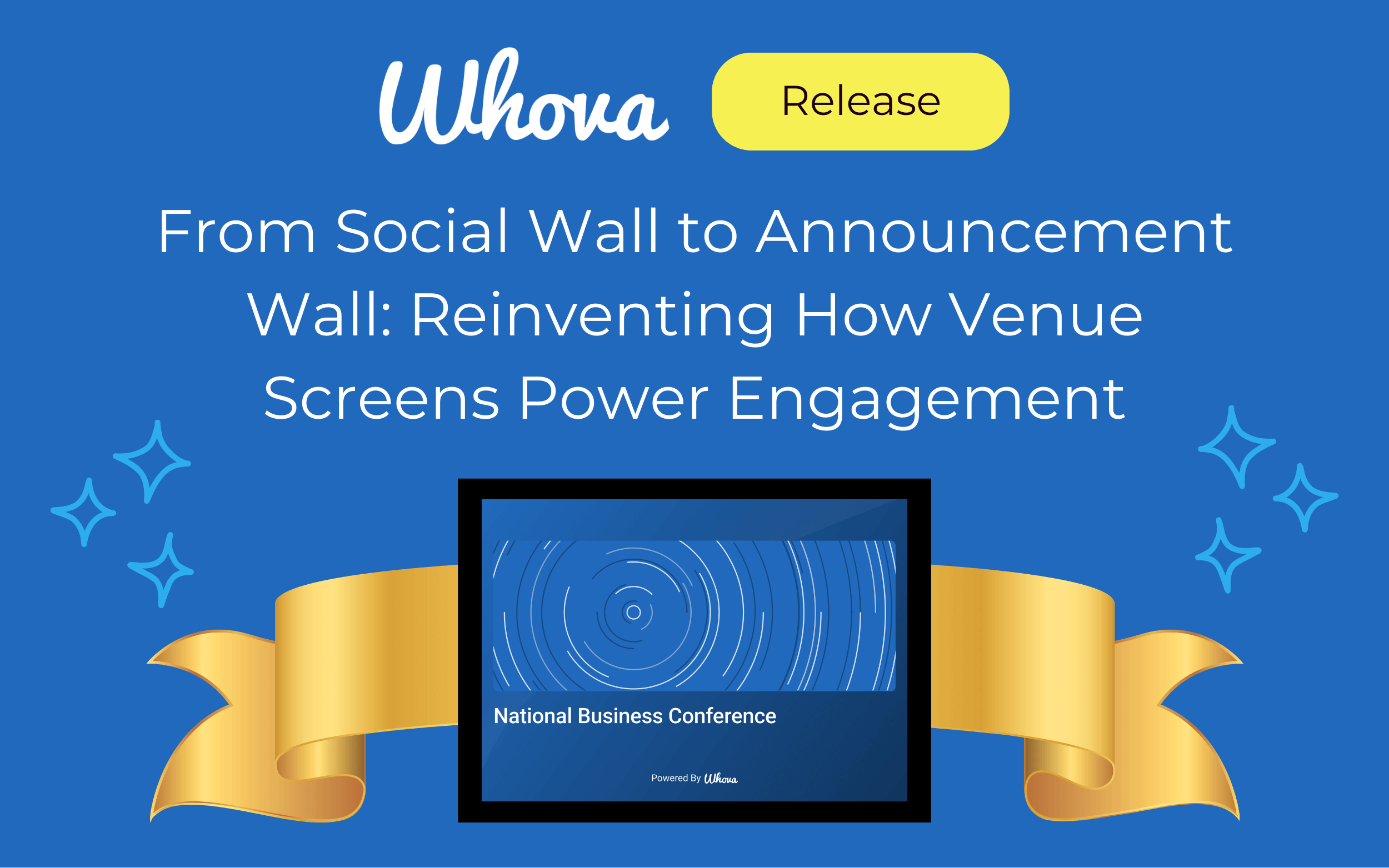
From Social Wall to Announcement Wall: Reinventing How Venue Screens Power Engagement
Whova’s Announcement Wall effortlessly turns your venue’s screens into a dynamic, rotating display of event updates and engagement.
No More Guesswork: Assign Add-Ons to the Right Attendee in Group Registrations
When an order includes multiple ticket holders, purchasers are now required to specify exactly who each add-on is for. This helps organizers keep track of paid workshops, excursions, merchandise, and more.
Bulk Assign Rooms, Tags and Tracks, and Add Recurring Agenda Items
You can now add a room, track, or tag to multiple sessions at once—helping your agenda come together faster and smoother. You can also add recurring non-session items like breaks, check-ins, and exhibit halls.
No More Side Notes or Spreadsheets: Admin Notes for Call for Speakers
Use Call for Speakers Admin Notes to keep track of submission details such as follow-ups, topic coordination, and decision rationale.
Stop Starting from Scratch—Reuse Past Exhibitor/Sponsor Forms
You can now reuse settings for exhibitor and sponsor forms, plus Passport Contest, making event setup simpler and more consistent.