
By: Whova Team | Last Updated: June 16, 2026
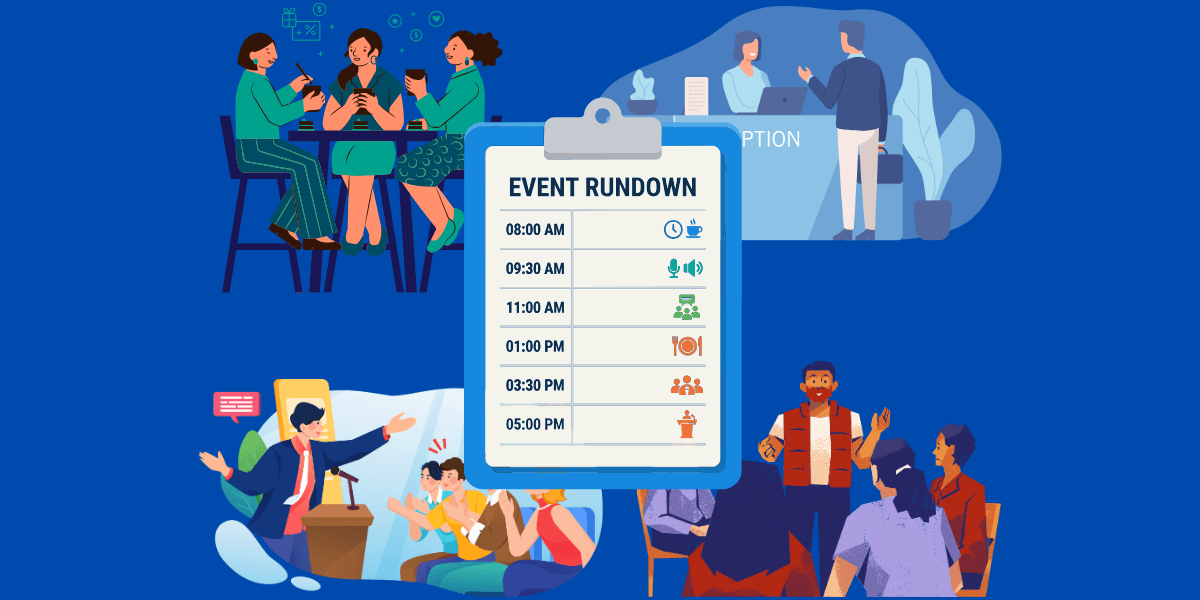
A conference agenda is the schedule for your event: what’s happening, when, and where, so attendees can plan their day. It’s also a tool for hitting your event goals, because it lets you give the sessions that matter most the best time slots and leave proper room for networking.
But hardly any schedule survives the day exactly as planned. A keynote’s delayed flight or a room change an hour out is all it takes for the schedule to change. A live, digital agenda can resolve this. Change it once and everyone sees the update on their phone, in real time. This guide breaks down how to build an agenda that keeps up, and includes templates you can adapt.
What is a Conference Agenda?
A conference agenda is the full schedule of your event: every session, break, and side activity with a time and a place. Attendees check it to figure out where to go next. For you, it’s the master plan for the whole day.
The agenda usually includes sessions of these formats:
- Keynote sessions: Headline talks open to the whole event, usually scheduled with nothing running against them.
- Breakout and workshop sessions: Smaller groups in parallel tracks, often including hands-on activities.
- Poster and paper presentations: Researchers present their work and field questions.
- Panels and Q&As: Several speakers on one topic, with audience questions built into the session.
- Networking breaks: Coffee, meals, and open time between sessions. These deserve proper slots, not whatever minutes are left over.
The actual schedule depends on your event. A trade show revolves around the expo floor, so the schedule protects time for it. An academic conference flips that ratio toward paper sessions and posters.
Why is a Strategic Conference Agenda Critical for Event Success?
Having the right things on the schedule is only half of agenda management. How you space them out decides whether people stay with you all day or drift off by mid-afternoon.
Strategic Spacing Protects Attention
When venue time is expensive, every empty slot feels like a waste, so it’s tempting to grow the program until sessions run back-to-back with no room to breathe. Attention doesn’t work that way. Even inside a single hour-long talk, focus starts to slip.
In one observational study of lectures, the first attention lapsed around 10 to 18 minutes in, with breaks coming more often toward the end. Without time to reset between sessions, that mind-wandering compounds instead of recovering, and it builds into conference fatigue.
A Drained Audience Drags Down Performance Metrics
When attendees get tired, they check out. They stop going to sessions, stop visiting booths, and rate the event lower on the survey. All of it shows up in your post-event analytics report, which is exactly what sponsors look at when deciding whether to come back. So an overpacked agenda doesn’t just wear people out. It costs you next year’s renewals with valuable sponsors.
A Well-Paced Day Is a Planning Decision
Keeping that room engaged comes down to how you plan the day:
- Put your heaviest sessions in the morning, and save the afternoon for interactive or social content that holds up as attention dips.
- Give the post-lunch slot to a workshop or panel that gets people active, since it’s the lowest-energy stretch of the day.
- Build a 20- to 30-minute break into each half-day, long enough for people to network and reset.
- Leave 10 minutes between sessions so people can move between rooms and start on time.
- Give the exhibit hall its own mid-morning window, especially if sponsor renewals depend on it.
Note: Networking is one of the core functions of a conference, as vital to career development as the sessions themselves. In a peer-reviewed survey of 1,229 medical conference-goers, meeting experts and making professional connections ranked among the highest-rated reasons for attending in person, right alongside learning. Do not pack the schedule wall to wall and allow people to have the dedicated time to network.
How Do You Design a Professional Conference Agenda from Scratch?
Most agendas start the same way: a spreadsheet and a column of empty time slots. The goal from there is to fit everyone in including the speakers who need a slot and the stakeholders who want their session on the program. If you start from the timetable, that pressure sets the priorities for you, so the sessions that matter most can end up wherever there happens to be room.
Decide what the event is meant to achieve before you fill in any time slot. Get that down first, and the day will feel like one event rather than a string of unrelated sessions. From there, it’s easier to plan:
- Make every session earn its place against those goals. If something is only there to fill a slot, cut it.
- Block the fixed points next. The keynotes, meals, breaks, and sponsor or exhibit windows should be placed before placing individual sessions. Everything else fits around them.
- Give named speakers and sponsors prominence. Featuring them on the agenda steers first-timers toward the sessions worth their time and gives sponsors the visibility they’re paying for.
- Build in personalization. Attendees should be able to pull the sessions they want into their own schedule and follow that, instead of digging through the whole program each time.
How Can You Use Technology to Automate Your Conference Agenda in 2026?
The right platform provides conference planners with real-time updates. When a session shifts, you adjust it once in a single dashboard and the change syncs out to the website and the app on its own, with no individual documents to re-edit. That gives your team back hours of manual updates, and keeps every attendee on the current agenda.
Here’s how a platform like Whova puts that to work:
- Automated agenda generation: Enter your session details in the backend dashboard and Whova builds a professional event website on the spot.
- Real-time sync: Any change you make in the dashboard reaches the mobile app and the event website within seconds, so attendees never see an outdated version.
- Seven layouts: Match the agenda to your branding by choosing from seven ready-made designs with no designer skills required.
- Bulk editing: Handle the event logistics in one pass by assigning rooms and sorting sessions into tracks across the whole program at once, rather than opening dozens of sessions one by one.
- In-app access: The full agenda travels in attendees’ pockets, so someone crossing the venue can check what’s on next and where, and see any update the moment it’s made.

How Do You Improve Agenda Navigation for Your Attendees?
A live, accurate agenda only helps if attendees can find their way through it. Fifty sessions across half a dozen session tracks is a lot to take in, and someone facing the full list often can’t tell where to start.
The fix is better attendee navigation: let each person narrow that volume down to what matters to them. Whova does that through a few features:
With Whova, that comes from a few tools:
- Search and filter: Attendees sort the agenda by track, date, or location and pull up only the sessions they’re after, instead of reading the whole program top to bottom.
- Special-purpose views: Publish focused versions of the agenda on your event site like remote-only or workshop-only, so each kind of attendee sees just the sessions that apply to them.
- Personal schedules: Attendees build their own agenda from the sessions they choose and set reminders.
- Speaker and session detail: Tap any session to read speaker bios and a description of the talk, so attendees know what it covers and who’s giving it before they commit.
What Should a Standard 3-Day Conference Agenda Template Look Like?
Multi-day events tend to lose momentum after day one. Cramming the schedule makes it worse: back-to-back sessions tire people and leave no time for the hallway conversations that members value, so the room thins by day three.
A structured blueprint paces the event. Give each day a distinct job and there’s always a reason to come back:
- Day one is for orientation: an opening keynote and broad sessions while people arrive, then an evening reception that gets attendees talking before the real work starts.
- Day two is the peak, with attendance and energy highest, so it carries the flagship sessions and deepest tracks, anchored by a gala dinner or awards night.
- On the final day, attendance usually tapers as people leave to travel, so keep day three shorter and run the key sessions before the afternoon.
That arc fits most three-day events. What changes is the detail, and that depends on who’s in the room.
Template Variations
Hybrid events and academic conferences are two of the most common formats you’ll see.
The Association Hybrid Template
Because this template is built for hybrid event support, one agenda serves members in the room and members at the virtual conference. That means you need to mark every session as in-person, online, or both, attach join links, and show times in each attendee’s own time zone.
| Time | Session | How to Attend |
| 08:30 | Opening keynote | In person + livestream |
| 09:45 | Education sessions (concurrent) | In person; select sessions streamed |
| 11:00 | Networking break | In person; virtual lounge online |
| 11:15 | Member meeting / AGM | In person + livestream |
| 12:30 | Lunch | In person; on-demand library online |
| 14:00 | Panels and workshops | In person + live Q&A for online |
| 15:30 | SIG and committee meetups | In person + online breakouts |
| 17:00 | Networking reception | In person; virtual meetup online |
A case study: The National Organization for Human Services runs its multi-day conference agenda through an embedded Whova agenda widget on its own site, so the schedule lives on the page rather than in a downloadable PDF.
The Academic Symposium Template
At an academic conference, dozens of sessions run in the same slots, so attendees can’t catch everything and have to choose. The template’s job is to make that choice easy. This is where multi-track planning matters: sort each session into a themed track and tag it by topic, letting attendees filter to their field instead of reading the full program.
| Time | Research | Experiential & Cases | Programs & Curriculum | Ecosystem |
| 09:00 | Plenary keynote (all attendees) | |||
| 10:30 | Competitive papers | Experiential session | Program showcase | Panel |
| 11:30 | Emerging papers | Case workshop | Curriculum session | Discussion |
| 12:30 | Lunch and poster sessions | |||
| 14:00 | Competitive papers | Workshop | Panel | Emerging papers |
| 15:30 | Doctoral consortium | Case session | Program showcase | Roundtable |
| 17:00 | Closing plenary (all attendees) |
A case study: USASBE runs its conference across four peer-reviewed tracks, research, experiential exercises and cases, innovative programs and curriculum, and ecosystem development, with the whole agenda searchable and bookmarkable in the Whova mobile event app.
Build an Agenda that Keeps Up
A conference agenda proves itself on the day, not on the neat version you published weeks earlier. The plan matters, but what attendees remember is whether the program ran the way it was meant to, with the right sessions live and any change reaching them in time. That responsiveness is what event technology is for: real-time updates push each change the moment you make it, so what’s on the schedule always matches what’s happening.
If you’re already planning your next conference, book a Whova demo and see how it keeps an agenda accurate from the first session to the last.
FAQs About Conference Agendas
What are some key components for a conference agenda?
The key components of a conference agenda are running demanding sessions in the morning, running interactive sessions in the afternoon, including breaks that are long enough for conversation and creating an easy to navigate agenda. The demanding sessions run in the morning while people are fresh, and the afternoon shifts to formats that keep them involved, like workshops and panels. Breaks are long enough for conversation, because that’s half the reason attendees show up. And it’s easy to navigate, so an attendee can glance at it and know exactly where to go next.
What are the best practices for a conference agenda?
The best practices for a conference agenda start from a template so you’re working off a proven structure rather than a blank page, and build transition time between sessions so attendees can move and reset. Let people filter the agenda by track or date to find what’s relevant to them, and work in sponsor slots where they fit naturally, so the schedule supports your revenue alongside your program goals.