
Whova Releases
Map Add-Ons To Exclusive Sessions With Ticket Session Mapping Enhancement
Use Add-On Session Mapping to keep sessions exclusive to attendees who purchase certain add-ons. You can also now test your mappings to ensure accuracy, and exclude ticket types from certain sessions quickly.
Keep Member-Only Tickets Exclusive with Two New Integrations: Novi and Neon
Whova now integrates with Novi and Neon for secure member-only ticketing, helping you protect exclusive discounts and perks.
From Hours to Minutes: Streamline Session Editing with Whova’s Bulk Move Tool
Use Whova’s Bulk Move Sessions option to shift an entire block of sessions to a new time or day, keeping the order and spacing intact.
New Event, Same Professional Webpage—Reuse Setups for Consistency
You can now reuse agenda webpage and event website settings, and preview past speaker form settings, to keep event marketing setup smooth and consistent.
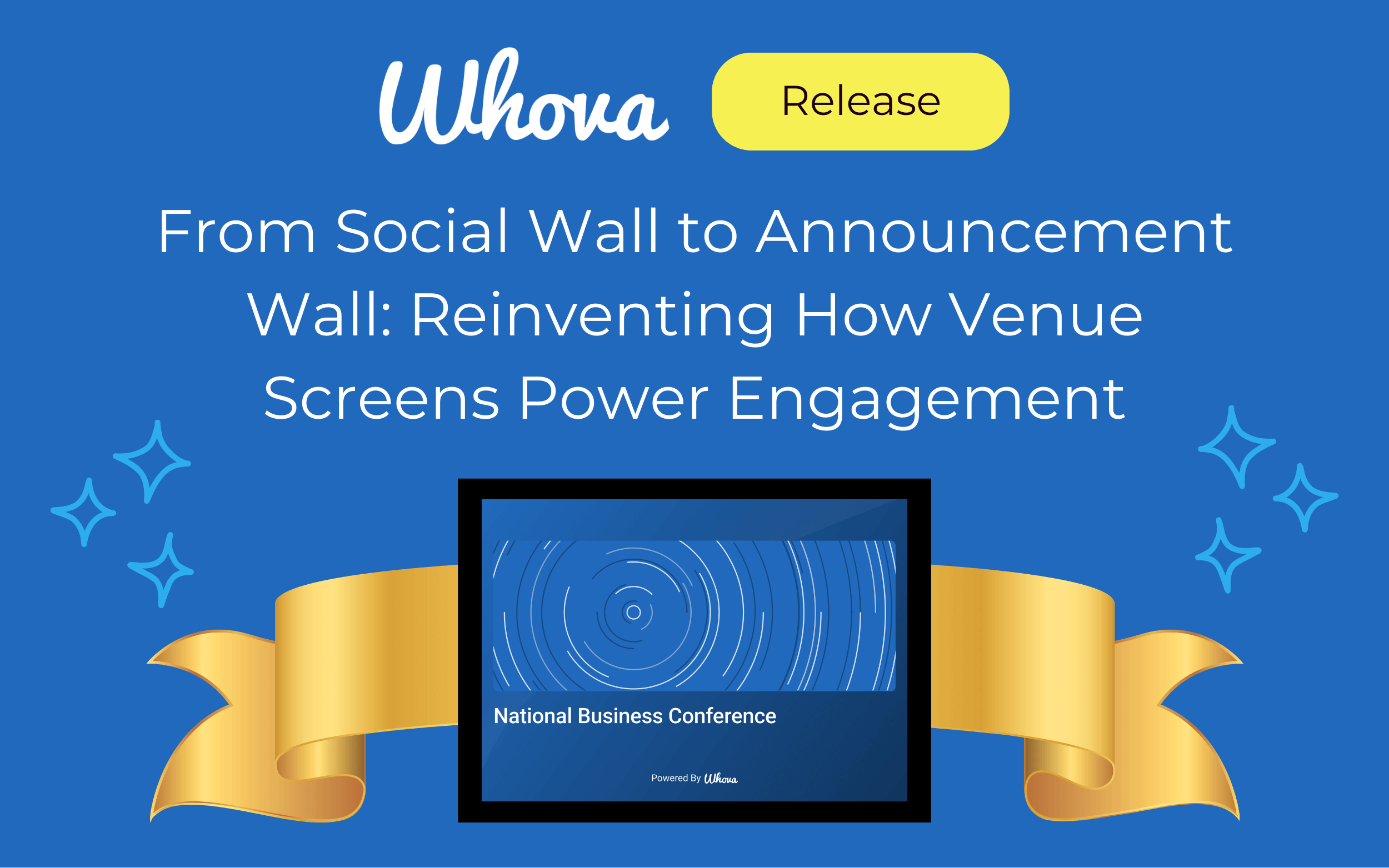
From Social Wall to Announcement Wall: Reinventing How Venue Screens Power Engagement
Whova’s Announcement Wall effortlessly turns your venue’s screens into a dynamic, rotating display of event updates and engagement.
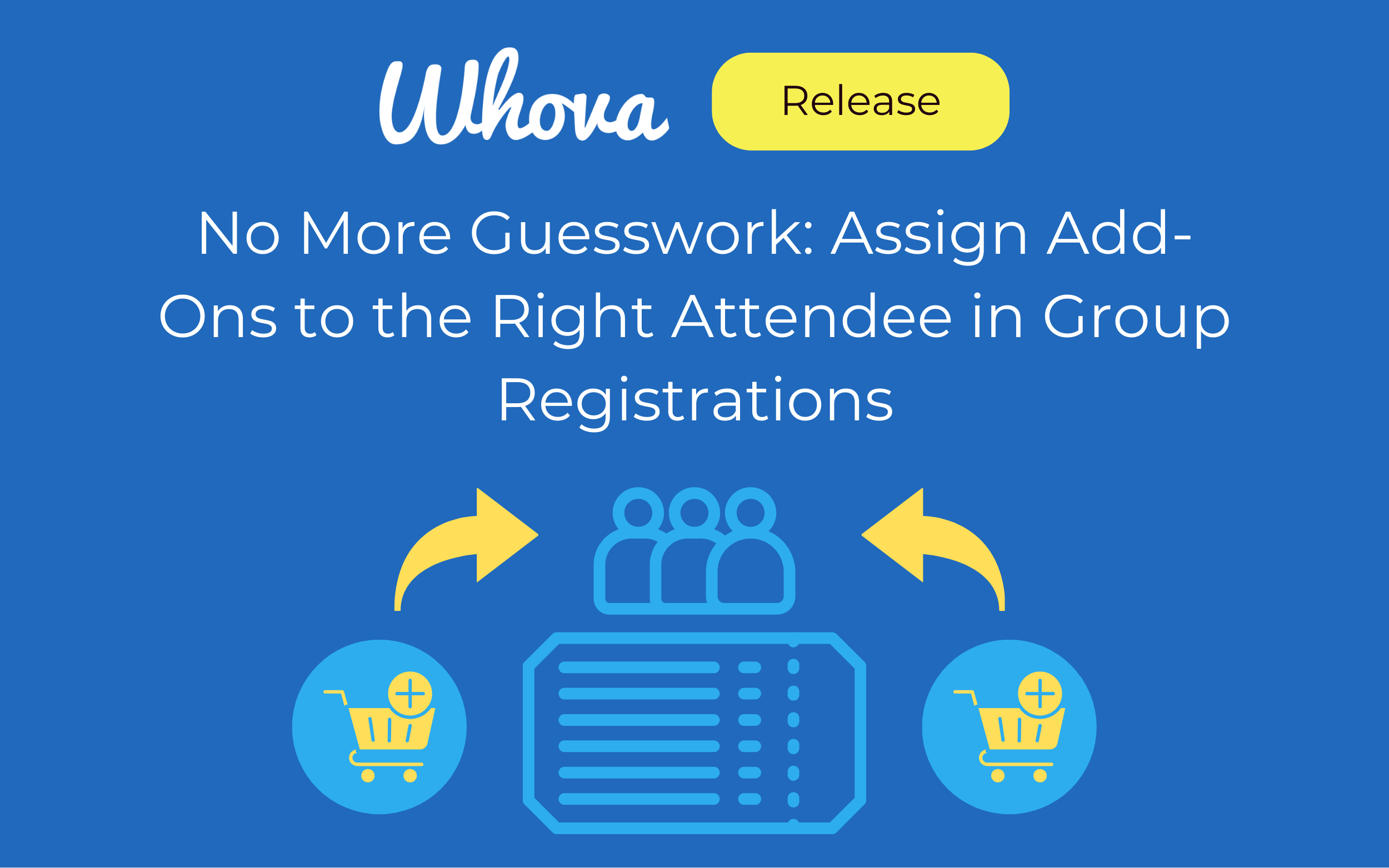
No More Guesswork: Assign Add-Ons to the Right Attendee in Group Registrations
When an order includes multiple ticket holders, purchasers are now required to specify exactly who each add-on is for. This helps organizers keep track of paid workshops, excursions, merchandise, and more.
Bulk Assign Rooms, Tags and Tracks, and Add Recurring Agenda Items
You can now add a room, track, or tag to multiple sessions at once—helping your agenda come together faster and smoother. You can also add recurring non-session items like breaks, check-ins, and exhibit halls.
No More Side Notes or Spreadsheets: Admin Notes for Call for Speakers
Use Call for Speakers Admin Notes to keep track of submission details such as follow-ups, topic coordination, and decision rationale.
Stop Starting from Scratch—Reuse Past Exhibitor/Sponsor Forms
You can now reuse settings for exhibitor and sponsor forms, plus Passport Contest, making event setup simpler and more consistent.
Agenda Setup Just Got Easier—Schedule Multiple Sessions Back to Back
Schedule several back-to-back sessions all at once with this agenda enhancement—place sessions faster, smarter, and more efficiently.
Speaker Communication Enhancement: Message By Role
You can now send targeted messages to speakers by role—as well as by missing form information—for efficient, clear communication.
Agenda Edits Made Simple: Swap Sessions, Move Sub-Sessions
Use Whova’s Agenda Editing Shortcuts to swap sessions and reorganize sub-sessions in seconds—simplifying schedule changes and saving you hours.
Whova Now Connects with Academic Review Systems
Upload accepted submissions from HotCRP—and soon other systems—to start scheduling sessions right away in Whova.
New Agenda Upgrade: Accurately Showcase Authors for Papers and Posters
Whova now supports a Dedicated Author Field to keep academic conference agendas clear and accurate, helping attendees follow the research they care about.
Increase Efficiency, Ensure Consistency: Reuse Logistics and Speaker Forms
Whova supports reuse of event logistics, custom resources, and speaker forms—leverage past setups to keep details polished.
Whova Now Integrates With YourMembership and Glue Up
Connect with YourMembership or Glue Up to create secure member-only tickets and protect exclusive event perks.
New in Whova Registration: Bulk Upload and Export for Discount Codes
Increase flexibility and efficiency in your registration management with Whova’s bulk import and export for discount codes.
Smarter Agenda Building: Upload, Filter, and Schedule Your Sessions Seamlessly
Use Whova’s new Import Session List option to upload your own list of sessions and plan your schedule directly in the Agenda Center.

Cover Your Bases—Collect Compliance Documents from Exhibitors
Discover how Whova makes requesting and collecting exhibitor compliance documents easy with a central hub.

Exhibitor Trivia – Empower Exhibitors to Boost Engagement and Drive Leads
Whova’s new Exhibitor Trivia motivates attendees to learn more about your exhibitors in an engaging way, driving leads and increasing ROI.