
Event Management Tips
Event organizers share their tips and experience for managing events more effectively. We hope you find these tips helpful for your own events. If you’d like to learn how these tips can be applied to your event, feel free to request a demo at the bottom.
Whova vs. PheedLoop: 4 Real Lessons from Organizers
How do Whova and PheedLoop compare? Read real experiences and lessons from event organizers on pricing structures, platform usability, stability, and customer support.
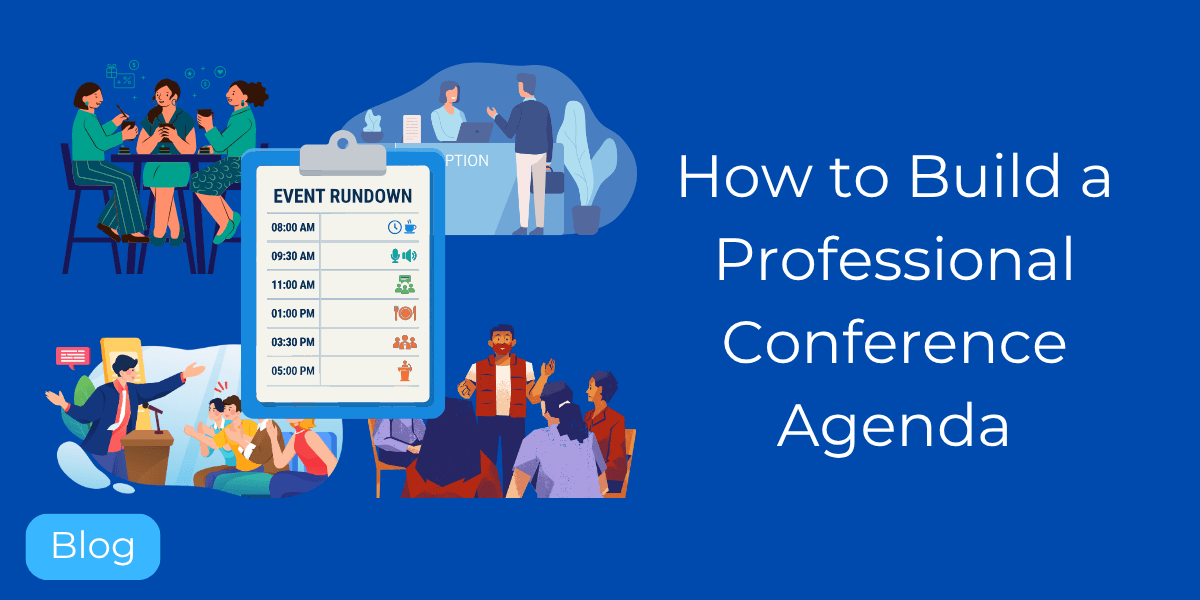
How to Build a Professional Conference Agenda: 2026 Guide & Templates
Master 2026 conference planning with professional agenda templates. Learn how to structure sessions, manage tracks, and automate updates.
Events Marketing: The Definitive Guide for Organizers in 2026
Learn to build high-converting webpages, track marketing campaigns, and reach 10M+ attendees to maximize your event’s ROI.
Whova Registration Now Supports Apple Pay and Google Pay
Easily enable digital wallet payments to offer a modern ticketing experience and reduce checkout friction.

Mastering the Bottom Line: 5 Expert Tips for Event Budget Management
We sat down with three experts to learn about common budgeting mistakes, hidden fees, and expert tips to balance cost-efficiency with a meaningful attendee experience.
Faster Post-Event Report Access for Returning Organizers
We’ve simplified the post-event organizer survey for returning admins to let you access event insights even faster.
New Integration: Instantly Update HubSpot with Whova Registration Data
Sync attendee information back to HubSpot to keep your contact records current.
OpenReview Integration: Import Sessions Straight from Academic Review System
Upload accepted submissions from OpenReview and build your conference program in Whova—no copy-pasting or spreadsheets required.
New: Collect Simple Attendee Consent During Kiosk Check-In
Use this kiosk enhancement to bring visibility to simple consent clauses before attendees check into your event.
Level Up Your Kiosk Check-In With Onsite Name Badge Editing
Let attendees edit the first names on their badges before printing—offering more flexibility and less need for admin assistance.
Never Leave Attendees Guessing: Community-Supported Venue Maps
Community-Supported Floormaps let attendees step up and help each other navigate the venue, while the organizer retains ultimate authority.
Release and Consent Forms: A Stress-Free Way to Manage Event Compliance
Whova’s Release and Consent Forms centralize your event compliance process: manage forms right from the dashboard and enforce signatures at check-in.
No More Repetitive Work: Reuse Past Call for Speakers Setups
Streamline your speaker coordination and save time with Whova’s Call for Speakers Reuse feature, allowing you to effortlessly replicate past setups for a smoother abstract management process.
Keep Event Documents Organized with Folders
Upload entire folders into Whova to set up event documents efficiently, with resources clearly structured for attendees. New search capabilities make it easy to find exactly what you’re looking for.
Protect Member-Only Tickets—Even Without an AMS Integration
Upload a list of unique member IDs—we’ll use it to automatically verify membership before attendees purchase exclusive tickets.
8 Best Conference Management Software for Academics in 2026
Compare 2026’s best academic conference management software. See what works best for peer review, abstract submissions, and event logistics for scholars.
Map Add-Ons To Exclusive Sessions With Ticket Session Mapping Enhancement
Use Add-On Session Mapping to keep sessions exclusive to attendees who purchase certain add-ons. You can also now test your mappings to ensure accuracy, and exclude ticket types from certain sessions quickly.
Keep Member-Only Tickets Exclusive with Two New Integrations: Novi and Neon
Whova now integrates with Novi and Neon for secure member-only ticketing, helping you protect exclusive discounts and perks.
10 Best Event Apps in 2026: Review & Comparison
Explore the 10 best conference event apps. We’ve compared features, pricing, and networking tools across event apps from leading event platforms.
5 Event Contingency Planning Tips That Actually Work
Experts James “Jim” Beatty, Kim Glenn, and Michelle Scanlon share their proven strategies for risk mitigation in event planning.